

Login methods
Control how users sign in to your workspace — allow classic password login, enable single sign-on (SSO) via Google or Microsoft, or combine both.
Required rights
Admin
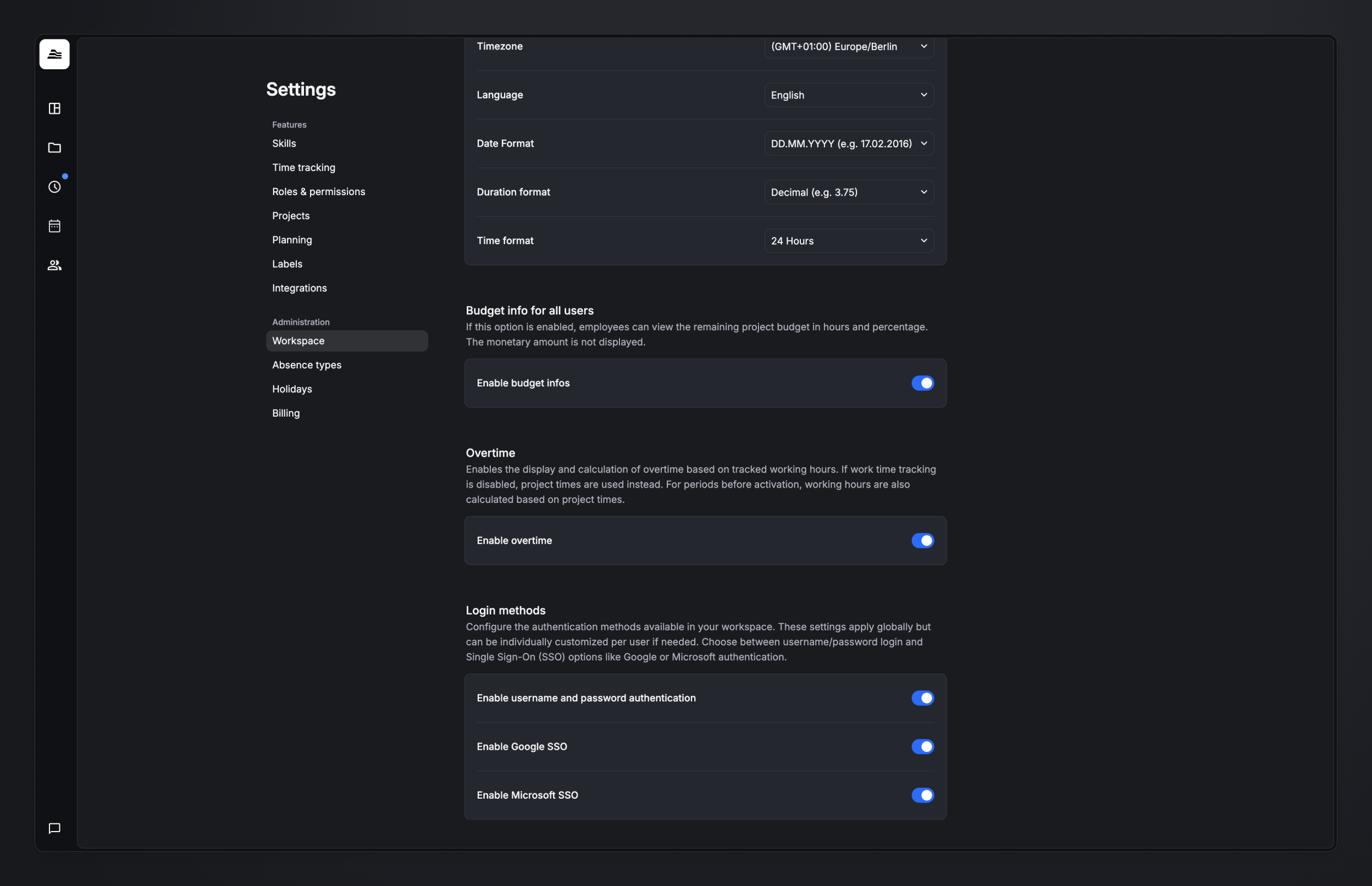
Find these settings under Account settings → Security. Changing them requires admin rights.
Sign-in methods
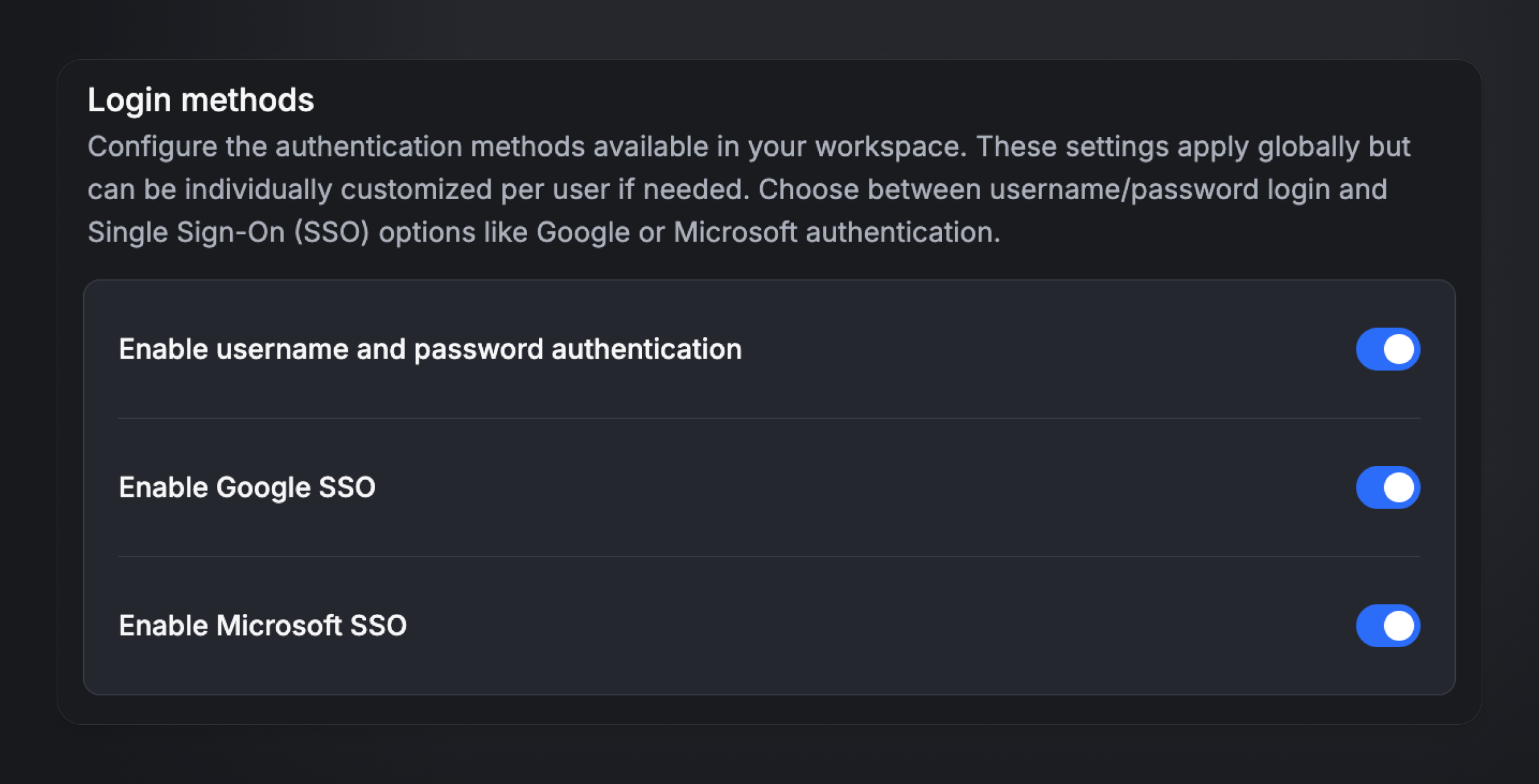
Choose which methods your team can use to sign in.
| Method | Description |
|---|---|
| Username & password | Classic sign-in with an email address and password. |
| Google SSO | Sign in with an existing Google account. |
| Microsoft SSO | Sign in with an existing Microsoft account. |
Once at least one SSO provider is active, you can disable password authentication. Users then sign in exclusively through the selected SSO providers.
Before disabling password sign-in, make sure your team has the latest app version installed on every platform.
Workspace-wide and per-user settings
The methods you choose here apply by default to all users in the workspace.
You can override them per user — for example to allow exceptions for people without access to an SSO provider (freelancers, API users, etc.).
Benefits of SSO
- More security — fewer passwords mean fewer compromised accounts.
- Easier login — users sign in with their existing Google or Microsoft accounts.
- Central management — passwords and security policies are handled by your identity provider.
Best practices
- Enable at least one SSO provider to simplify sign-in for your team.
- Make sure the email address stored in Aerion matches the one at your SSO provider.
- Before disabling password sign-in, confirm that all users have access to an enabled SSO provider.
- Use your SSO provider's security features (e.g. two-factor authentication) for extra protection.
- For users without SSO access (freelancers, API users), keep per-user password sign-in enabled.
FAQ
What happens to existing users when I enable SSO? Nothing. Existing sign-ins stay valid until you explicitly disable password login.
Can individual users use a different sign-in method than everyone else? Yes. Per-user settings let you define exceptions to the workspace-wide rules.
Which email address counts for SSO? The email address stored in Aerion must exactly match the one held by your SSO provider — otherwise sign-in will fail.