

Manage skills, categories & levels
Manage your company's entire skill catalog — the skills, their categories, and the proficiency levels — in one place.
Required rights
Admin
You'll find everything under Settings → Skills.
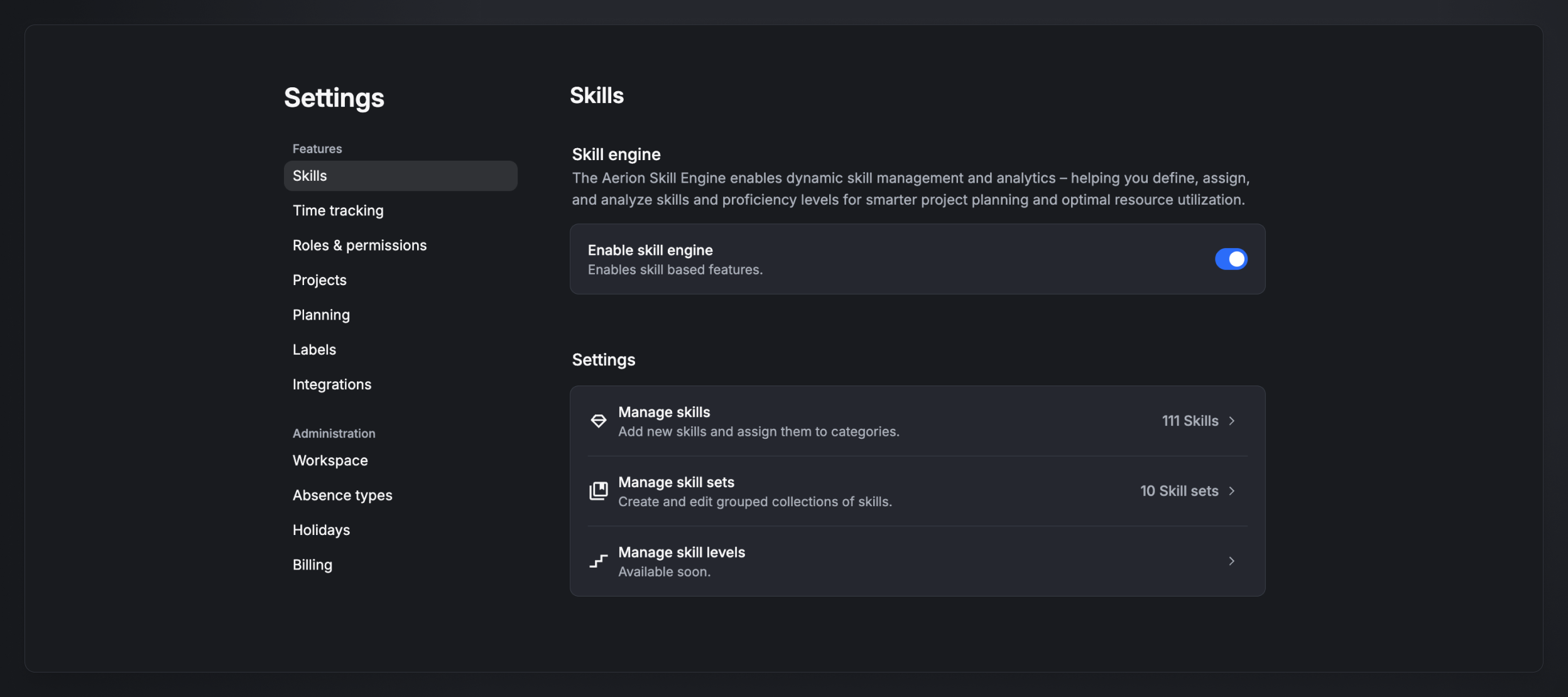
Manage skills
Open Settings → Skills → Manage skills to see every skill, grouped by category, with a search box and an "Active skills only" filter.
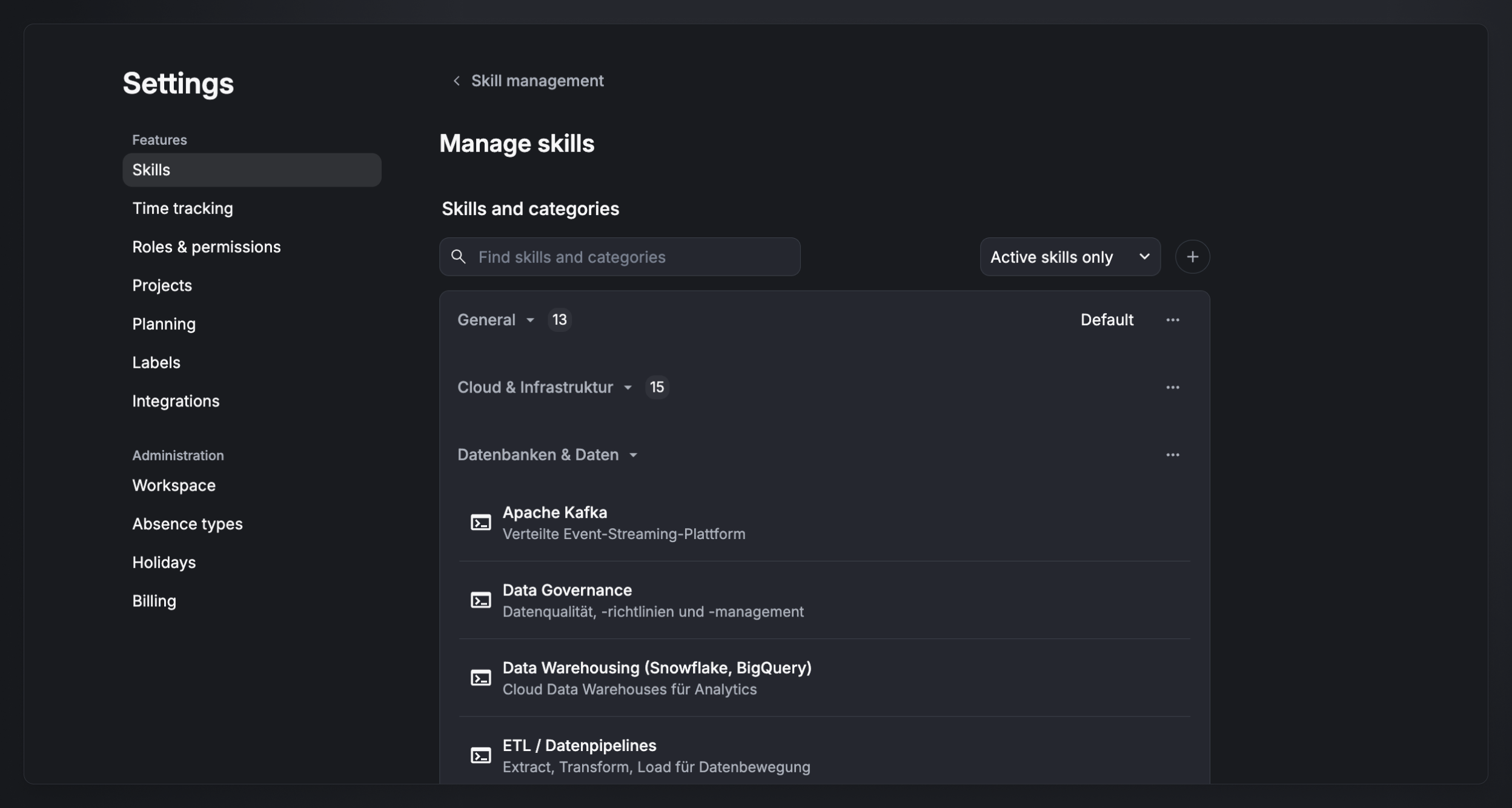
Create or edit a skill
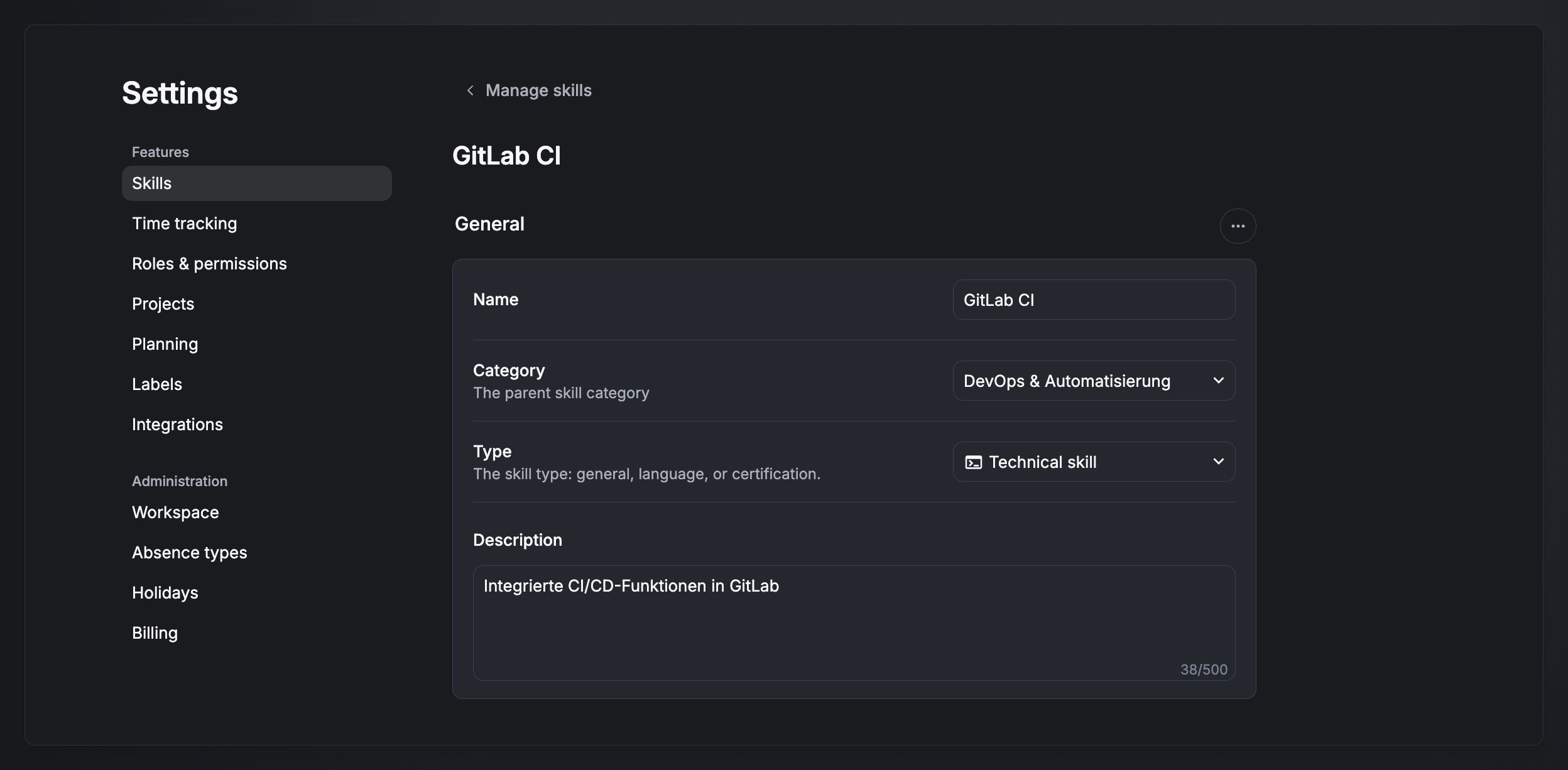
Click the + icon to add a skill, or select an existing one to edit it. Each skill has:
- Name — e.g. Angular.
- Category — the parent skill category (see below).
- Type — Technical skill, Soft skill, Language, or Certificate.
- Description — optional, up to 500 characters.
Manage categories
Categories are the semantic groupings that organize your skills — for example General, Cloud & Infrastructure, Databases & Data, or Programming languages.
- Create and rename categories from the Manage skills view.
- Each skill sits in exactly one category.
- A category is independent of the skill's type — a single category can contain skills of different types.
- Only admins can create and manage categories.
Manage skill levels
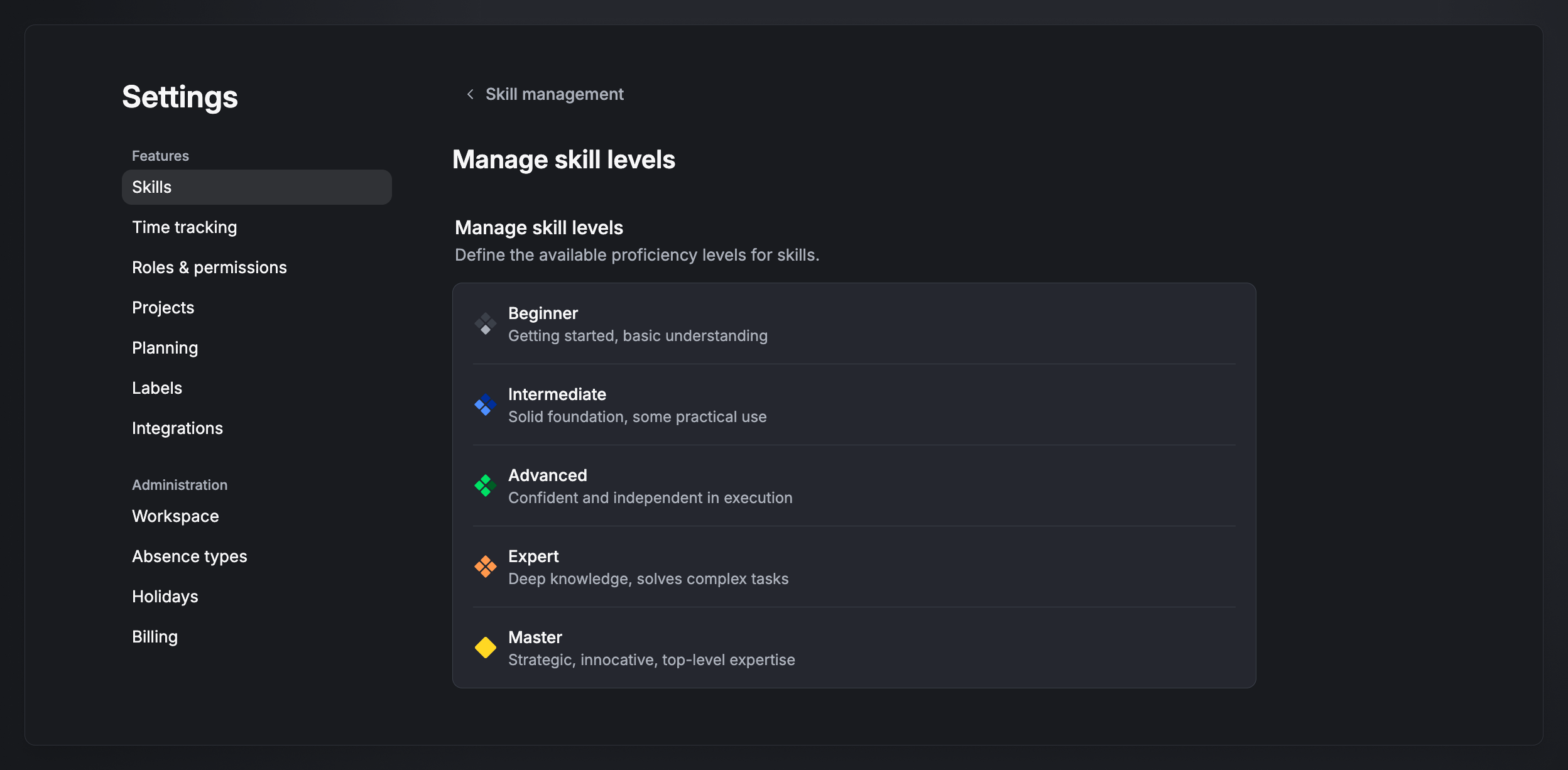
Open Manage skill levels to see the proficiency levels available for skills:
- Beginner — getting started, basic understanding
- Intermediate — solid foundation, some practical use
- Advanced — confident and independent in execution
- Expert — deep knowledge, solves complex tasks
- Master — strategic, innovative, top-level expertise
These five levels are standard today; editing them (custom levels) is coming soon. Levels don't apply to certificates.
FAQ
Who can manage skills, categories, and levels? Admins only.
Do certificates have a level? No. Certificates are simply held or not; the five levels apply to technical skills, soft skills, and languages.
What's the difference between a category and a type? Type is a fixed classification (technical, soft, language, certificate). A category is a semantic grouping you define (e.g. "Cloud & Infrastructure"). Every skill has one of each.