

Skills overview
Skills let you capture what your team can do — and put it to work in planning and analytics. This overview explains the building blocks; the other articles in this section cover each one in depth.
Required rights
All users — no special permissions needed
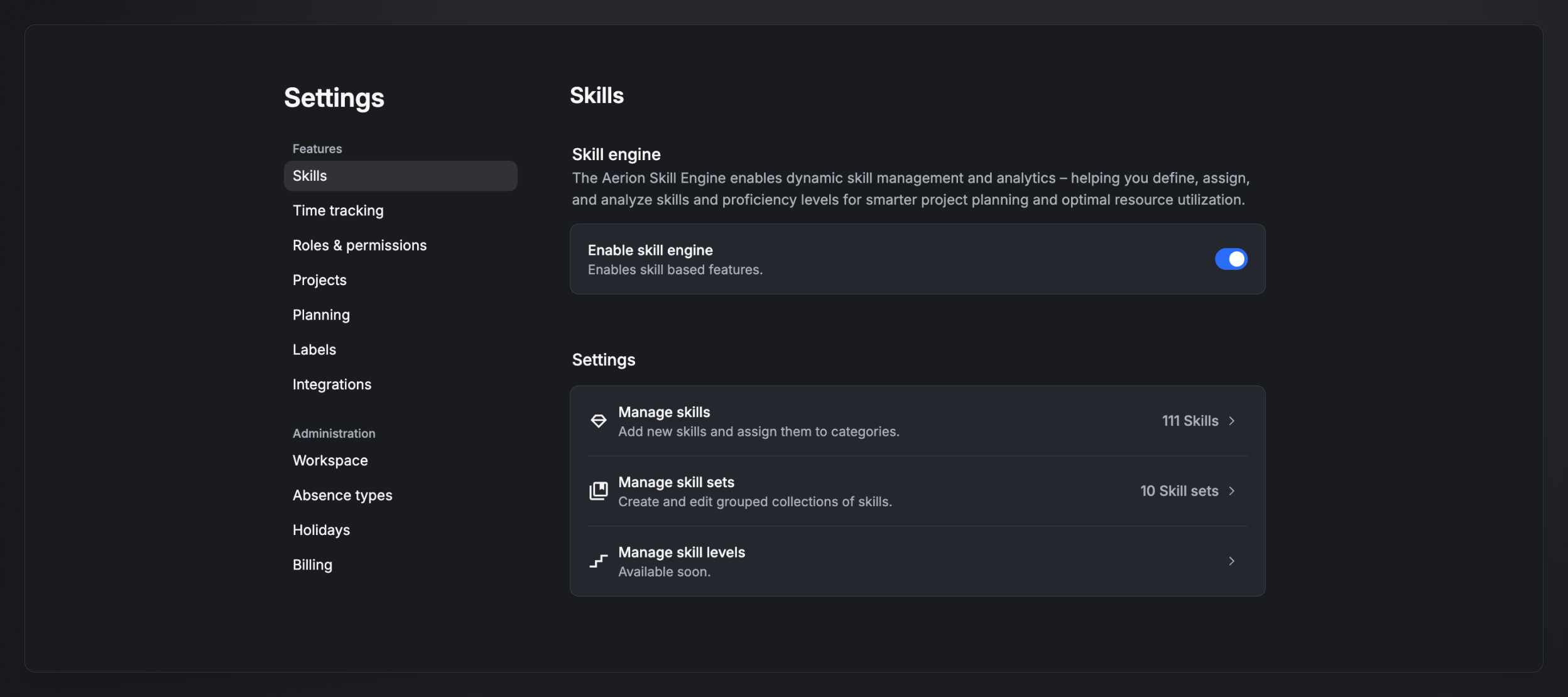
The building blocks
Skills and skill types
A skill is a single competency — for example Angular, Kubernetes, or English. Every skill has exactly one type:
- Technical skill
- Soft skill
- Language
- Certificate
All types are rated with proficiency levels except Certificates, which a person either holds or doesn't.
Skill levels
Skills (except certificates) are rated on five levels:
- Beginner — getting started, basic understanding
- Intermediate — solid foundation, some practical use
- Advanced — confident and independent in execution
- Expert — deep knowledge, solves complex tasks
- Master — strategic, innovative, top-level expertise
These five are the standard today; admin-customizable levels are planned.
Skill categories
Categories are semantic groupings that organize your skill catalog — for example Cloud & Infrastructure, Databases & Data, or Programming languages. A skill belongs to one category and has one type; the two are independent. Categories are created and managed by admins.
Skill sets
A skill set is a reusable bundle of skills — of any type — that usually represents a company role (e.g. Cloud Security Engineer). Skill sets are organized into their own categories and let you assign a whole role's worth of skills to a person at once. See Skill sets.
What you can do with skills
- Assign skills to staff with an individual level per skill — see Assign skills to staff.
- Staff projects by skill — find the right, available people for a project by skill — see Staffing projects.
- Manage the catalog of skills, categories, and levels centrally — see Manage skills, categories & levels.
Who can do what
Creating and managing skills, skill sets, and skill categories is admin-only. Who can view and edit skills — your own, your team's, or everyone's — is controlled by Roles & permissions (covered in Assign skills to staff).