

Skill sets
A skill set is a reusable bundle of skills — usually one per company role — so you can assign a role's whole skill profile to a person in a single step.
Required rights
Admin — to create and manage skill sets
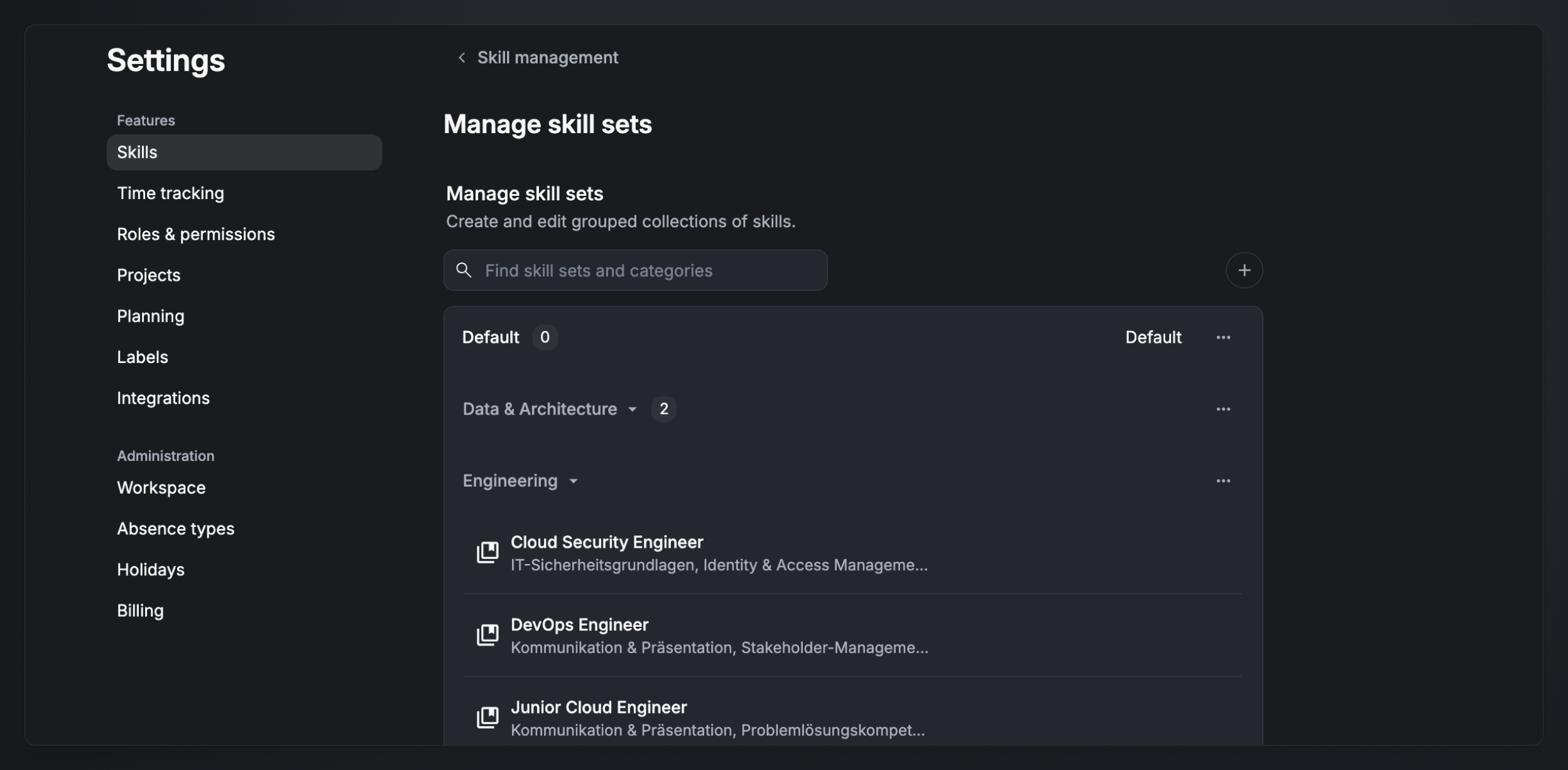
You manage skill sets in Settings → Skills → Manage skill sets.
What a skill set is
A skill set groups any number of skills — of any type — under a name, such as Cloud Security Engineer. Skill sets are organized into their own skill-set categories (for example Data & Architecture, Engineering, or Management & Consulting).
Create a skill set
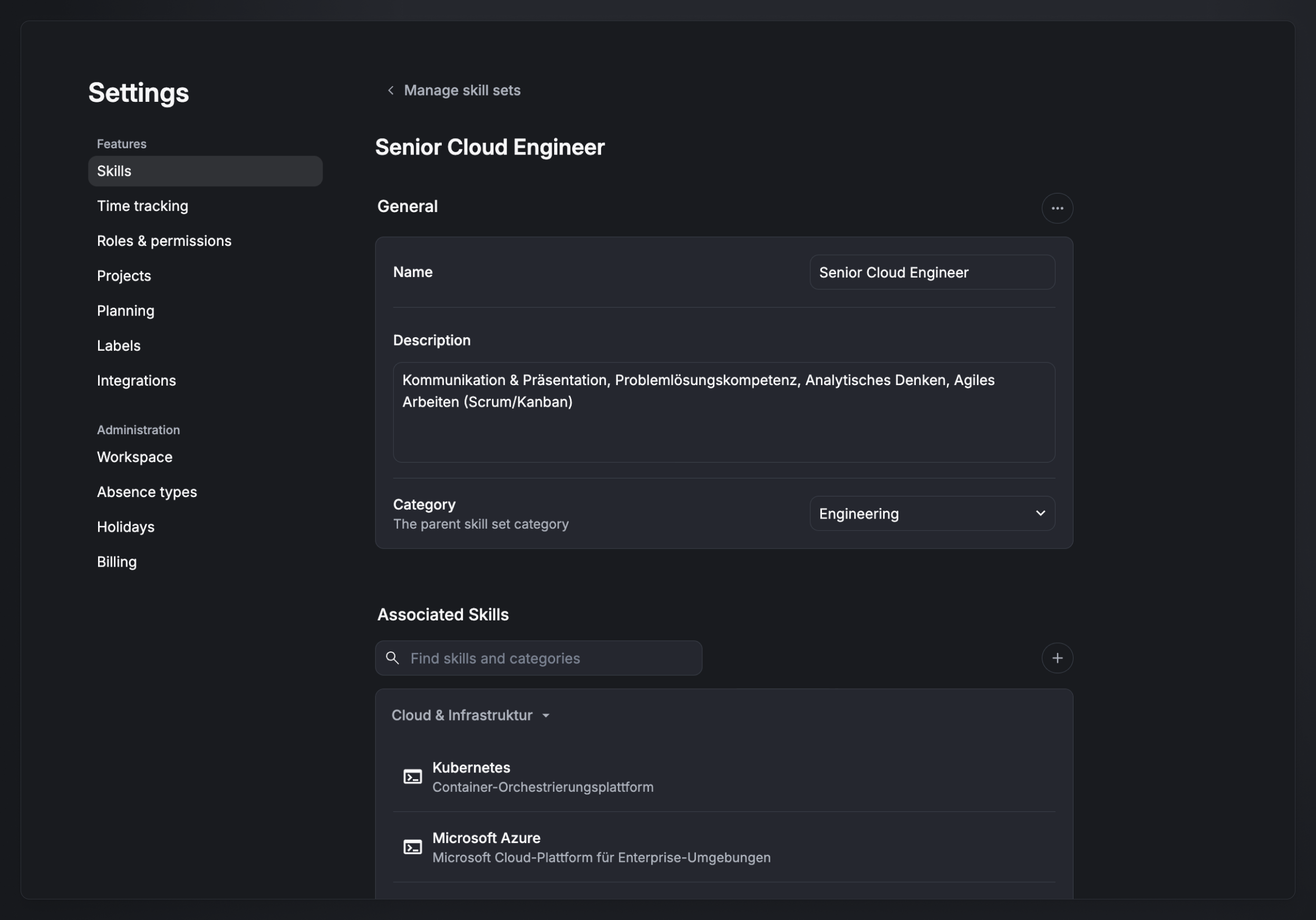
Open Settings → Skills → Manage skill sets and click the + icon. A skill set has:
- Name — e.g. Cloud Security Engineer.
- Description — what the set covers.
- Category — the parent skill-set category.
- Associated skills — search and add any skills you want, across categories and types.
The main use case: role templates
The point of skill sets is to define the skills a role needs once, then apply them to people. Instead of adding a dozen-plus skills one by one to every new hire, you assign the matching skill set and Aerion adds them all at once — each with a level you can adjust per skill. See Assign skills to staff.
FAQ
Can a skill set mix skill types? Yes. A skill set can contain any skills of any type — technical skills, soft skills, languages, and certificates.
Who can create and manage skill sets? Admins only.
Do skill sets set proficiency levels? When you assign a set to a person, each skill comes in at a default level that you can change individually before saving.