
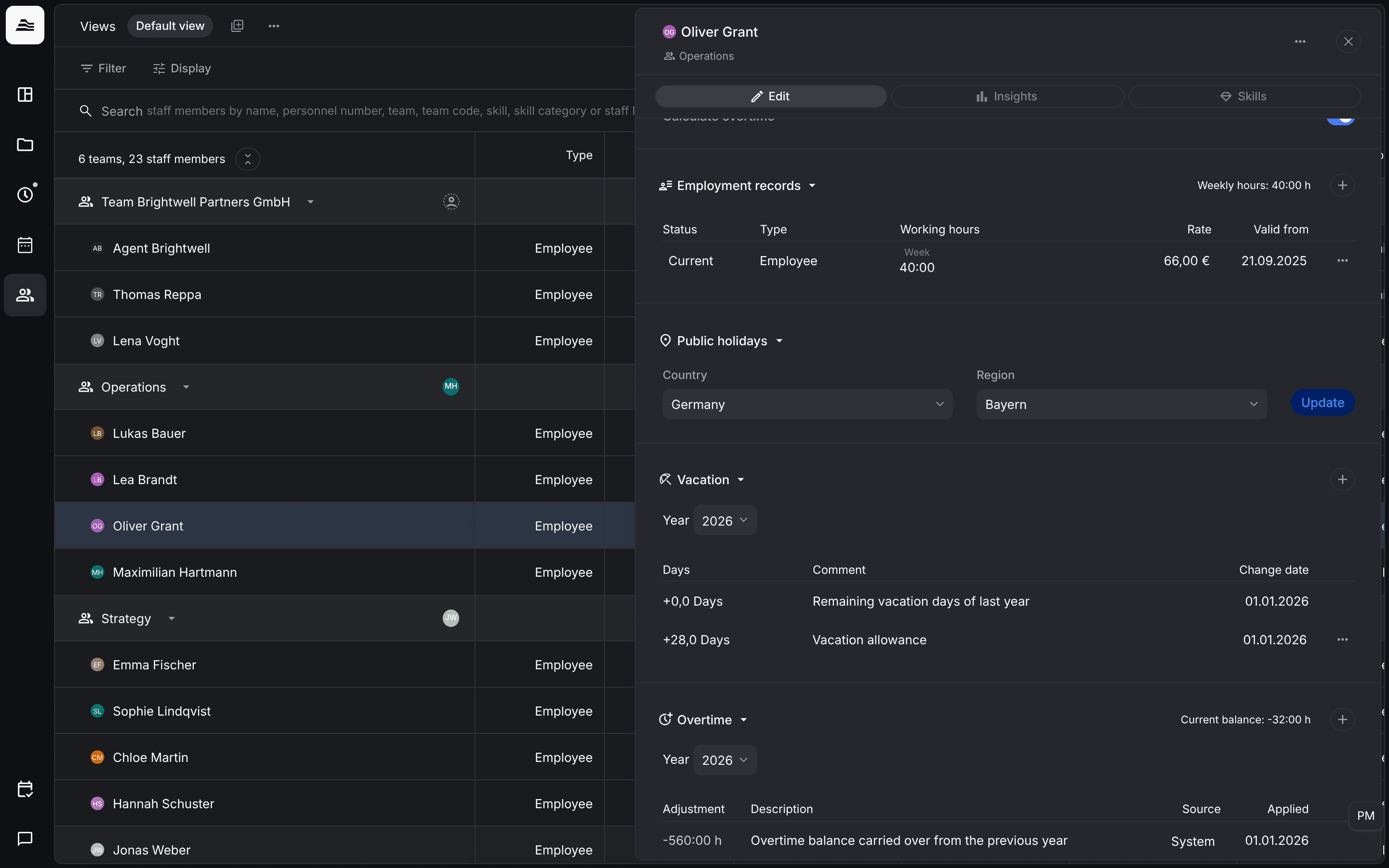
Employment records store how much a staff member is expected to work and what an hour of their work costs. Vacation is tracked per year. Both are in the Edit tab of the staff member.
Required rights: Admin or a role with Extended staff management. The internal hourly rate needs Access remunerations and documents in addition.
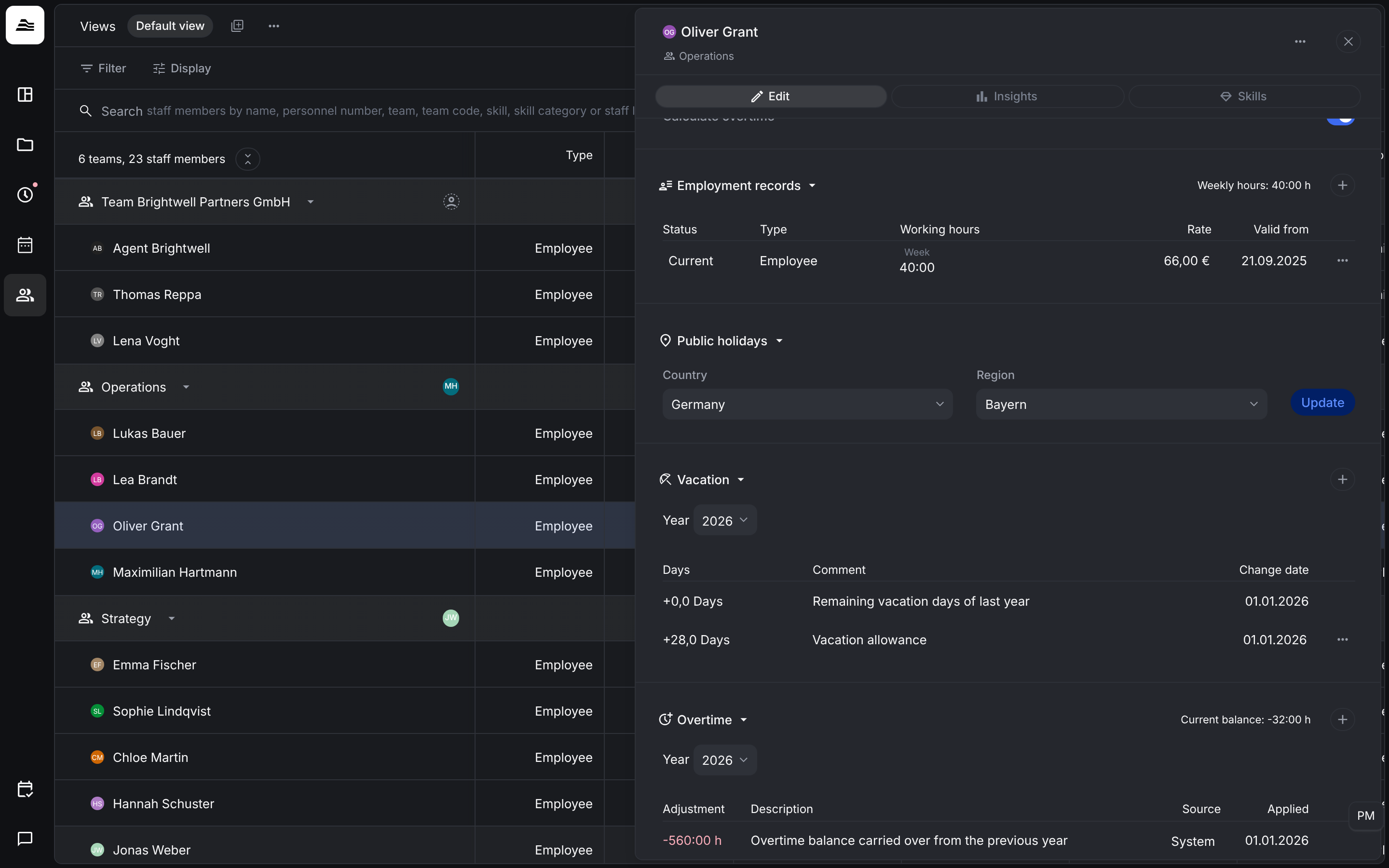
Employment records
Each record applies from its Valid from date until the next record starts. So when a staff member changes from full time to part time or gets a new rate, you add a new record instead of changing the old one. The list shows Status, Type, Working hours, Rate and Valid from. The header shows the current weekly hours.
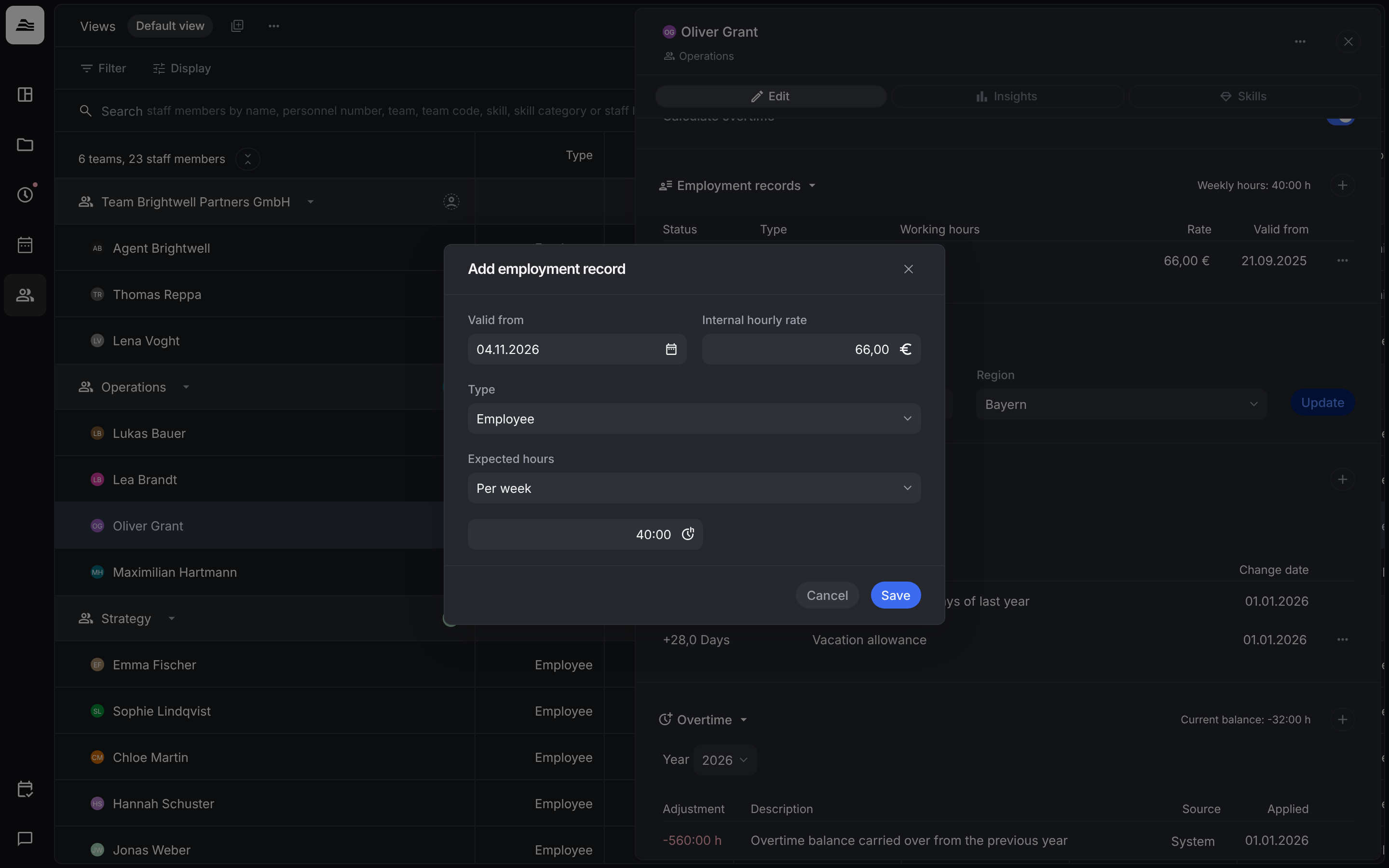
Click + to add a record:
- Valid from: the start date.
- Internal hourly rate: what one hour of the staff member's work costs. Aerion uses it for costs and contribution margin.
- Type: Employee or External, for example for freelancers. The type has no effect on the weekly hours.
- Expected hours: Per week, Per day or Flexible, with the number of hours.
Vacation
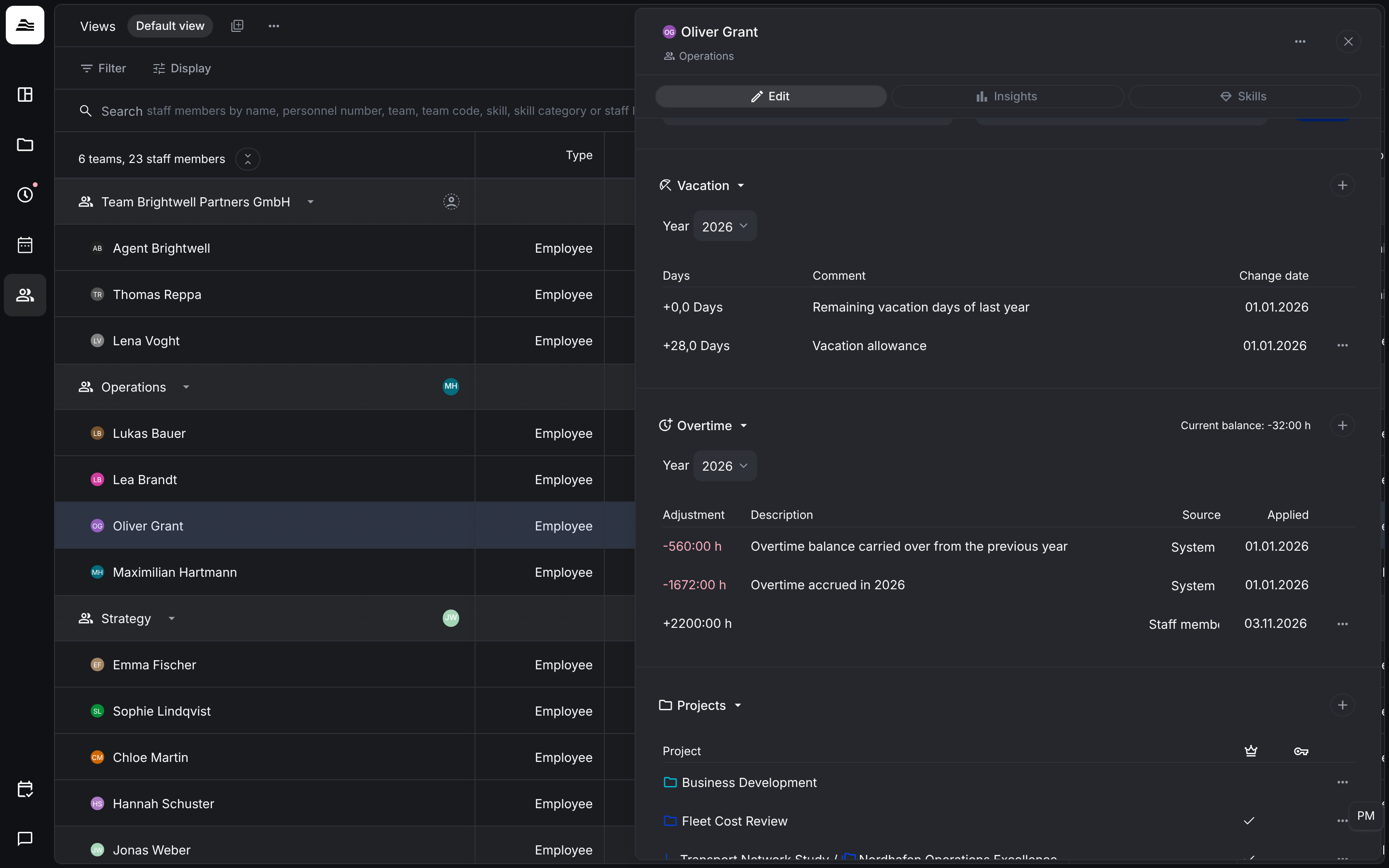
Choose the Year. The list shows the vacation entries with Days, Comment and Change date:
- Vacation allowance: the vacation days for the year.
- Remaining vacation days of last year: days left over from the previous year. Aerion carries them over automatically.
If an HRIS such as Personio or HRworks is connected, vacation is managed there completely. Aerion then does not calculate or show vacation days.