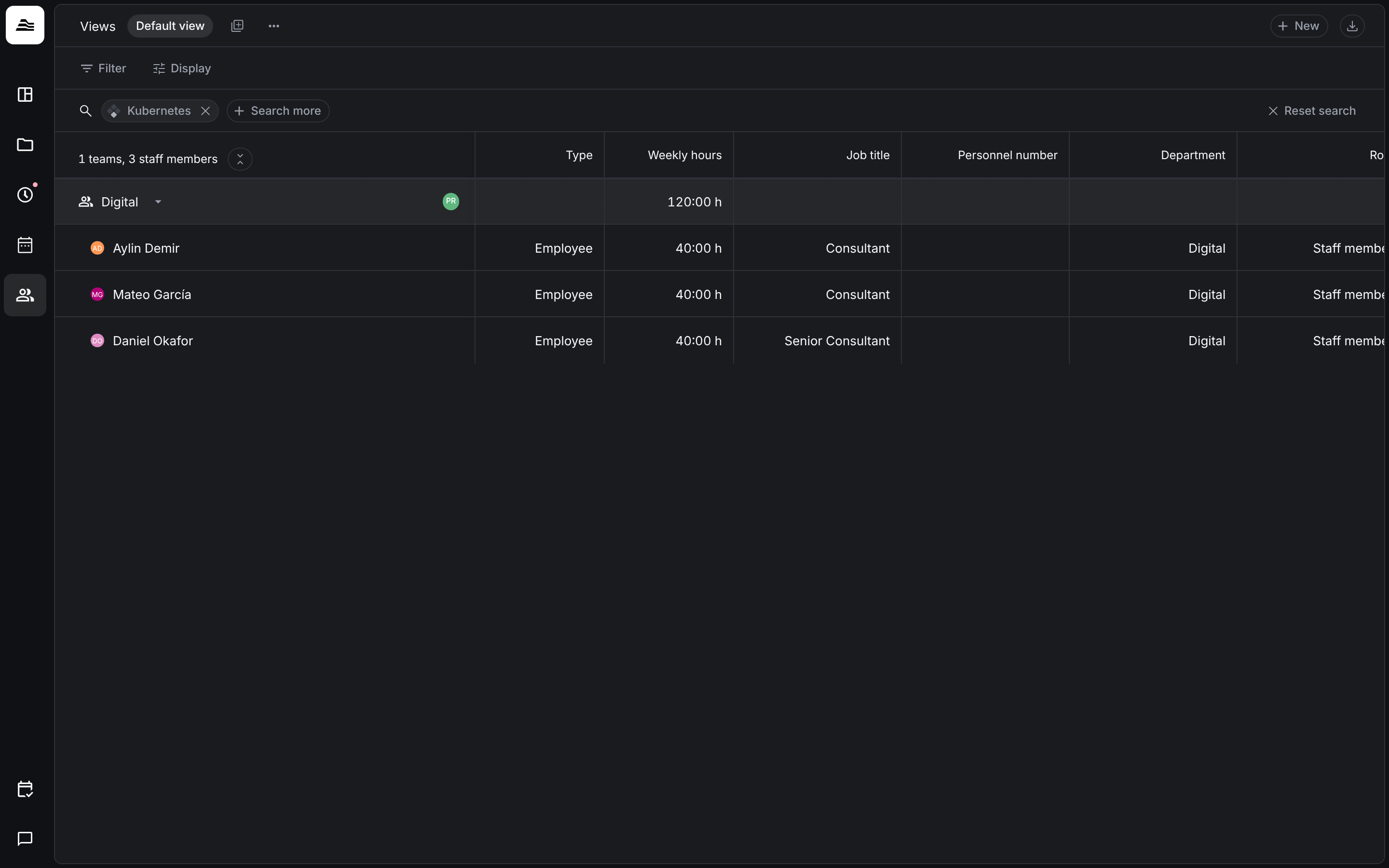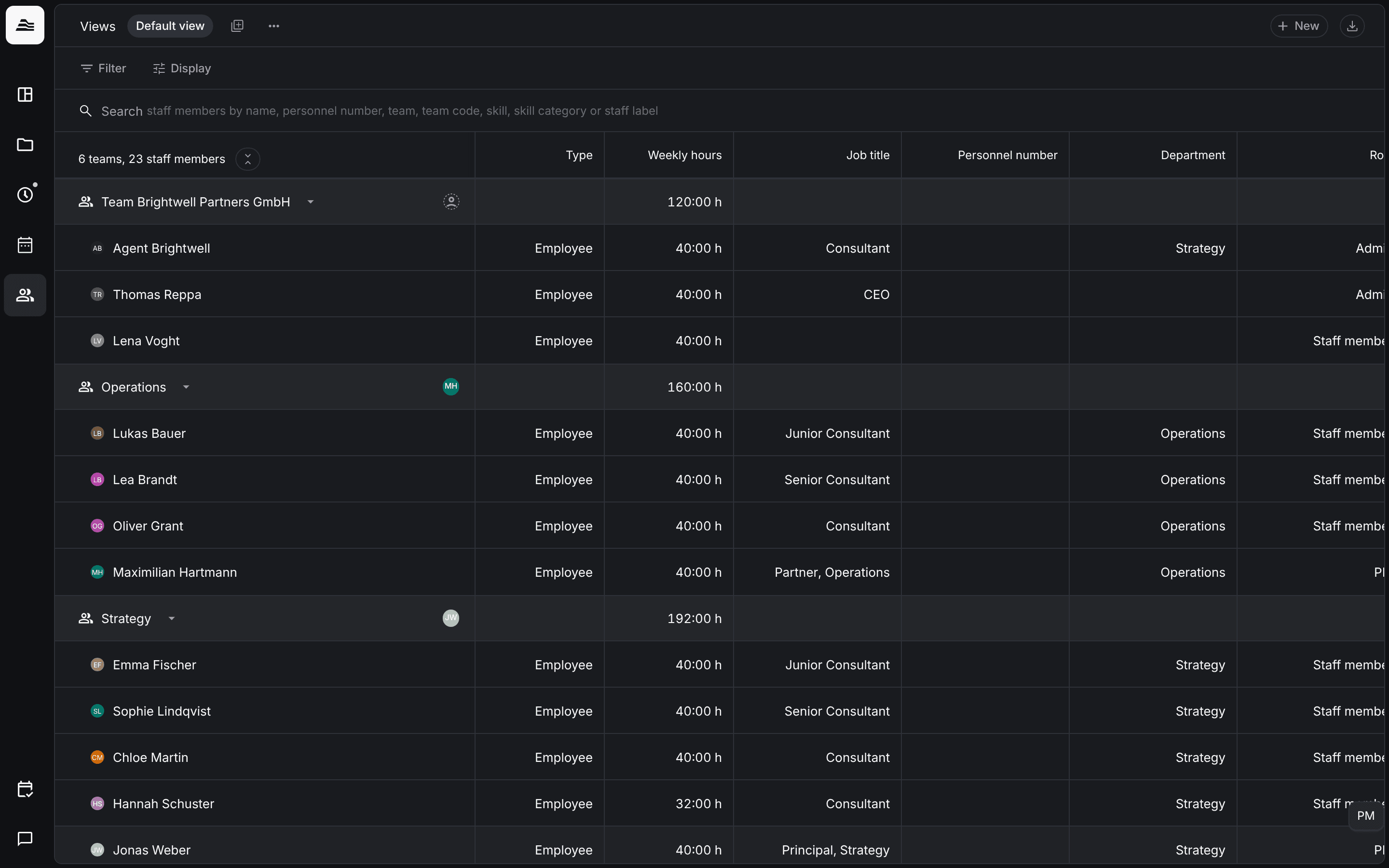
The Team area lists all staff members, grouped by team. From here you add staff members, open their profile and see their key data at a glance.
Required rights: Admin or a role with Limited staff management. Team members with Limited staff access in their team see the other members of that team.
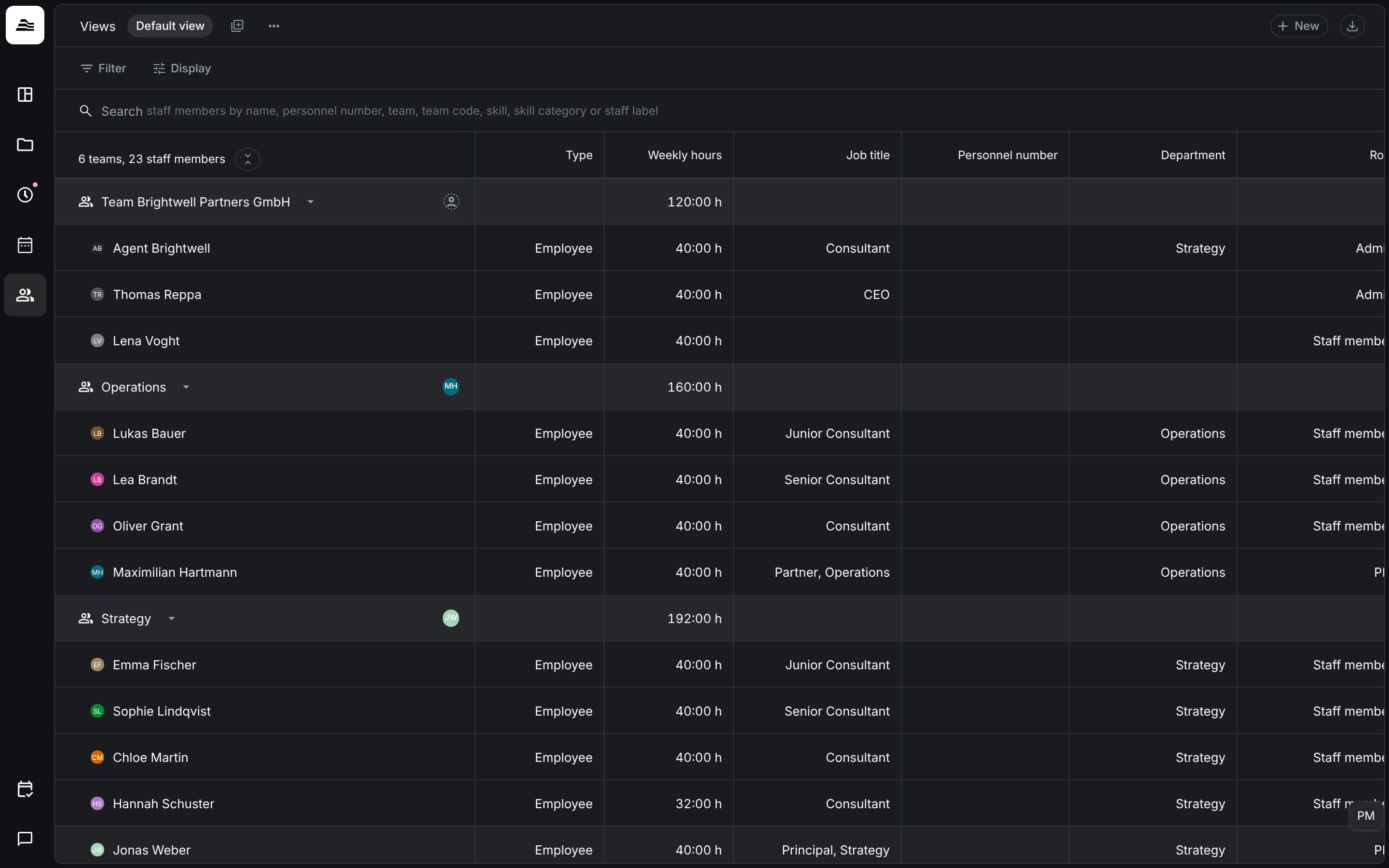
The team list
Each team is a group with its members below it. The group row shows the team's total weekly hours. The columns show, among others, Type, Weekly hours, Job title, Personnel number, Department, Role, Public holidays, Staff labels, Member since and the Tracking score. Under Display you choose which columns are shown. Like in other lists, you can save your setup as a view under Views.
Click a staff member to open their profile with the tabs Edit, Insights and Skills. Click a team row to edit the team.
Filter the list
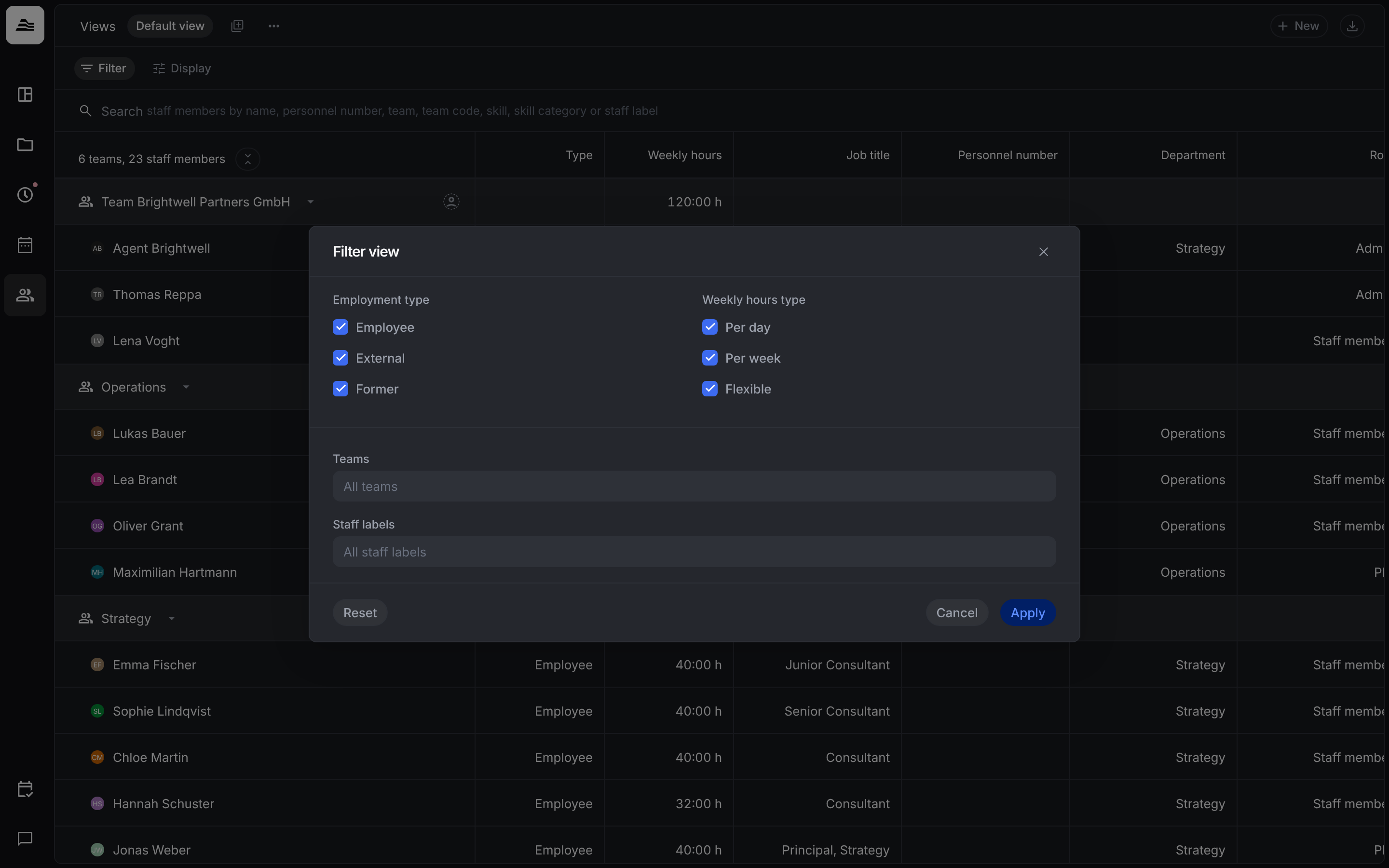
Click Filter to narrow the list:
- Employment type: Employee, External or Former. Former staff members no longer work for the company, for example after their contract ended.
- Weekly hours type: Per day, Per week or Flexible.
- Teams and Staff labels.
Search
The search finds staff members by name, personnel number, team, team code, skill, skill category or staff label. When you type, Aerion suggests matching entries. Pick one and it is added as a search chip. With Search further you add more criteria, Reset search clears all of them.