
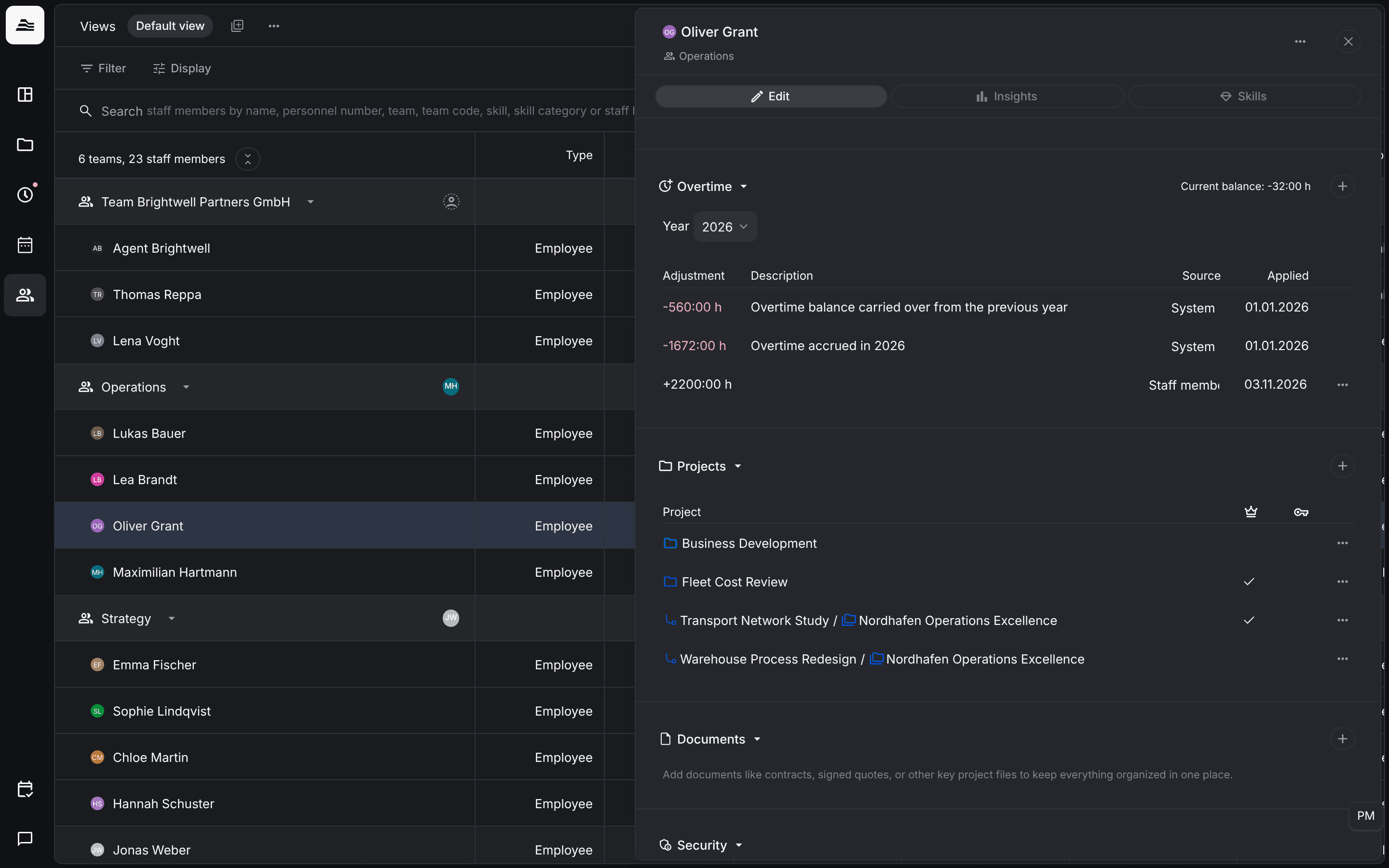
Aerion keeps an overtime balance for every staff member with Calculate overtime switched on. You find it in the Overtime section of the Edit tab.
Required rights: Admin or a role with Extended staff management
How overtime is calculated
- With work time tracking: overtime is the difference between the expected hours and the tracked work time. Absences and public holidays are counted automatically.
- Without work time tracking: the project time takes the place of the work time. The expected hours stay the same.
The expected hours come from the employment records.
The overtime list
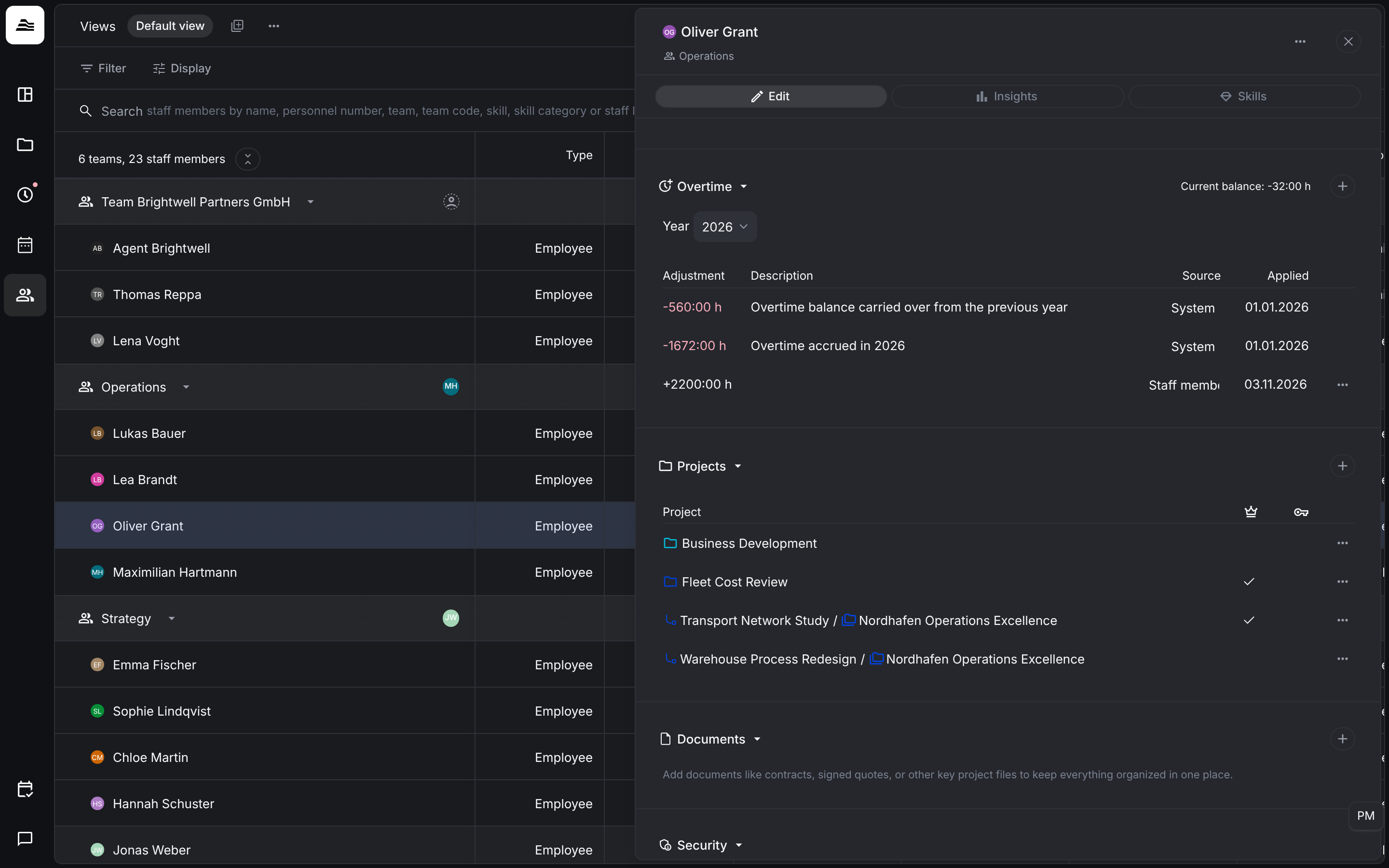
Choose the Year. Current balance shows the balance today. Each row shows Adjustment, Description, Source and Applied. Aerion adds two rows itself:
- Overtime balance carried over from the previous year
- Accumulated overtime in the current year
Correct the balance
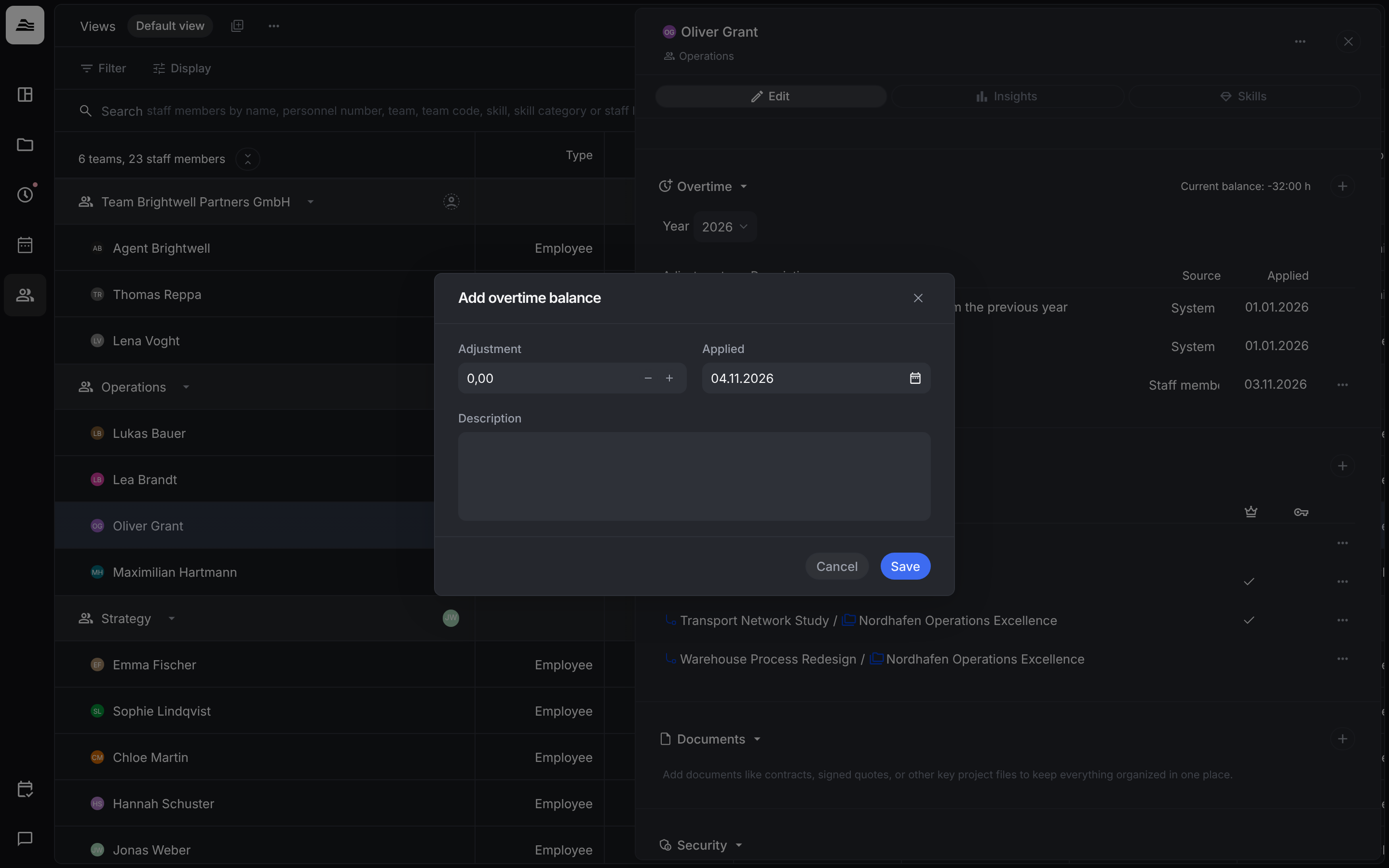
Click + to add a correction. In Add overtime balance you enter the Adjustment in hours (positive or negative), the date in Applied and a Description. Use it for example for paid out overtime or a starting balance.
Time off to reduce overtime can also be set up as its own absence type.