
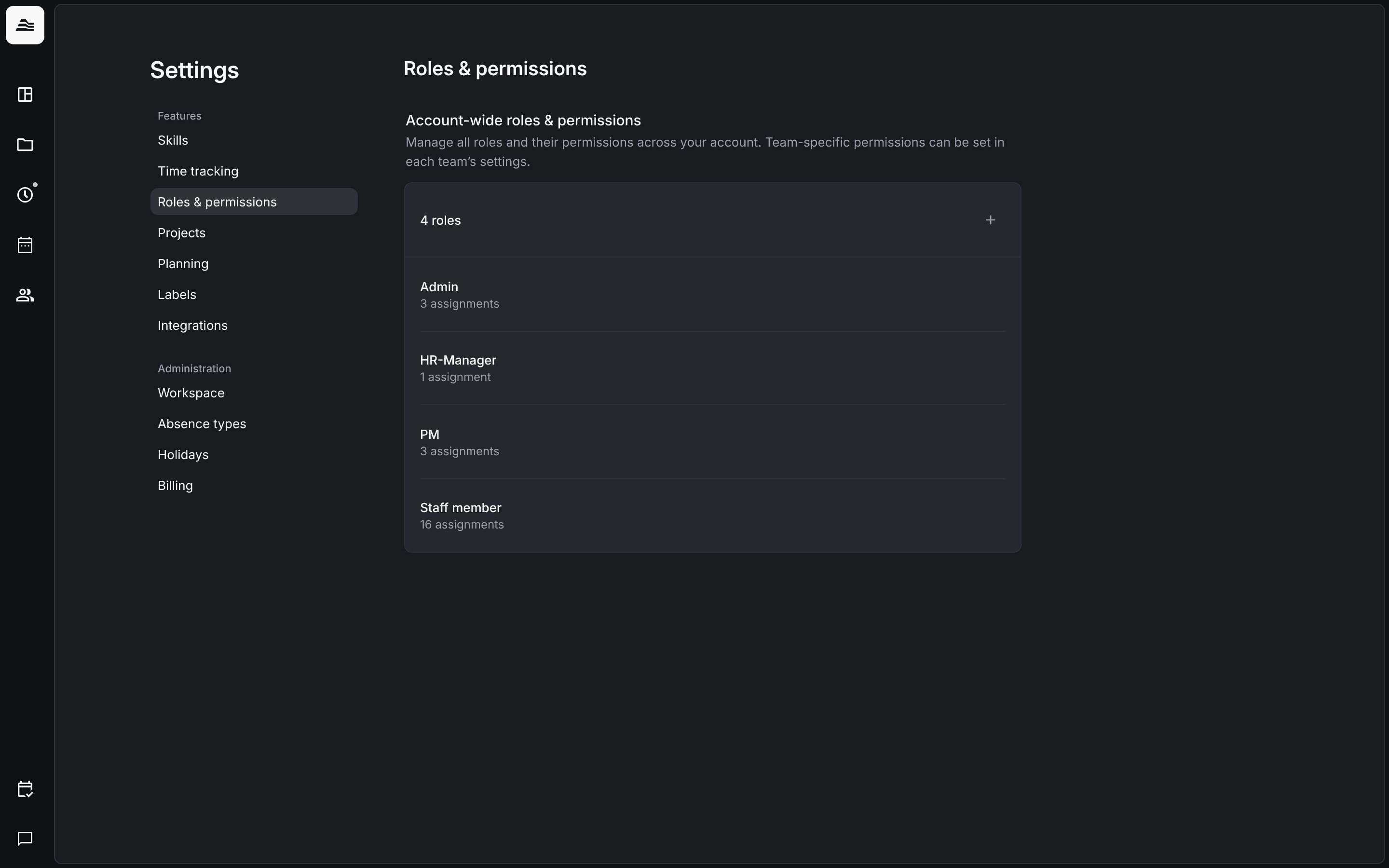
Roles define what a staff member may see and do across the whole account. Every staff member has exactly one role. You manage roles in Settings > Roles & permissions.
Required rights: Admin
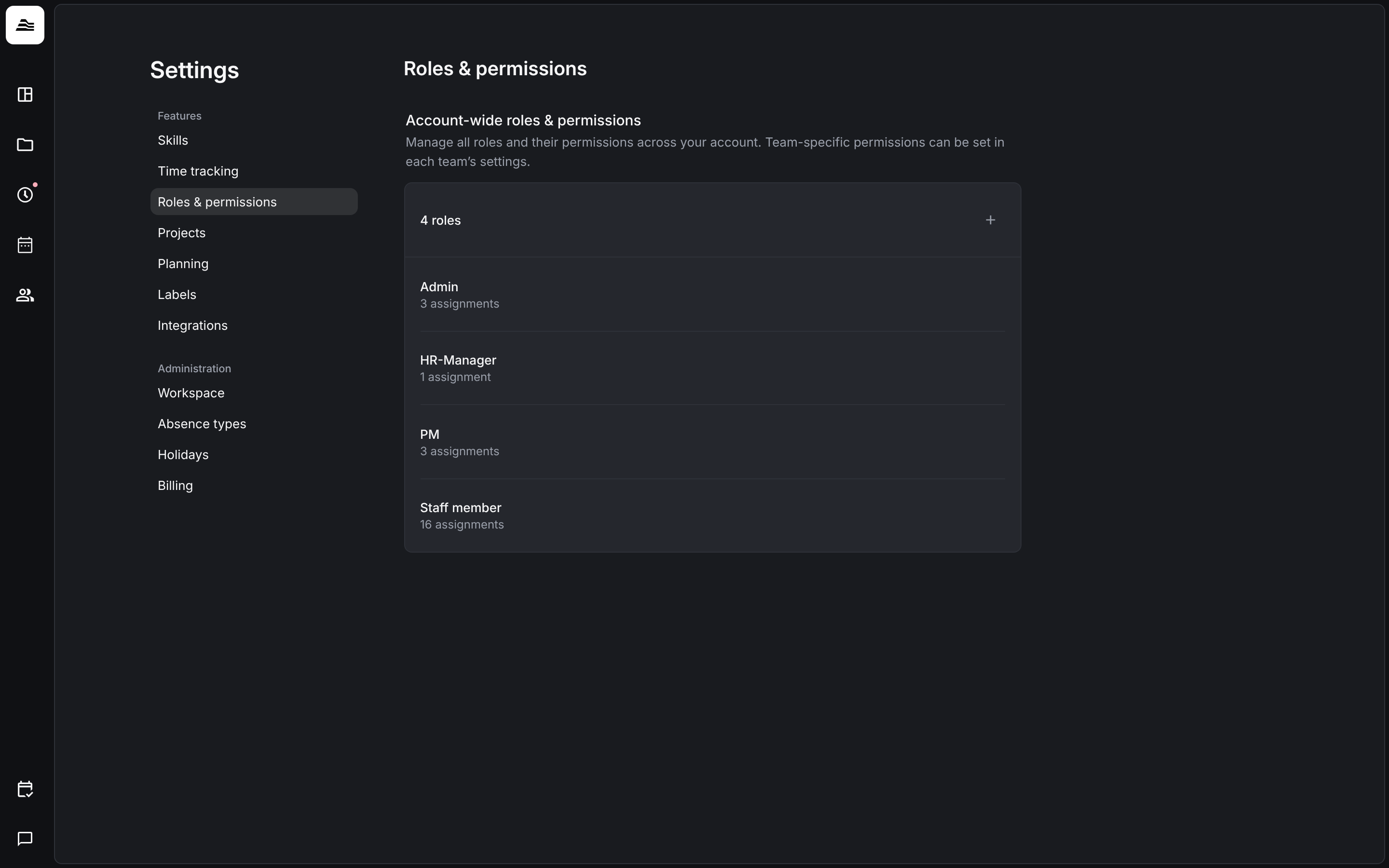
Roles in your account
The list shows every role with the number of staff members assigned. Click + to create a role, or click a role to edit its permissions. You assign the role in the profile of the staff member, see Staff details and permissions.
Rights for a single team are set in the team itself, see Teams and guest members. Rights for a single project are set in the project team.
Permissions
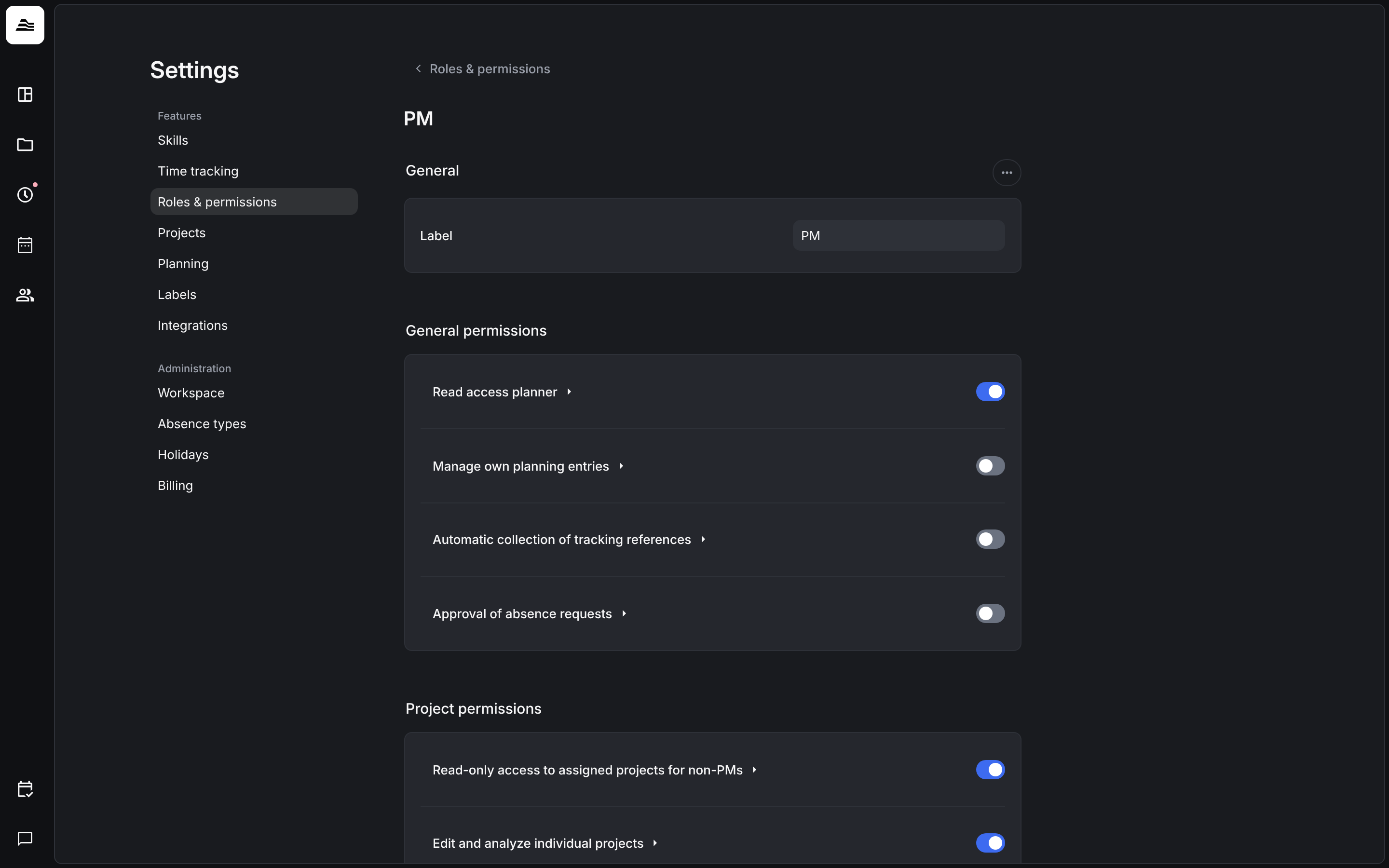
Each permission is a switch with a short explanation. They are grouped:
- General permissions: access to the planner, own planning entries, automatic collection of tracking references and approval of absence requests.
- Project permissions: read access to assigned projects, editing individual projects, creating, archiving and deleting projects, extended project management, project costs, and managing clients, tasks and expense categories.
- Team permissions: Limited staff management (view staff data and time entries without costs), Extended staff management (create, edit and archive staff members), Access remunerations and documents (staff costs and documents with pay information) and Access remunerations of admins.
- Skill assignments: the last switches decide whether the staff member may view and manage their own skill assignments or those of all staff members.