

Open a staff member in Team and stay on the Edit tab. Here you maintain the personal information, labels and what the staff member is allowed to do.
Required rights: Admin or a role with Extended staff management. Cost data needs Access remunerations and documents in addition.
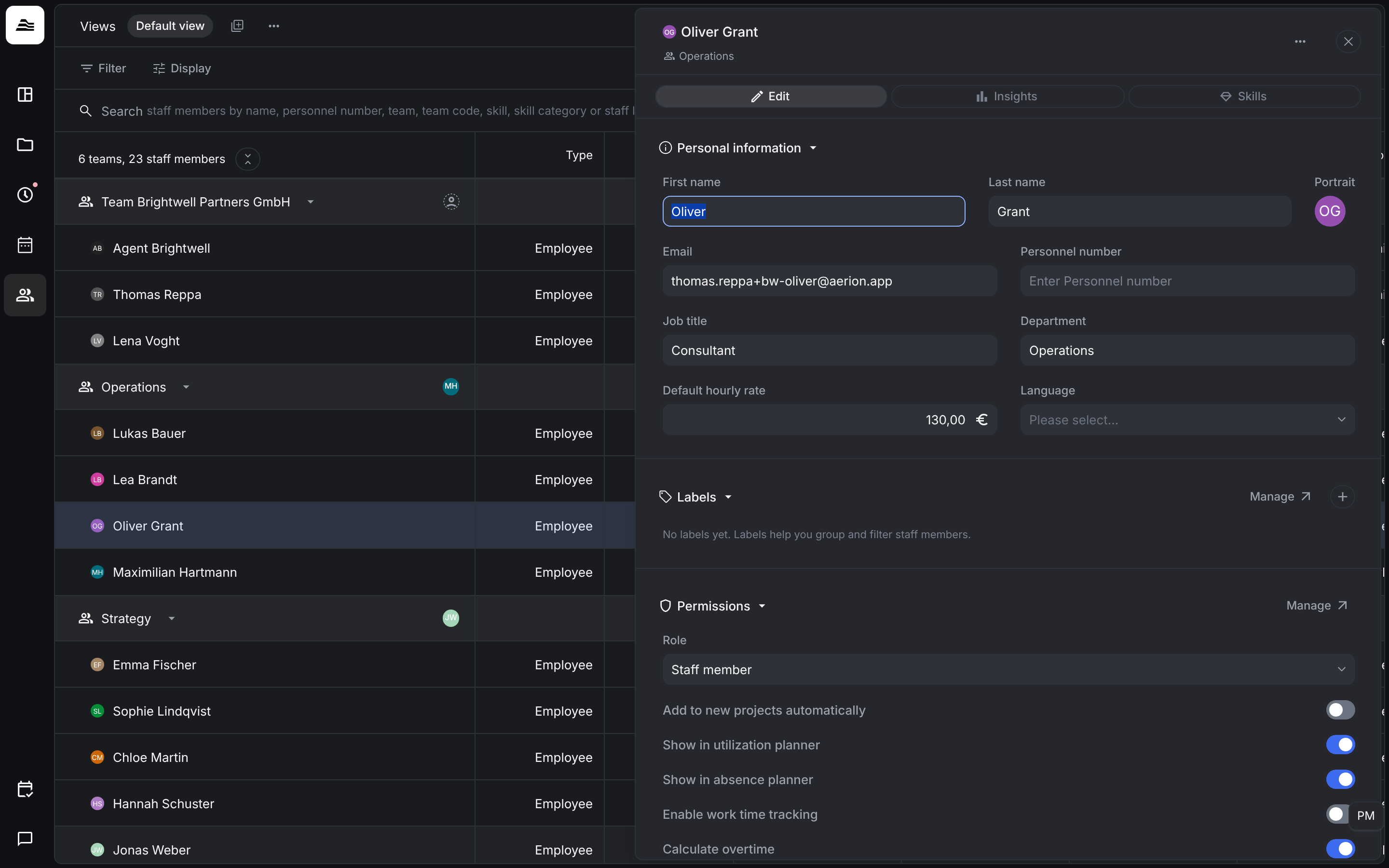
Personal information
First name, Last name, Portrait, Email, Personnel number, Job title, Department and Language.
The Default hourly rate is the rate at which the staff member's work is billed, when a project uses rates per staff member. You can adjust it per staff member in each project. It is not the cost of the staff member. The cost per hour is stored in the employment records.
Labels
Labels help you group and filter staff members, for example in the team list. Manage opens the label settings.
Permissions
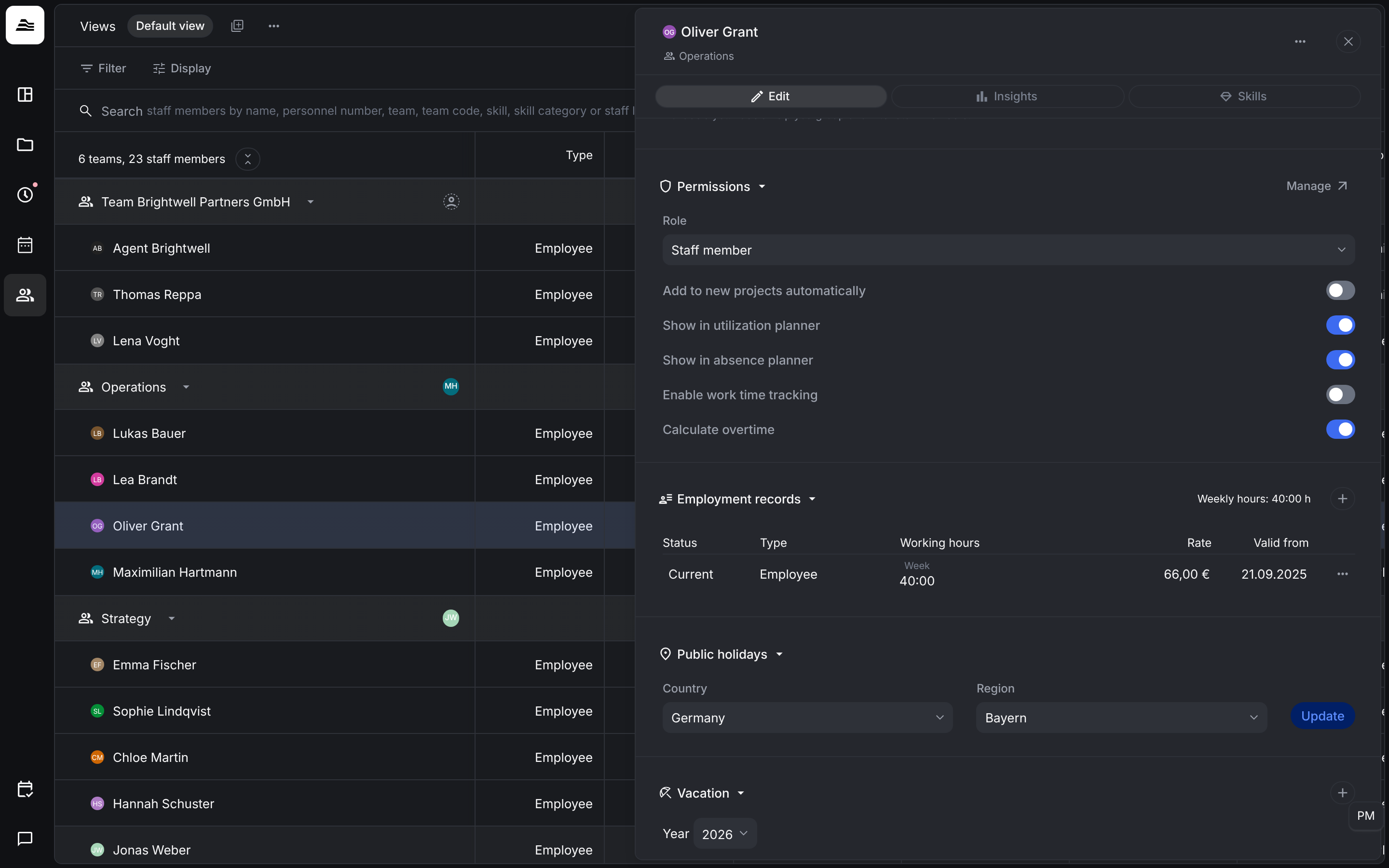
- Role: the role that defines the staff member's rights.
- Add to new projects automatically: the staff member joins every new project.
- Show in utilization planner and Show in absence planner: the staff member appears in these planners.
- Enable work time tracking: the staff member tracks work time and breaks in addition to project time.
- Calculate overtime: Aerion keeps an overtime balance for the staff member. See Overtime.
Further sections
- Public holidays: Country and Region decide which public holidays apply. Update applies a changed choice.
- Projects: the projects the staff member is on, with their project rights.
- Documents: contracts and other files for the staff member.
- Security: the sign-in methods for this staff member (username and password, Google SSO, Microsoft SSO). They override the account settings.
- Integrations: the mapping ID for connected systems.