

Under Budget & rates you set how a project is billed, how big its budget is and which hourly rates apply. These settings drive the project's effort, profitability and forecast.
Required rights: Admin or individual project rights
Billing type
Open the project and scroll to Budget & rates. Choose one of three billing types:
- Fixed price: the client pays an agreed budget.
- Time & material: the client pays for the time you track.
- Non-billable: for internal work.
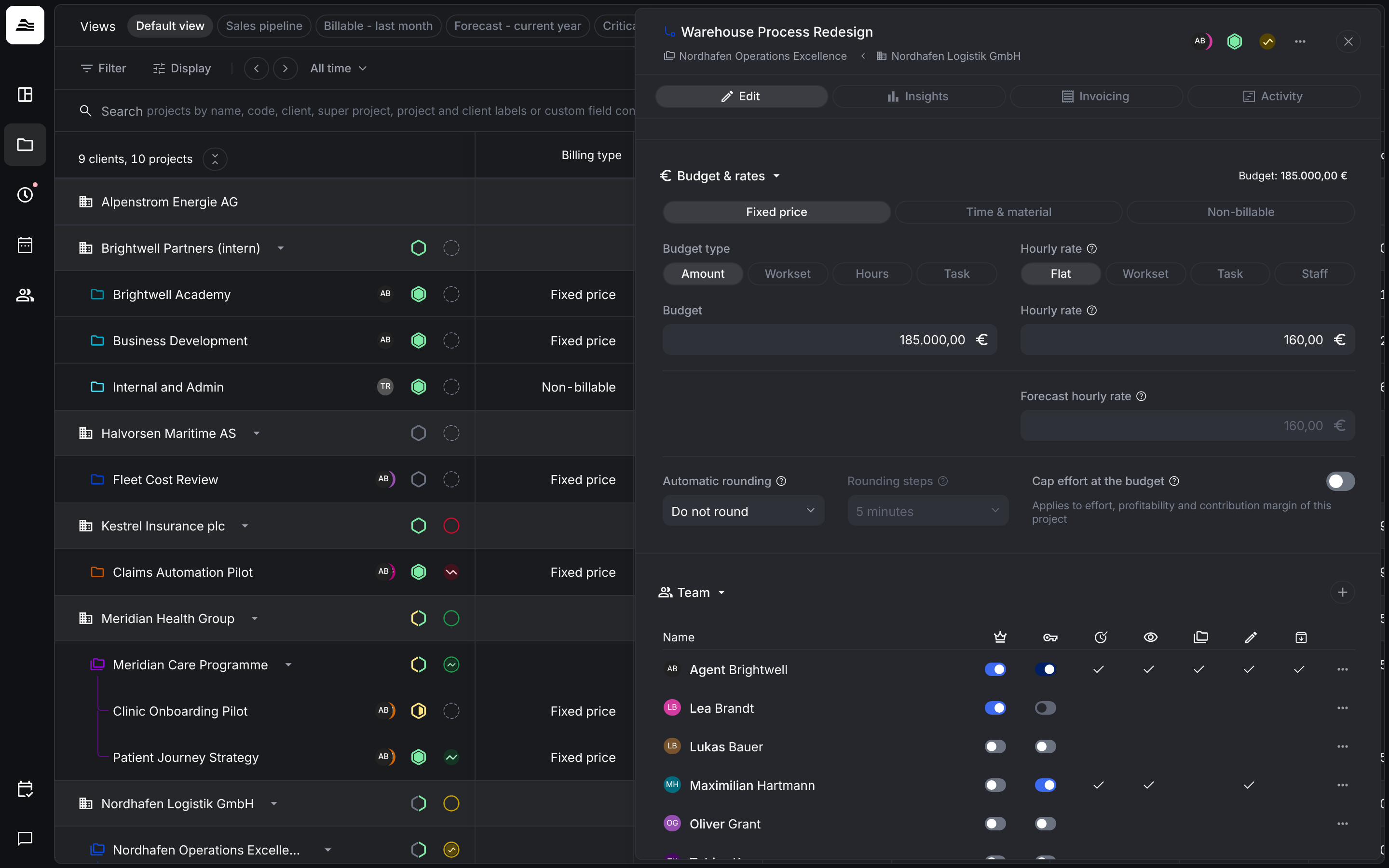
Budget type
| Budget type | How the budget is set |
|---|---|
| Amount | A fixed budget in euros. |
| Hours | A number of hours, multiplied by the hourly rate. |
| Task | A budget in euros for each task. |
Hourly rate
| Hourly rate | Which rate applies |
|---|---|
| Flat | One rate for all work on the project. The client's default hourly rate is used here. |
| Task | A rate for each task. |
| Staff | A rate for each staff member. |
Forecast hourly rate is used to forecast revenue from planned hours. Aerion sets it automatically. With the Task hourly rate, you set it yourself.
Rounding
Automatic rounding rounds the billable time of time entries. Choose whether and in which direction to round, and under Rounding steps pick 5, 15, 30 or 60 minutes.
Cap effort at the budget
Cap effort at the budget applies to effort, profitability and contribution margin of the project. When it is on, the capped effort figures stop at the budget. If your team keeps tracking time beyond the budget, costs keep rising, so profitability goes down.
The default for new fixed-price projects is set under Settings → Projects → Profitability calculation. Each project can override it.
Deals
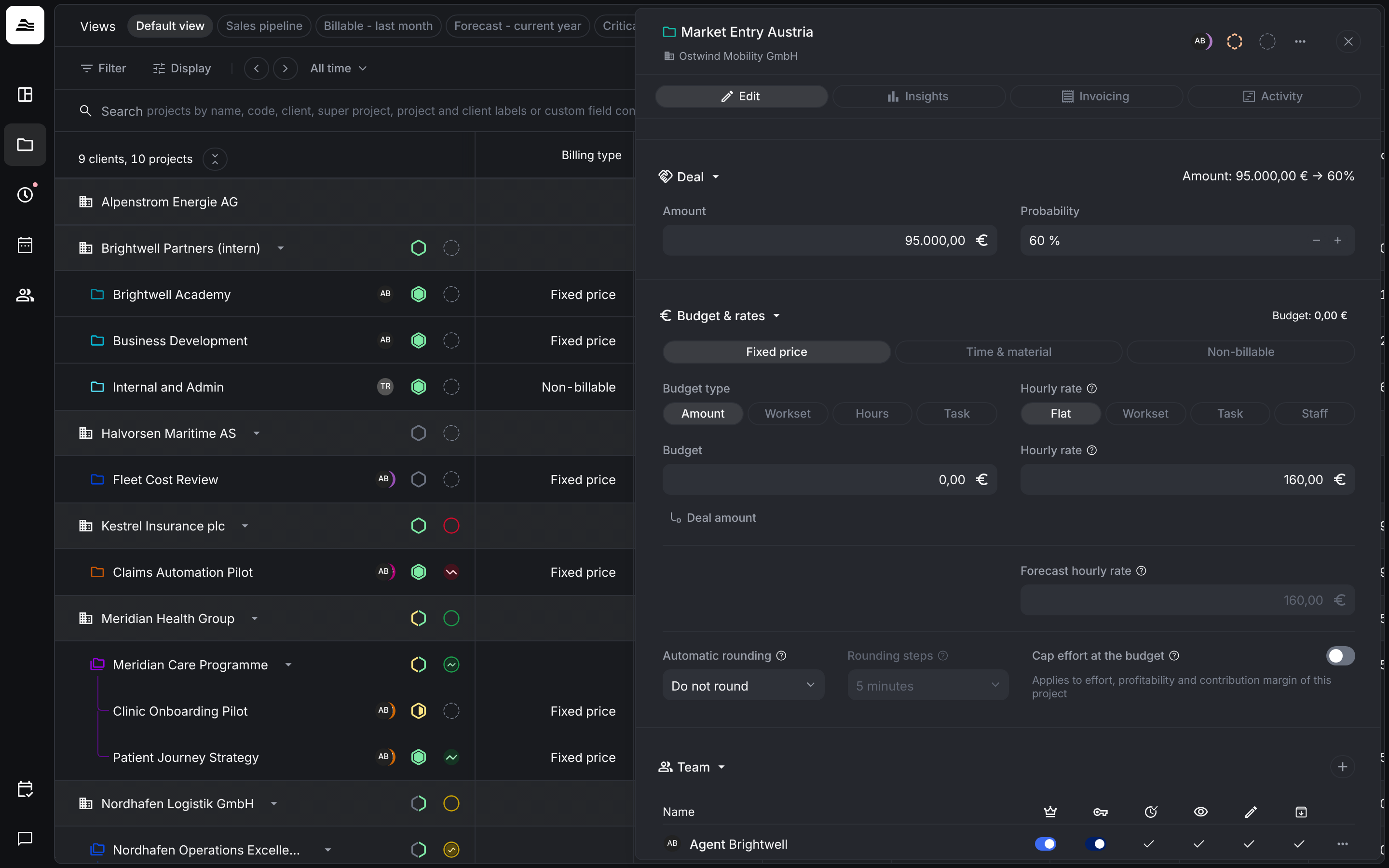
A project with the status Deal is a sales opportunity. In the Deal section, enter the expected Amount and the Probability. Deal values only feed the weighted and total sales forecast.
Related
- Create and set up a project: all sections of a project.
- Project insights and activity: see how effort and costs develop.