

Status shows where a project stands in its lifecycle. Health shows how it is going. Both appear on the board and in the project header.
Required rights: Admin or individual project rights
Project status
Open the project and click the hexagon in the header. Choose one of five statuses:
| Status | Meaning |
|---|---|
| Deal | A sales opportunity, not yet won. |
| Pending | Not clarified yet. |
| Planning | The project is being planned. |
| In progress | The team is working on the project. |
| Completed | The project is finished. |
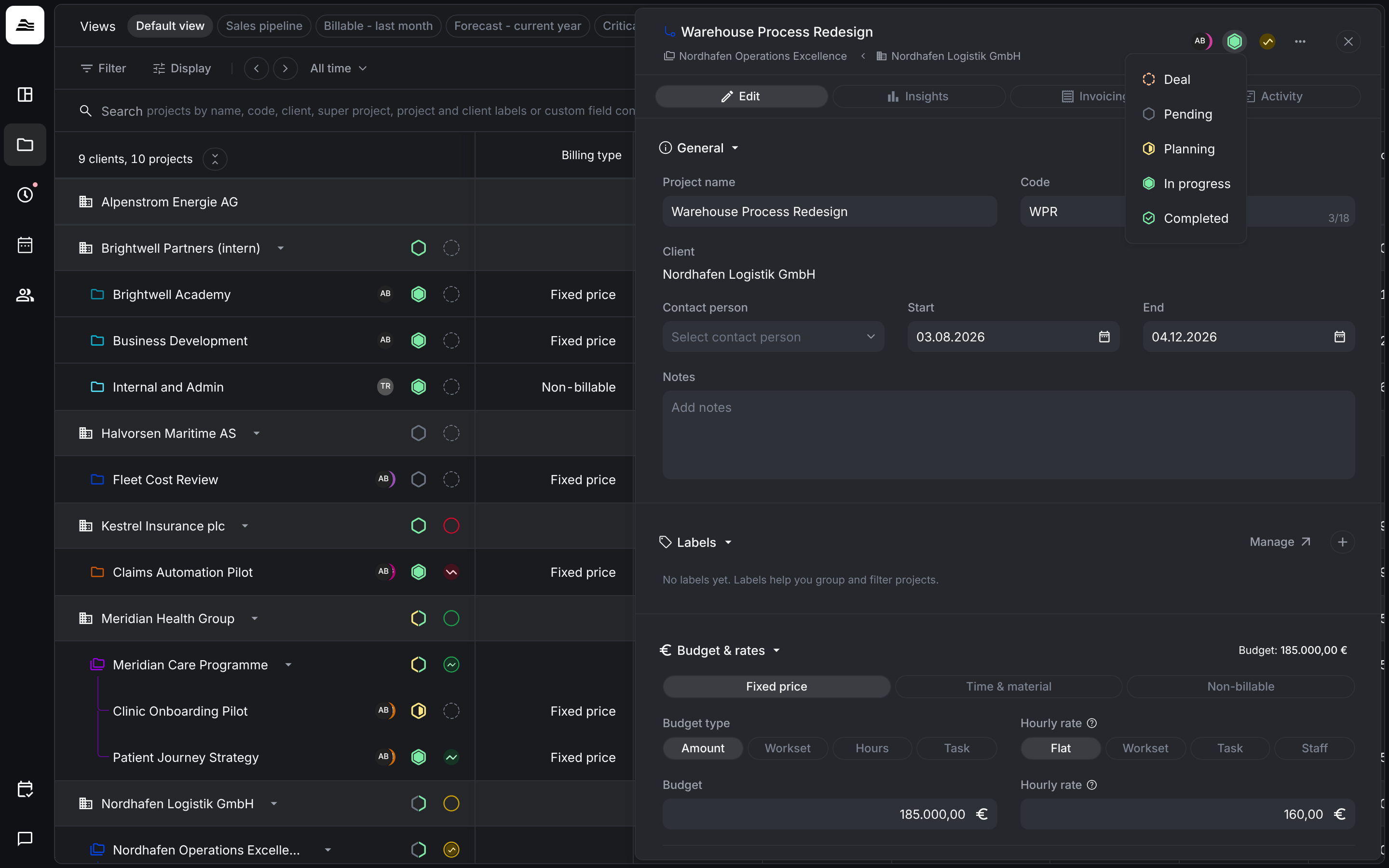
For a deal, enter amount and probability in the Deal section of the project.
Project health
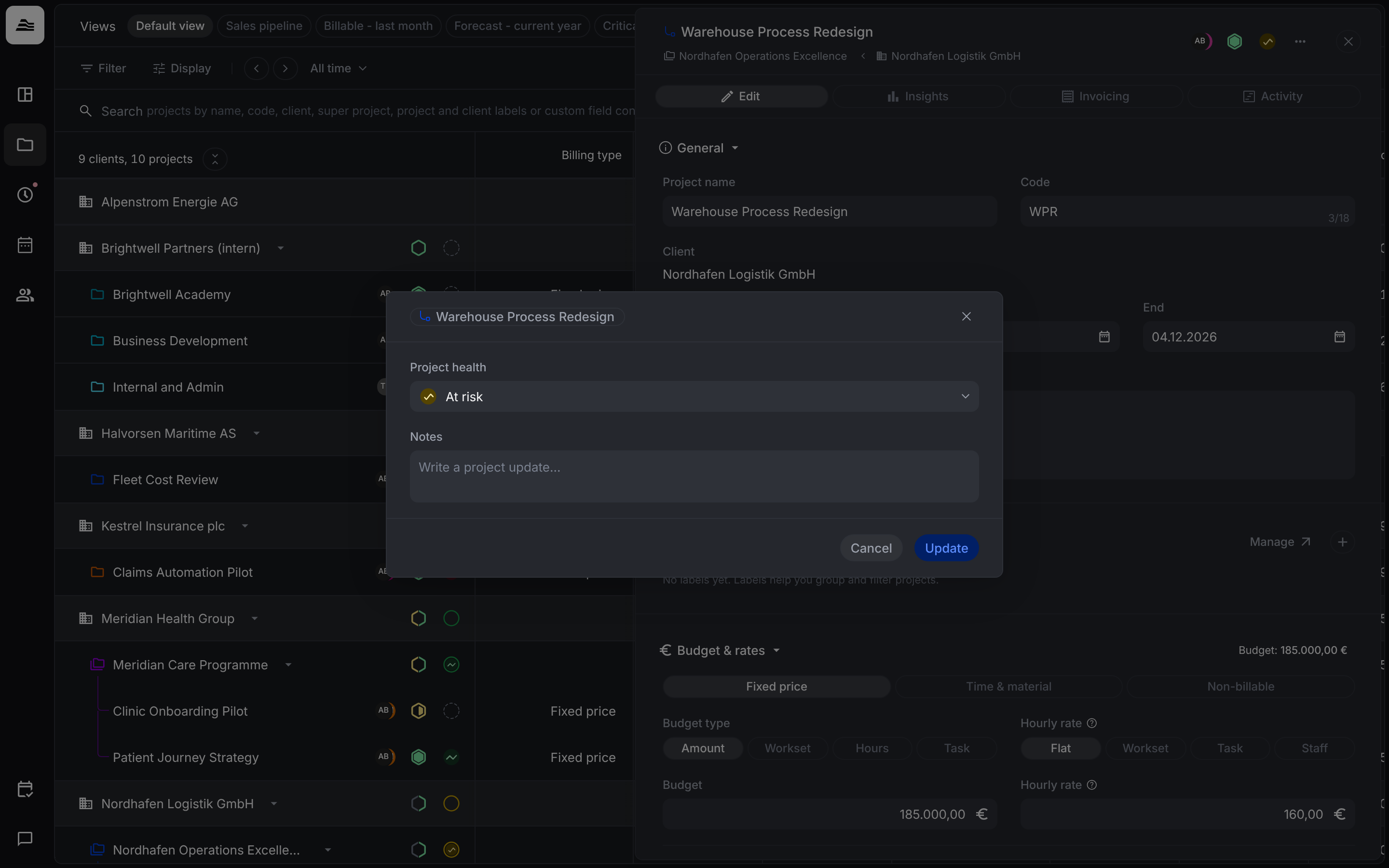
Health is set by hand. Click the circle in the project header to open Project health:
- Choose On track, At risk, Critical or Not set.
- Under Notes, write a short project update if you like.
- Click Update.
On the board
On the Clients & projects board, every project row shows its status and health. On a client row, hover over the status to see how many projects have each status. Under Display → Row options you can hide status and health.
Related
- Clients and projects: the board and its views.
- Budget and hourly rates: deals and their amount.