
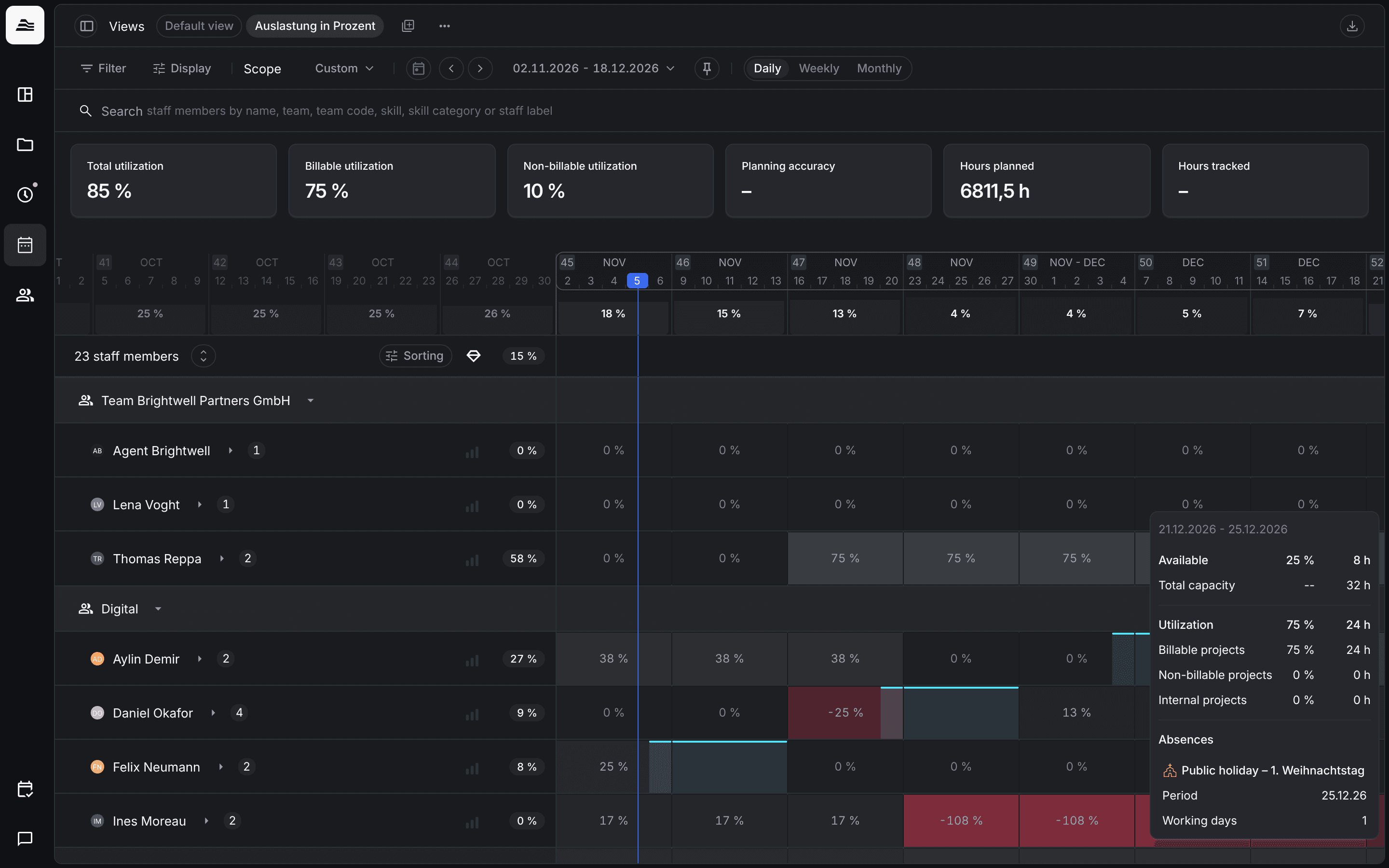
Planning in Aerion has three views: Utilization shows your staff and how much of their capacity is planned, Projects shows your projects with their planned hours, and Absences shows who is away. You find them under Planning.
Required rights: a role with Read access planner. Planning staff on projects needs Team and project management in addition.
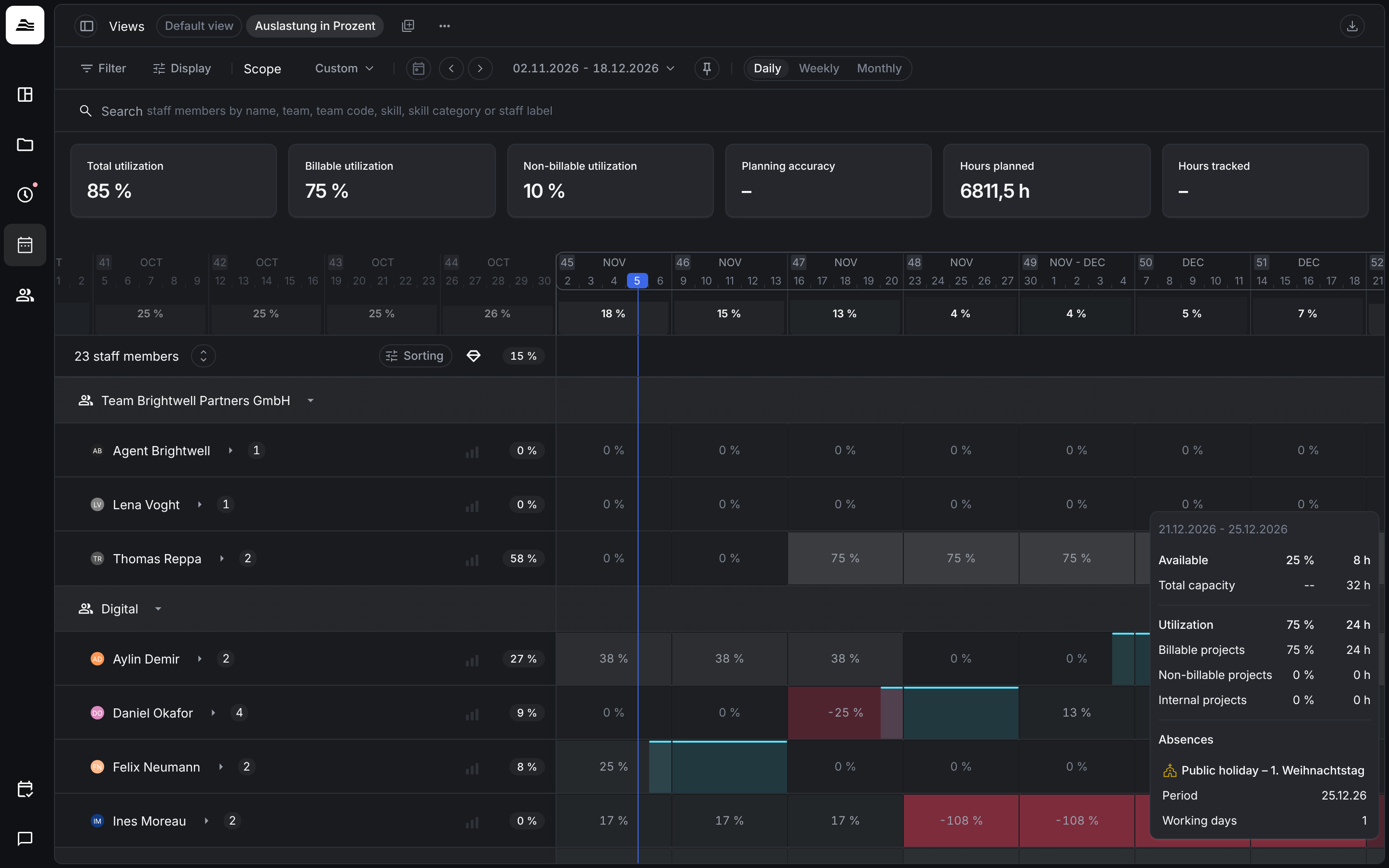
The toolbar
The utilization planner and the project planner share the same toolbar:
- Views: saved combinations of filters, display options and scope. Default view always exists. Change a view and save it, or create a new view from your changes.
- Filter: narrows the rows, for example to teams, clients, projects or labels.
- Display: decides what the rows and cells show.
- Scope and date range: the planning scope that the KPIs and the figures in the rows refer to. Automatic uses the visible range, a custom date range sets your own scope, All time removes the limit.
- Daily, Weekly and Monthly: the time unit of the timeline.
- Search: finds rows by name, team, team code, skill, skill category or label.
KPIs
Above the timeline you see KPIs for the planning scope, such as Total utilization, Billable utilization, Non-billable utilization, Planning accuracy, Hours planned and Hours tracked. Planning accuracy shows how well the planned hours match the hours actually tracked. Under Display you switch the KPIs on or off and choose which ones are shown with Customize KPIs…. The definitions are the same as in KPIs explained.