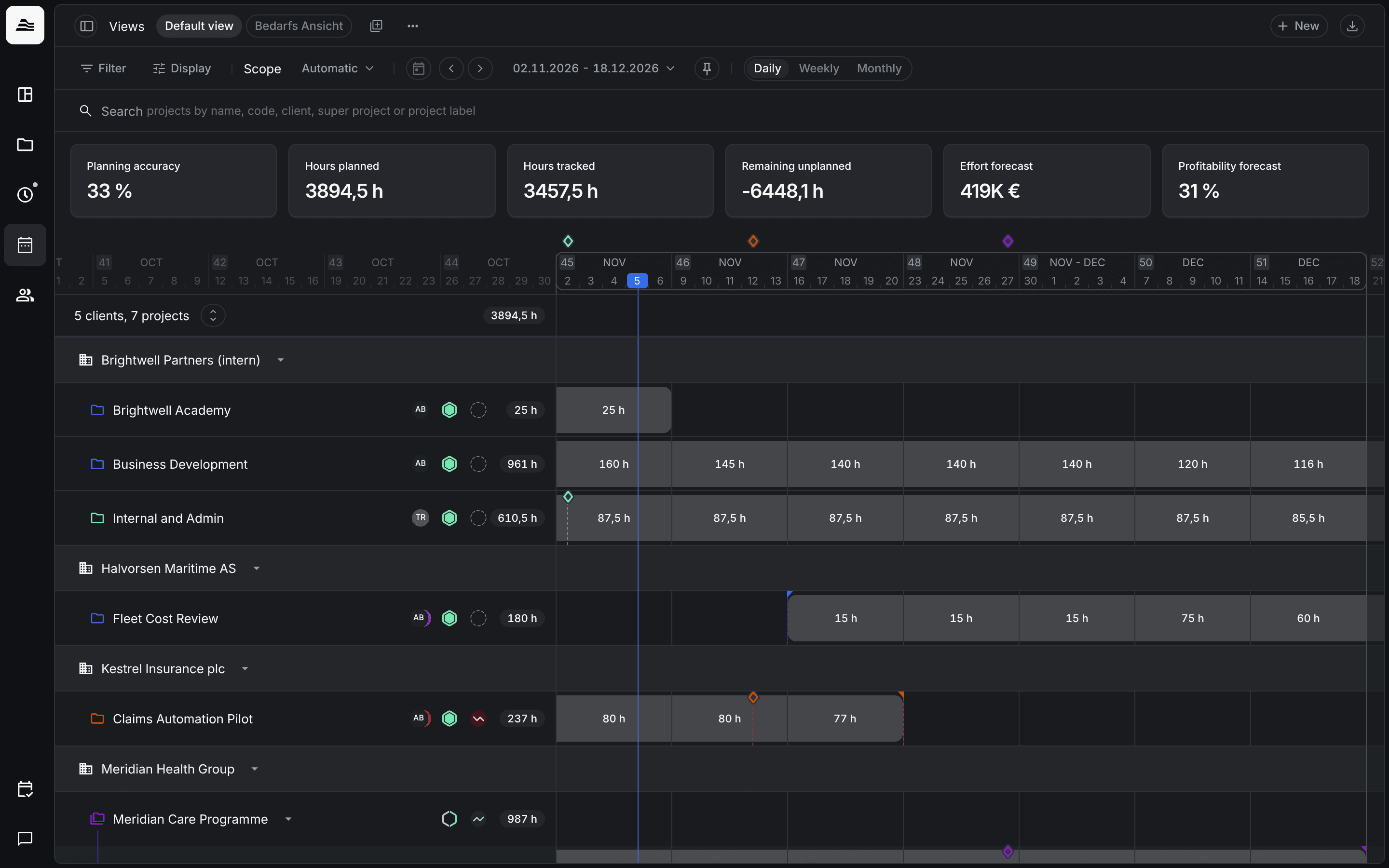
The project planner shows your projects grouped by client on a timeline, with their planned hours.
Required rights: a role with Read access planner
Rows and values
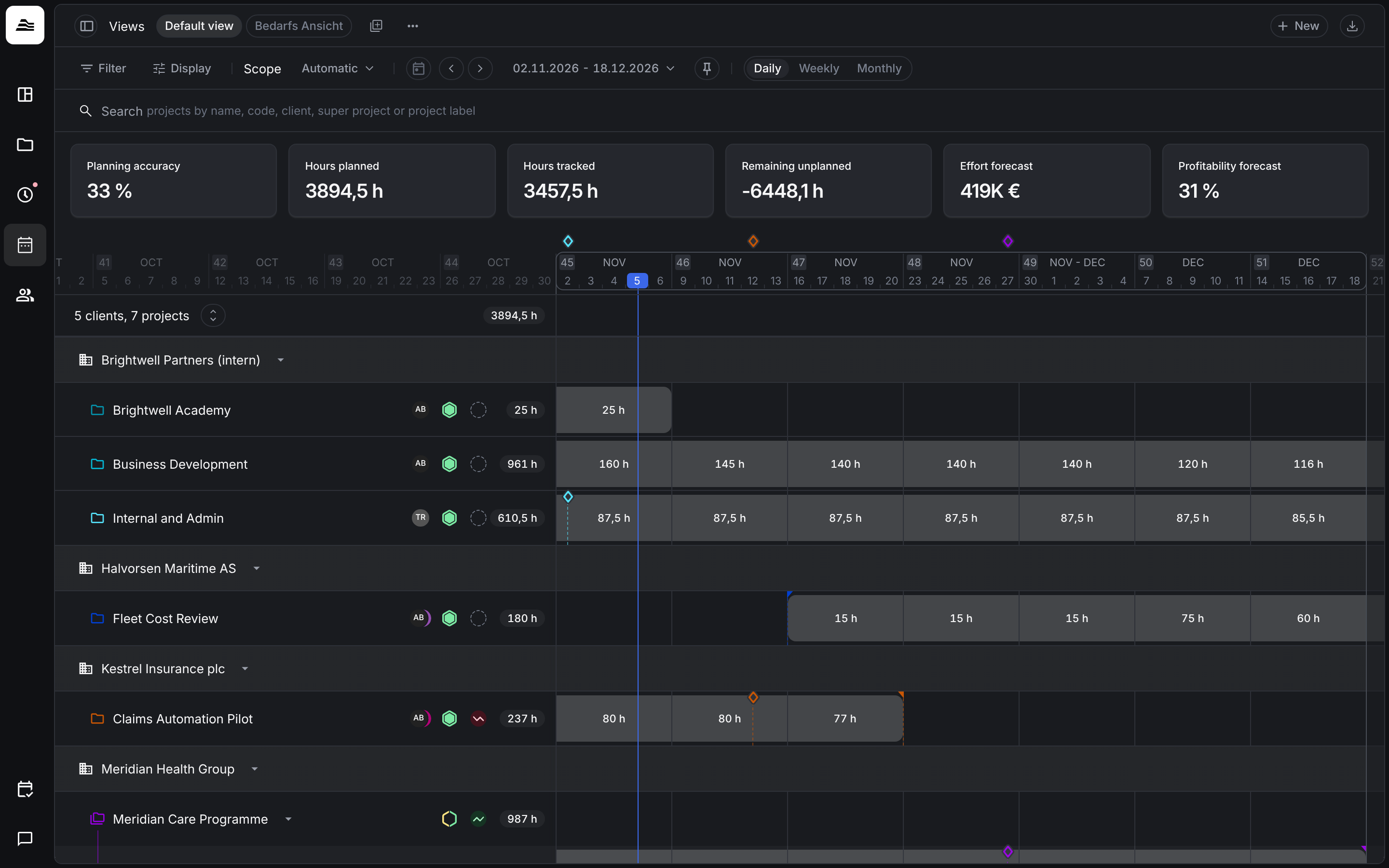
Each client is a group with its projects below it. The number next to a project is its planned hours in the planning scope. Milestones appear as markers above the timeline. The cells show the hours planned per period. To plan a single project, hover over it and click Plan, see Plan a project.
Project details
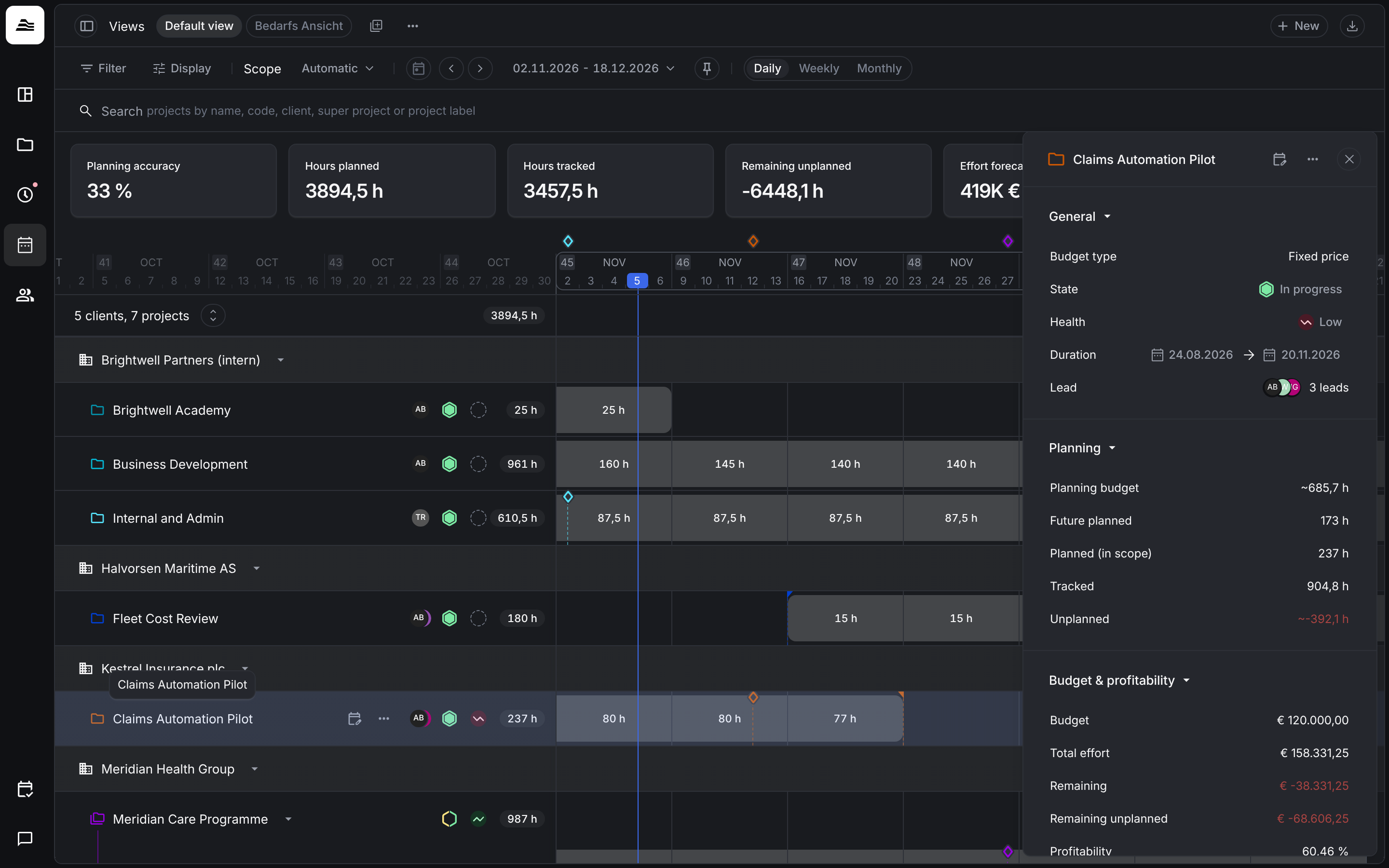
Click a project to open its details on the right:
- General: client, budget type, status, health, duration and lead.
- Planning: Planning budget, Future planned, Planned (in scope), Tracked and Unplanned. The planning budget is calculated from the planning assignments and the planning hourly rate of the project. Unplanned is the planning budget minus tracked minus future planned.
- Budget & profitability: budget, total effort, remaining amounts and profitability, also including the forecast.
- Future planned: the staff members planned on the project.
- Milestones.
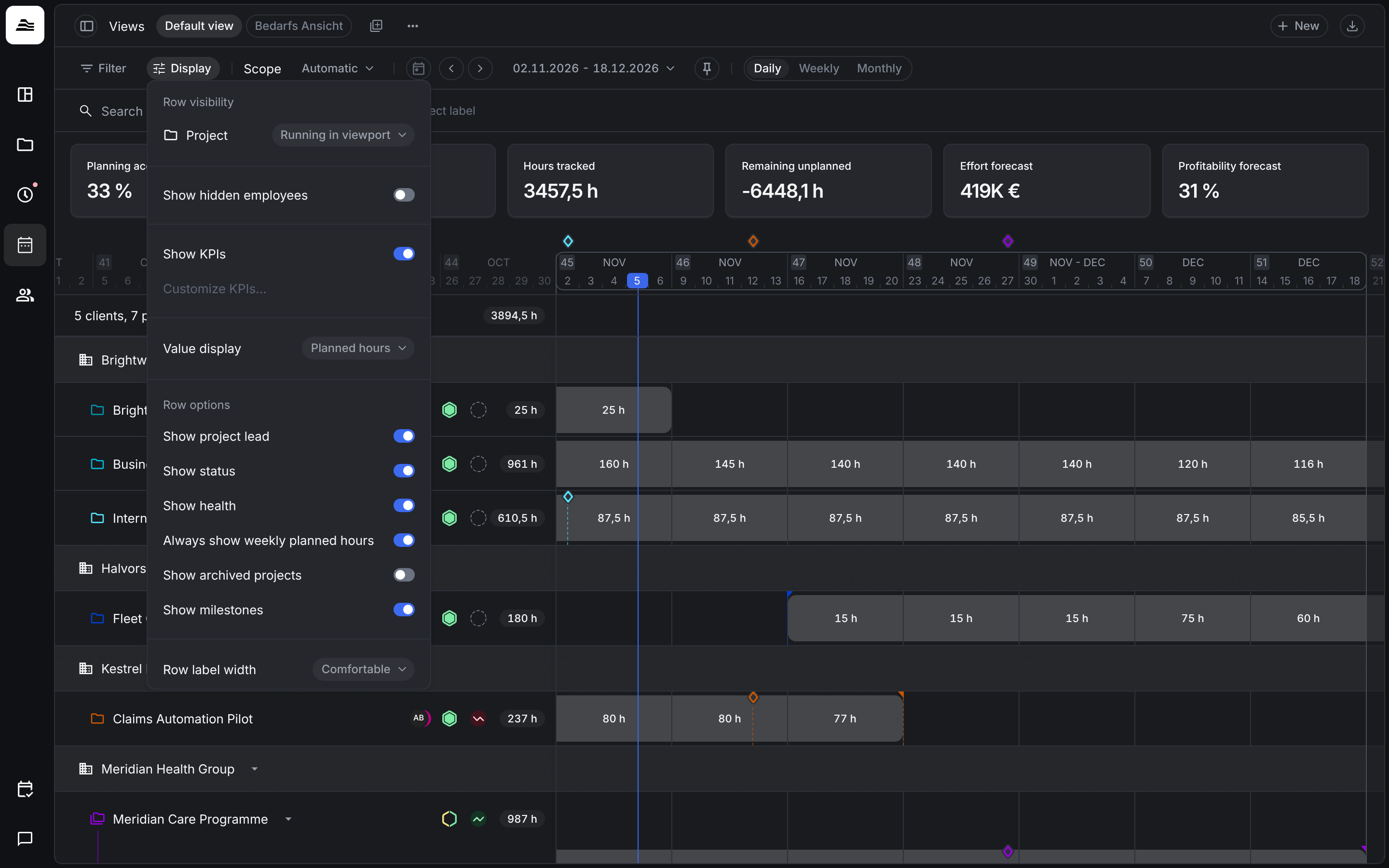
Display options
Under Display you also choose the Row visibility of projects, KPIs and row options such as project lead, status, health, archived projects and milestones.