Absence types define which absences your team can enter, who may request them and how they count, for example against the vacation budget or overtime.
Required rights: Admin
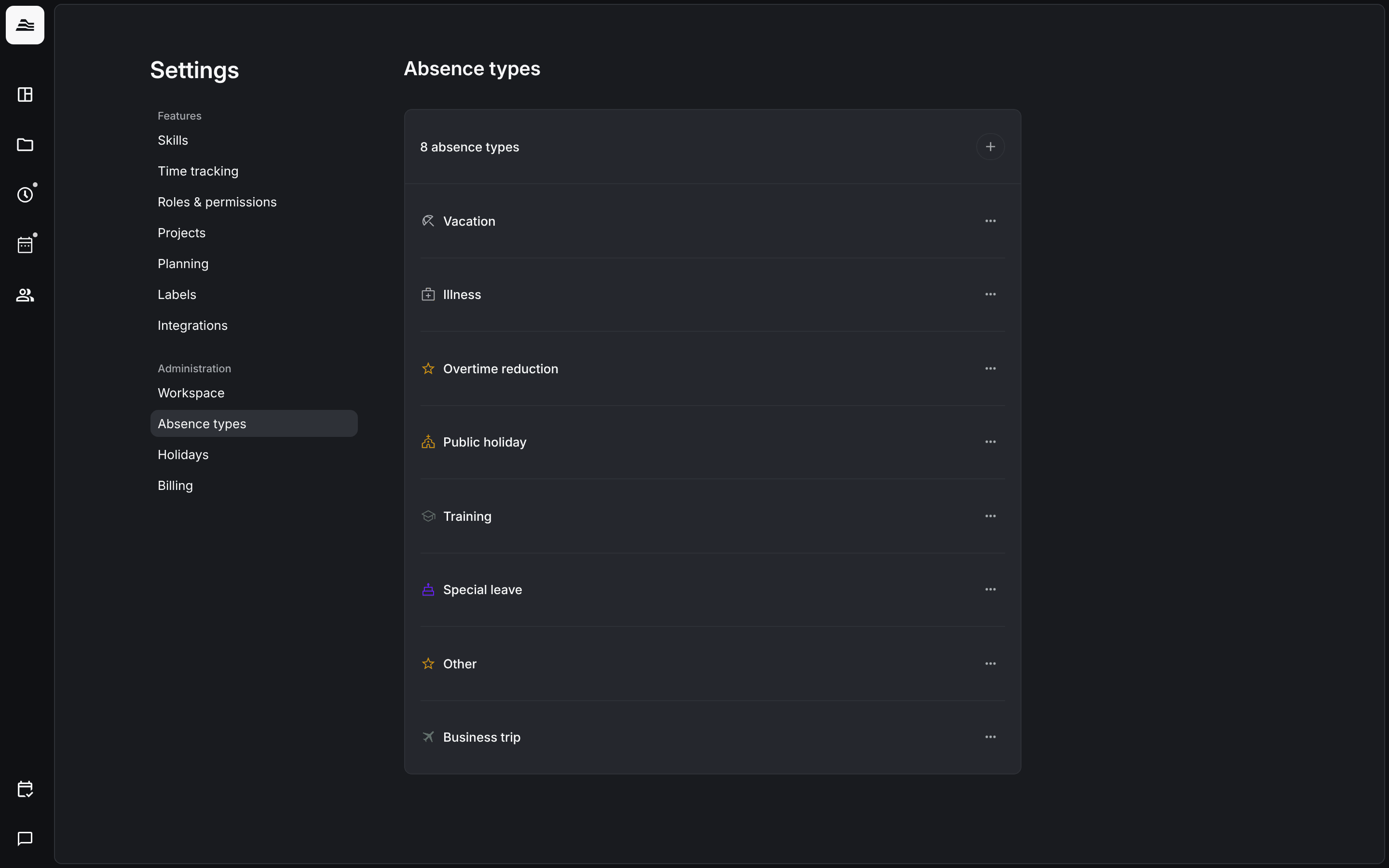
Open Settings → Absence types. The list shows all absence types of your account. Add a type with +, or click a type to edit it.
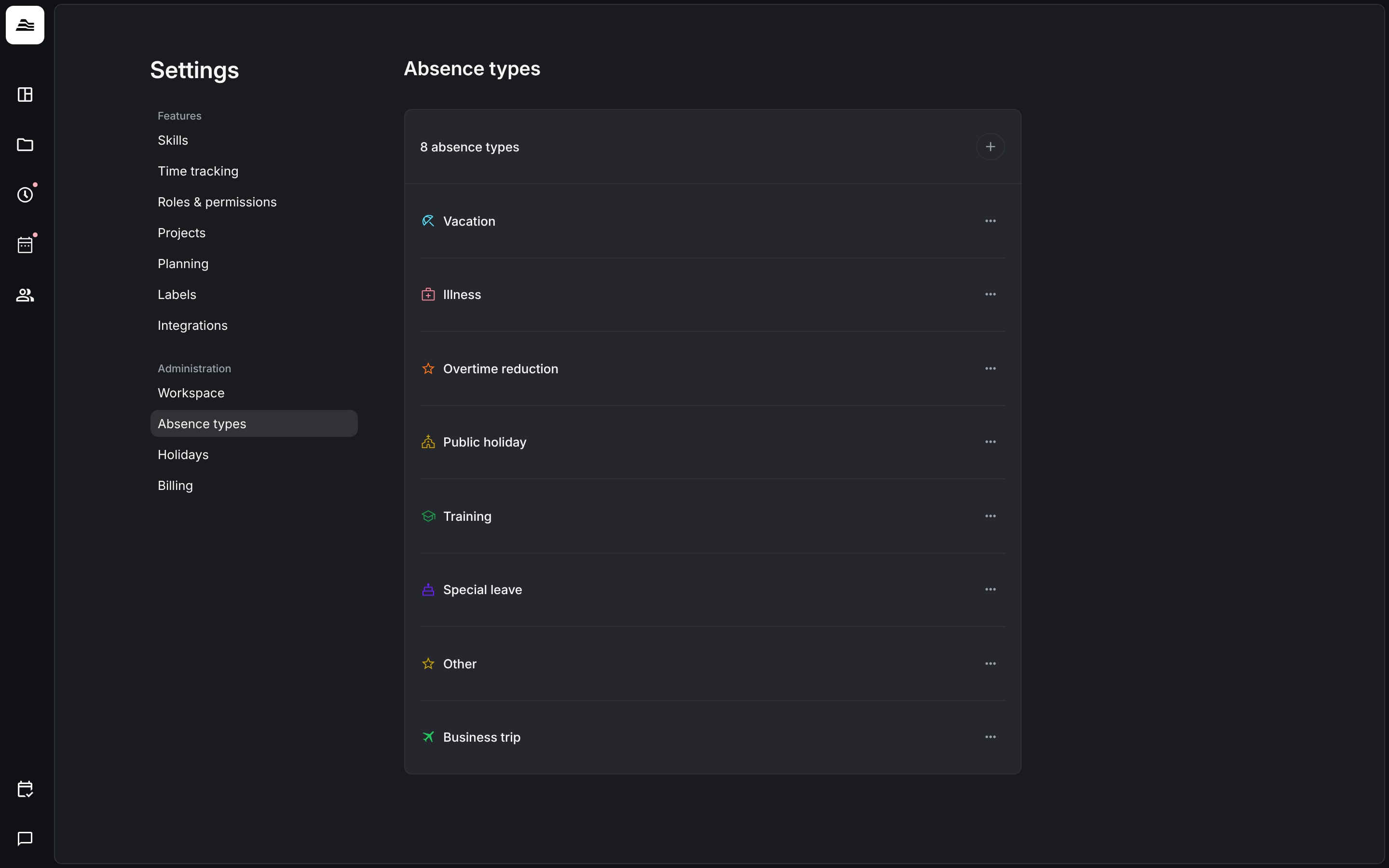
Note: If an HR system such as Personio or HRworks is connected, absences are managed entirely in the HR system and Aerion syncs them. For synced absences you can still set extra parameters in Aerion, such as their visibility in the planner.
General and permissions
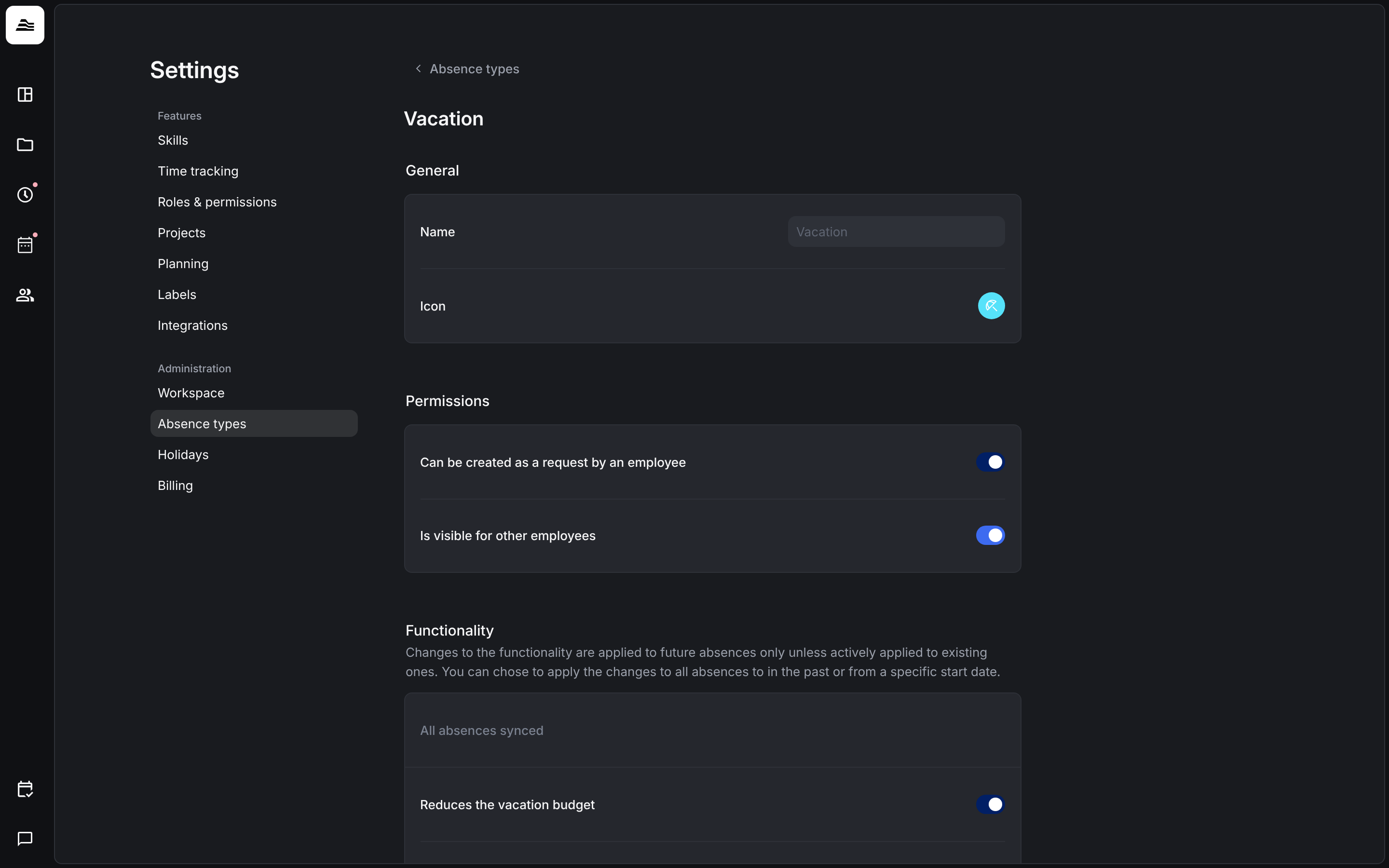
- Name and Icon of the absence type.
- Can be requested by staff members: staff members can request this absence type themselves.
- Visible to other staff members: other staff members see the absence, for example in the absence planner.
Functionality
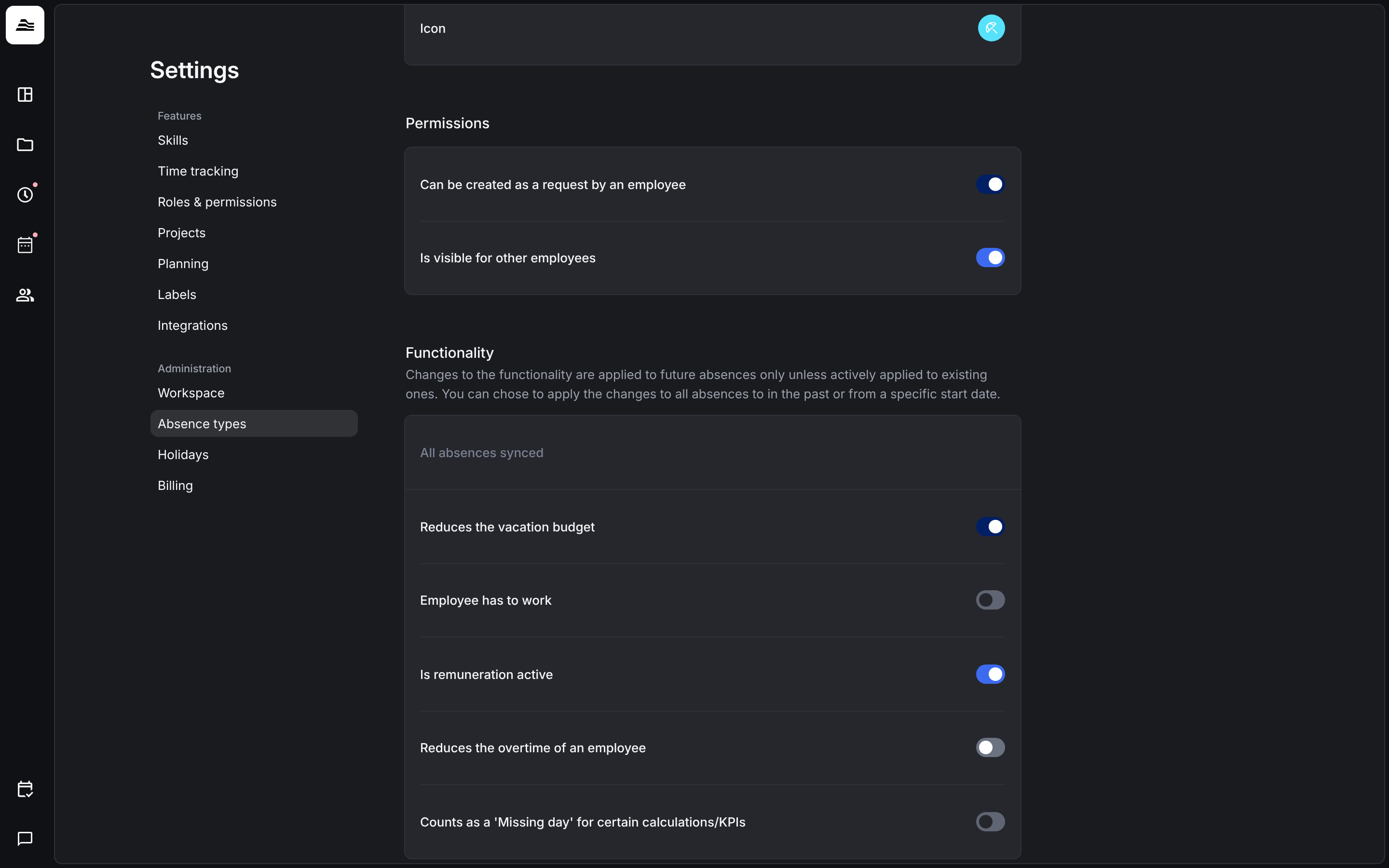
- Reduces the vacation budget: the absence is deducted from the vacation days of the staff member.
- Work time has to be done: work time still has to be done during the absence, for example on a business trip.
- Is paid: the absence is paid.
- Reduces the overtime of a staff member: the absence reduces the overtime balance.
- Counts as a 'Missing day' for certain calculations/KPIs: the absence counts like a sick day, for example when a staff member stays home with a sick child.
Apply changes to existing absences
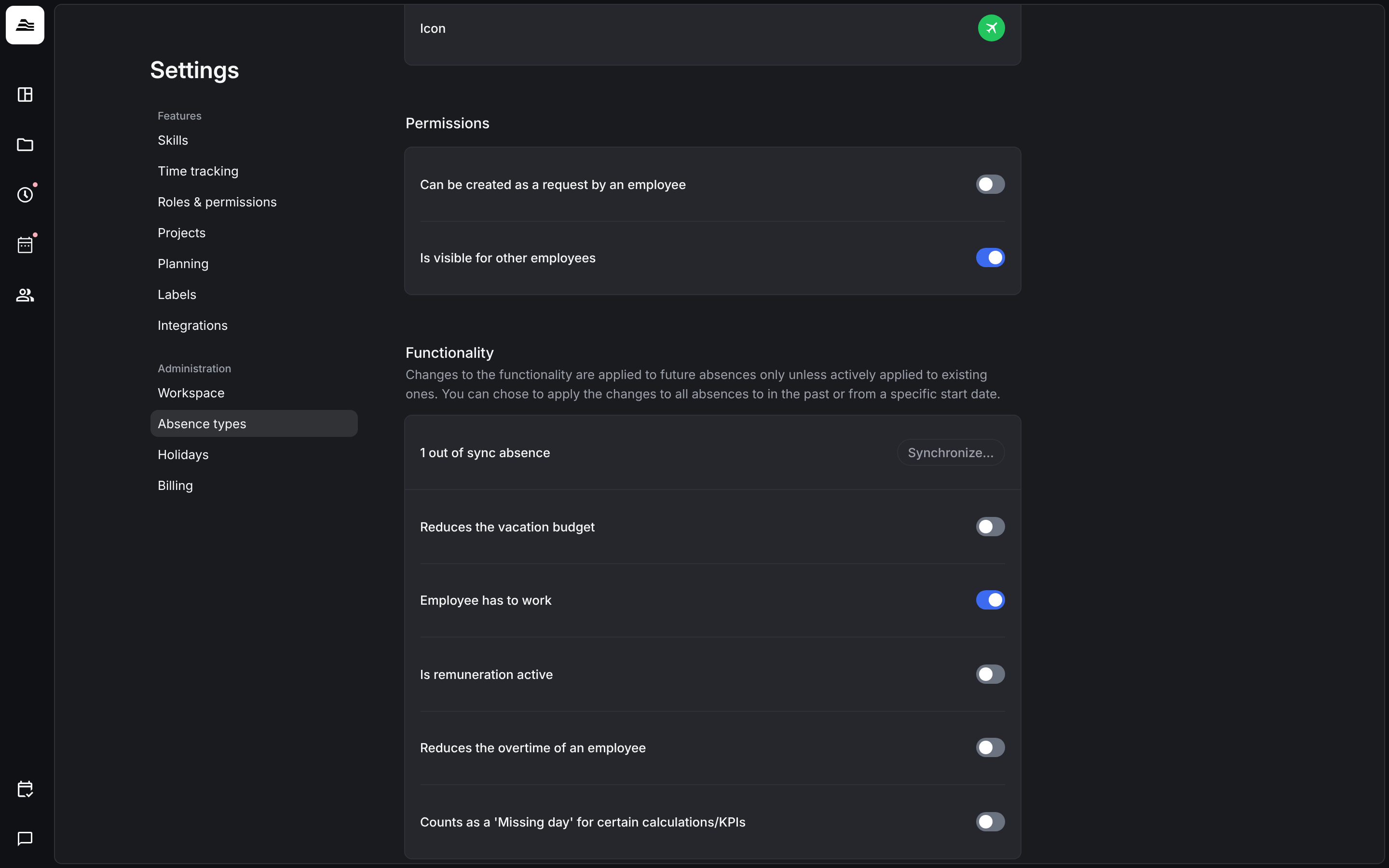
Changes to the functionality apply to future absences only. Aerion then shows how many absences are not synced yet. Click Synchronize… to apply the changes to existing absences as well.
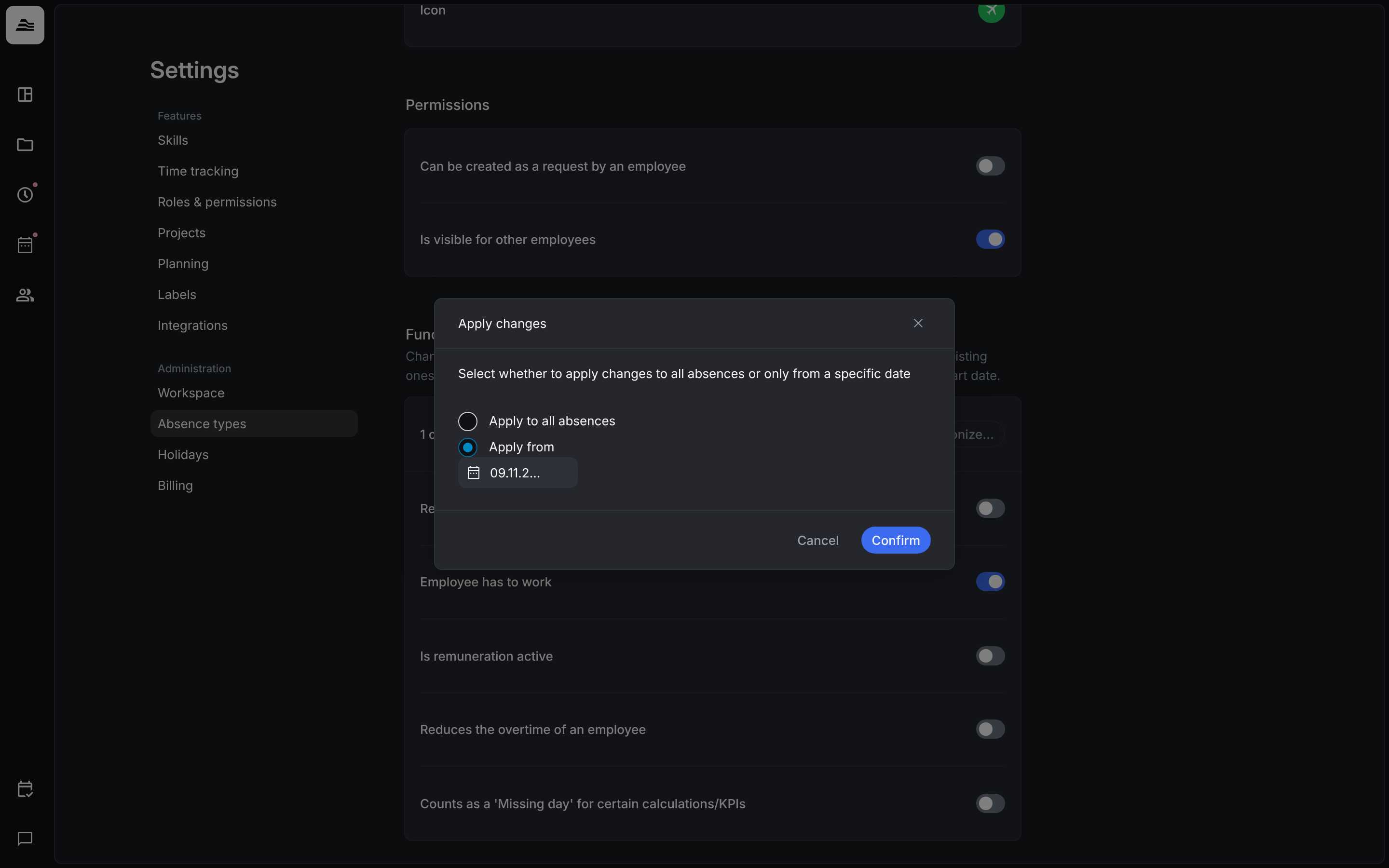
In the dialog choose Apply to all absences, or Apply from a date, and click Confirm.
Delete an absence type
Absence types that are not in use can be deleted with …. Vacation and Illness cannot be deleted.
Related
- Absence planner and requests: enter and approve absences.
- Employment records and vacation: vacation days per staff member.
- Public holidays: holiday regions of your team.