
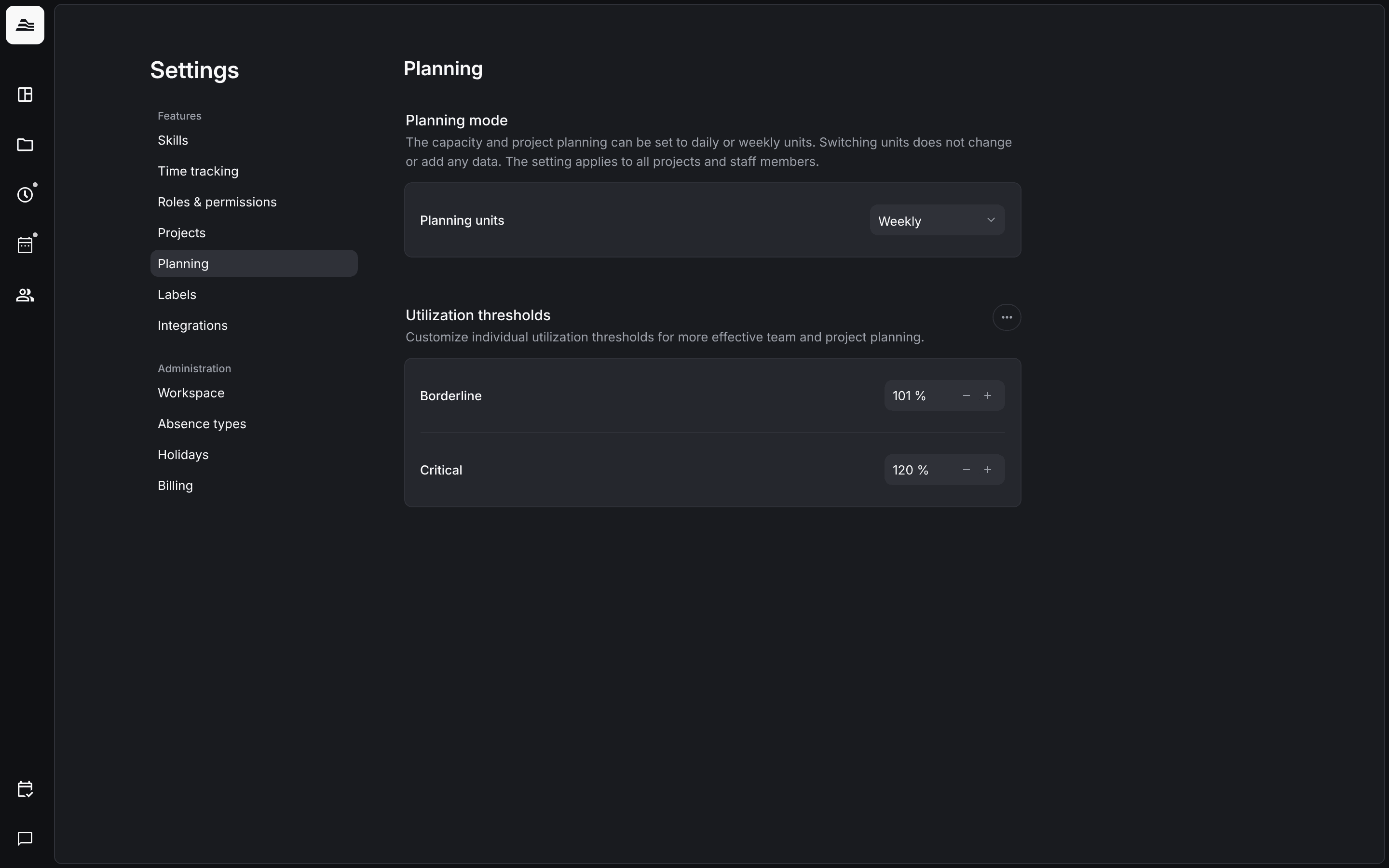
Planning settings decide whether your team plans per day or per week and from which utilization the planner shows a warning.
Required rights: Admin
Open Settings → Planning.
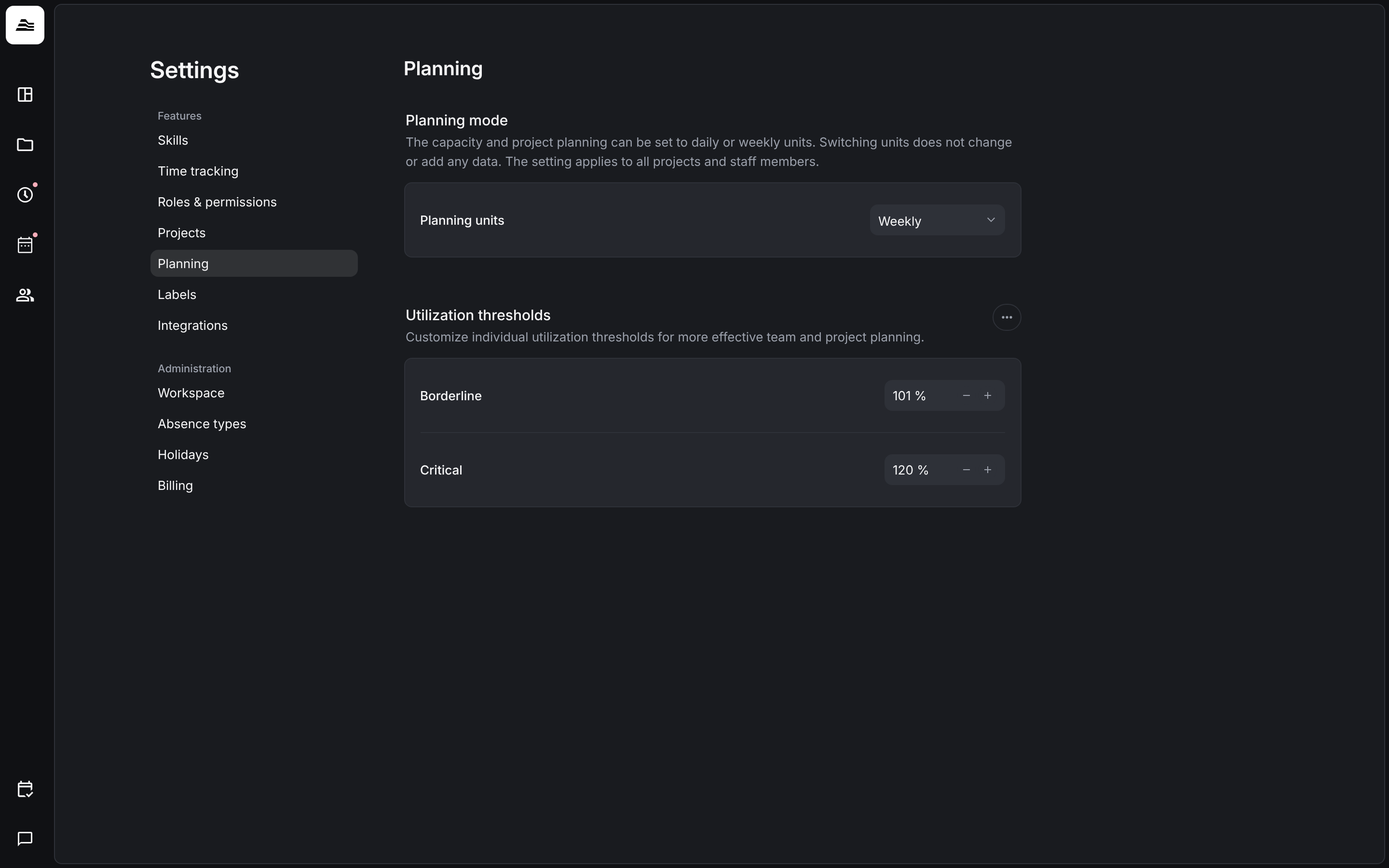
Planning units
Under Planning units choose Daily or Weekly. The setting applies to capacity and project planning, for all projects and staff members. Switching units does not change or add any data.
Utilization thresholds
The thresholds control from which utilization the planner shows a staff member in red:
- Borderline: by default 101 %.
- Critical: by default 120 %.
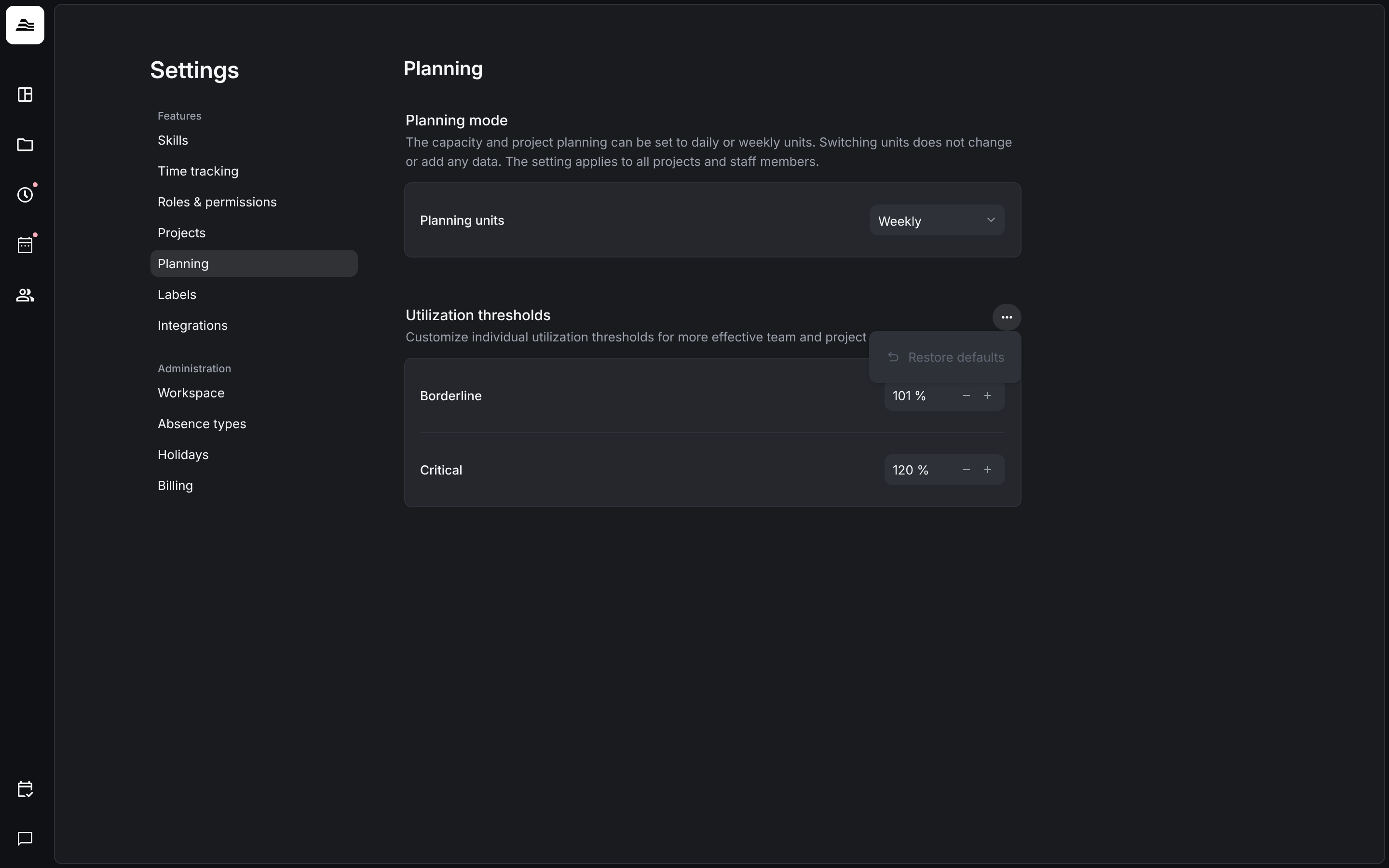
To go back to these values, click … and Restore defaults.
Related
- Utilization planner: utilization of every staff member.
- Plan staff on projects: plan per day or per week.