
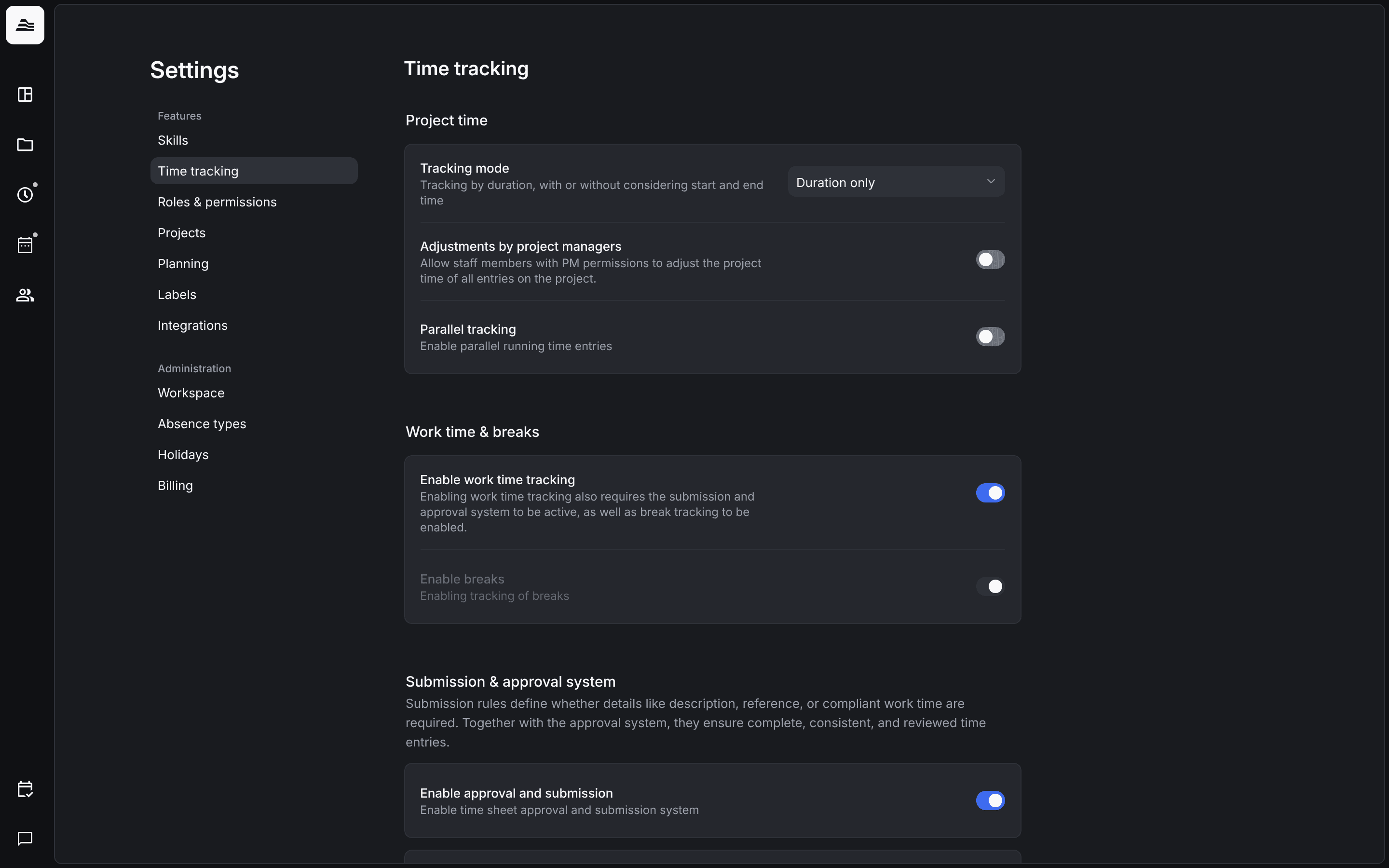
Time tracking settings decide how your team tracks, submits and locks time. They apply to the whole account.
Required rights: Admin
Open Settings → Time tracking.
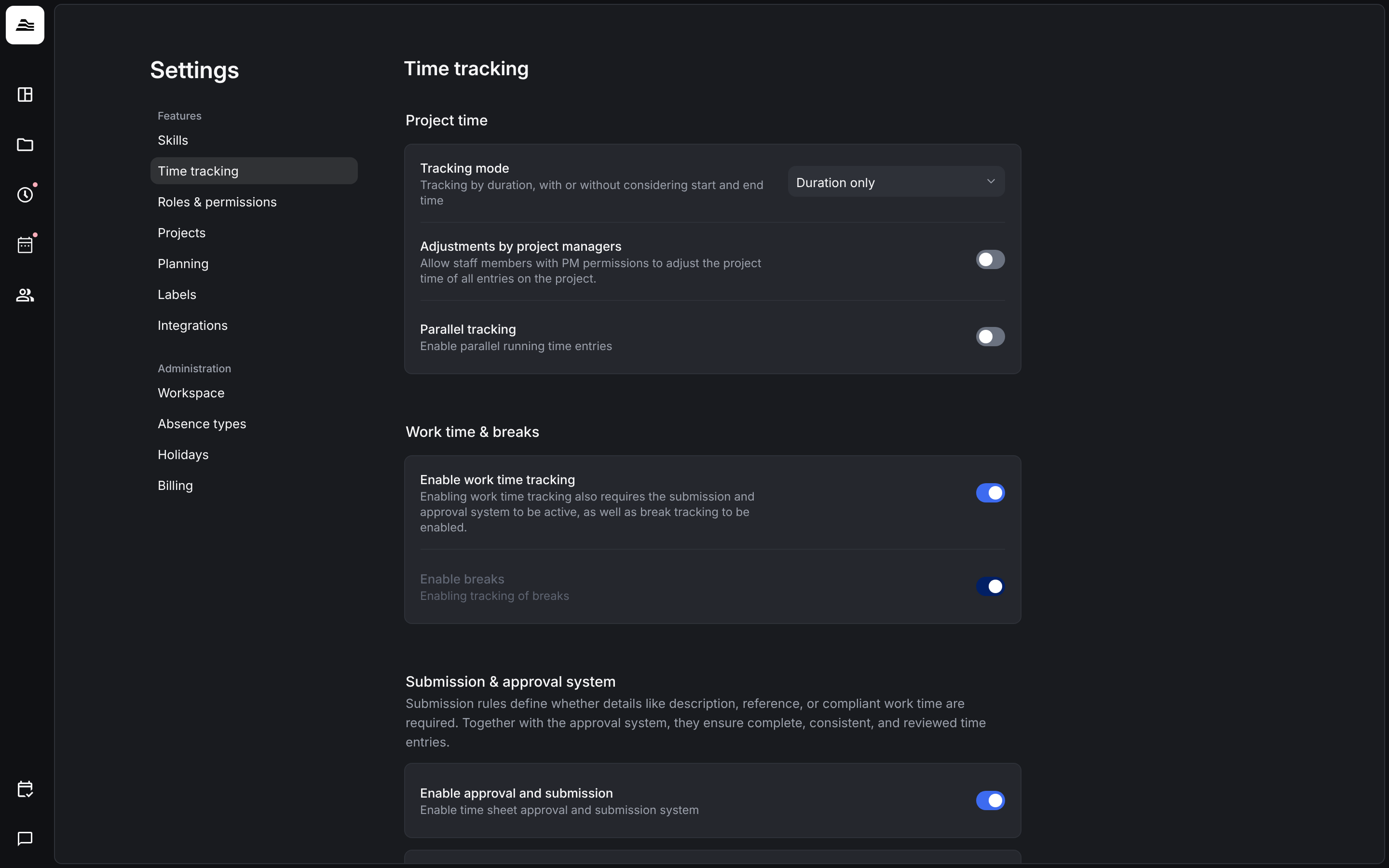
Project time
- Tracking mode: Duration only, or Using start and end time.
- Adjustments by project managers: staff members with project management rights can adjust the project time of all entries on their projects.
- Parallel tracking: several time entries can run at the same time.
Work time & breaks
- Enable work time tracking: staff members track their work time in addition to project time. This requires the submission and approval system and break tracking.
- Enable breaks: staff members track their breaks.
Submission & approval system
Enable approval and submission turns submitting and approving workdays on. Below, you set what happens on submission when break rules are violated (Work time compliance, Germany only) or when a description or reference is missing: Ignore, Show warning or Block submission.
The details are in Rules for submitting time entries.
Scoring system
Enable scoring system turns on the tracking score for project time submissions. Set the grace period, the weighting of timeliness and quality, and how often and by how much the score drops for overdue days. The details are in Tracking score.
Work day locking
Once the lock period has passed, staff members without project management rights can no longer create or edit time entries. Rejected entries stay editable.
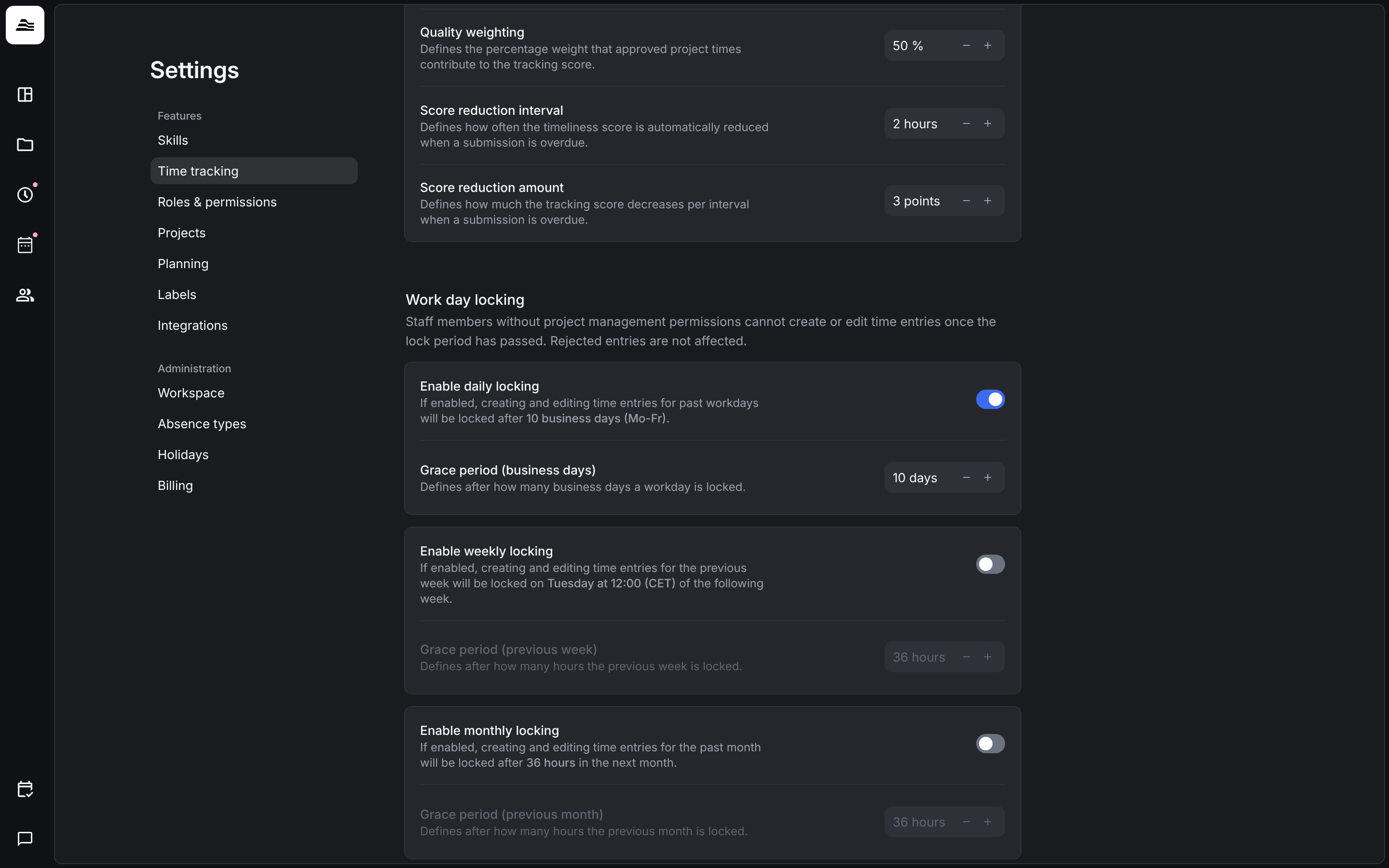
- Enable daily locking: a past workday is locked after the number of business days (Mon to Fri) you set under Grace period (business days), for example 10 days.
- Enable weekly locking: the previous week is locked after the number of hours you set under Grace period (previous week). With 36 hours, the previous week is locked on Tuesday at 12:00 (CET).
- Enable monthly locking: the previous month is locked after the number of hours you set under Grace period (previous month), for example 36 hours into the next month.
Related
- Work time and breaks: how staff members track work time.
- Submit time: how staff members submit their workday.
- Lock and export time entries: lock single time entries.