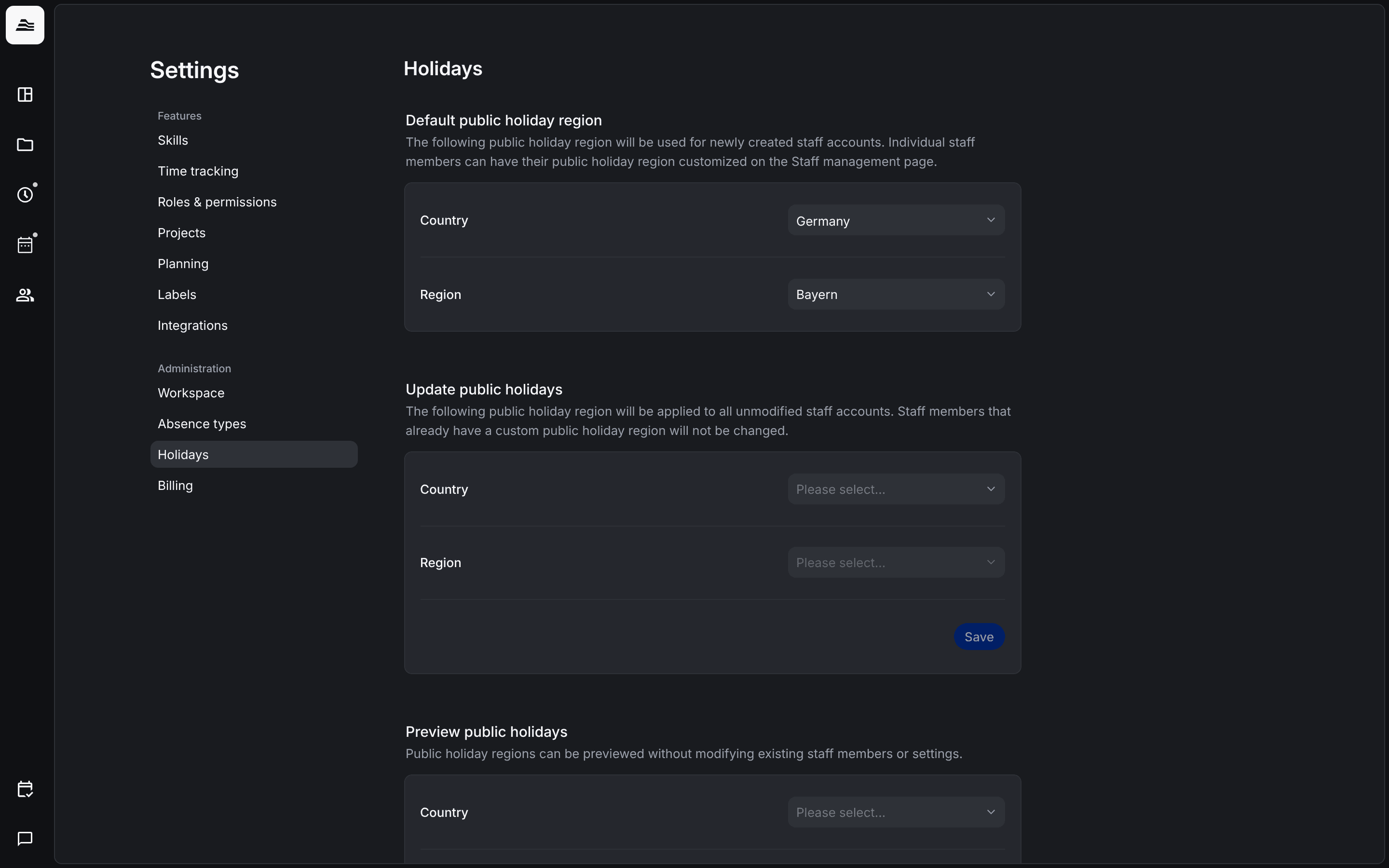
The public holiday region of a staff member decides which public holidays apply to them. Here you set the region for new staff members and update it for your team.
Required rights: Admin
Open Settings → Holidays.
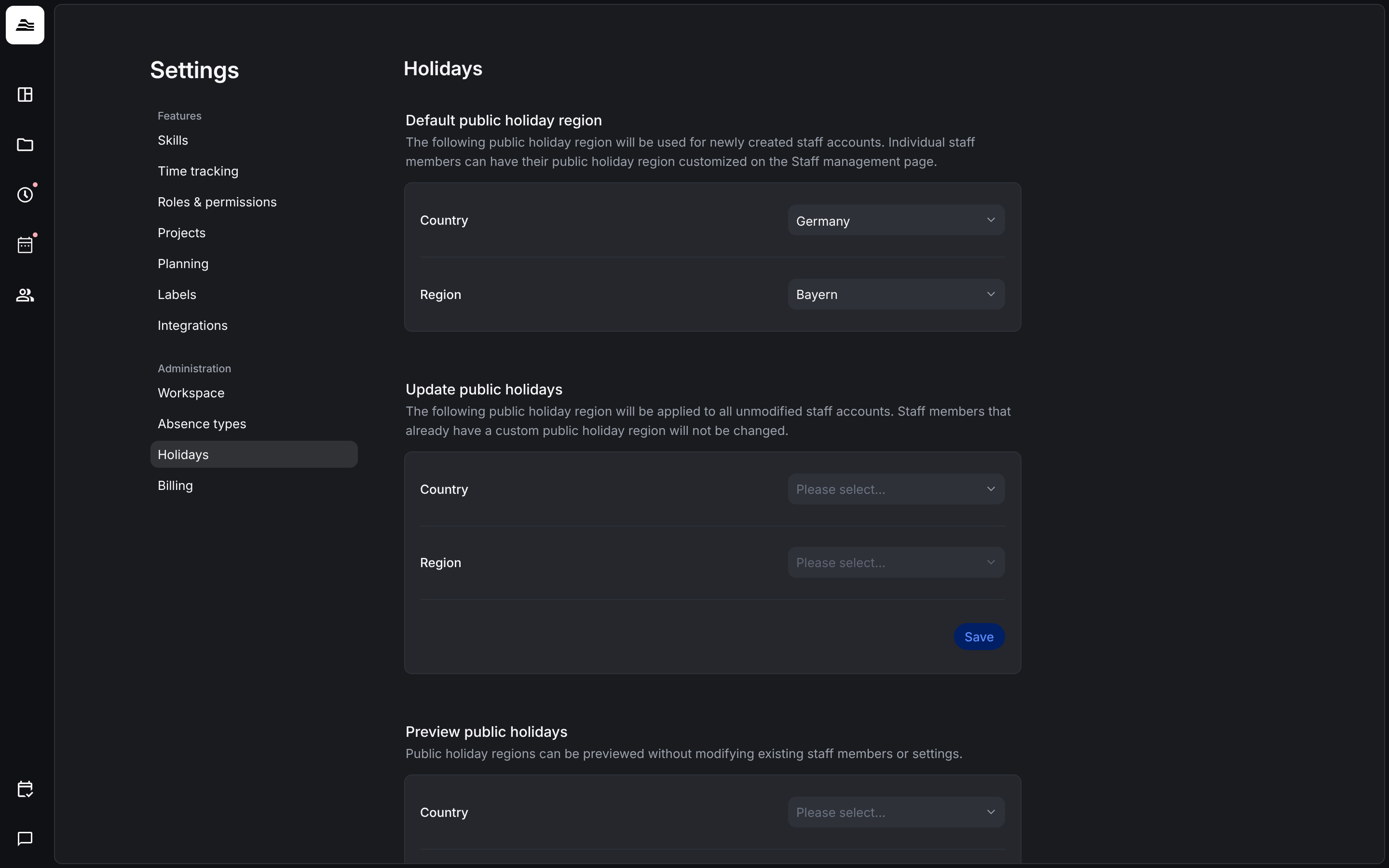
Default public holiday region
Choose the Country and Region, for example Germany and Bayern. Aerion uses this region for new staff members. You can change the region of a single staff member on their staff page.
Update public holidays
Under Update public holidays choose a country and region and click Save. Aerion applies the region to all staff members whose region has not been changed manually. Staff members with a custom region stay as they are.
Preview public holidays
Under Preview public holidays choose a country and region to see their holidays. Nothing changes for your staff members or settings.
Related
- Staff details and permissions: the holiday region of a single staff member.
- Absence types: how absences count.