
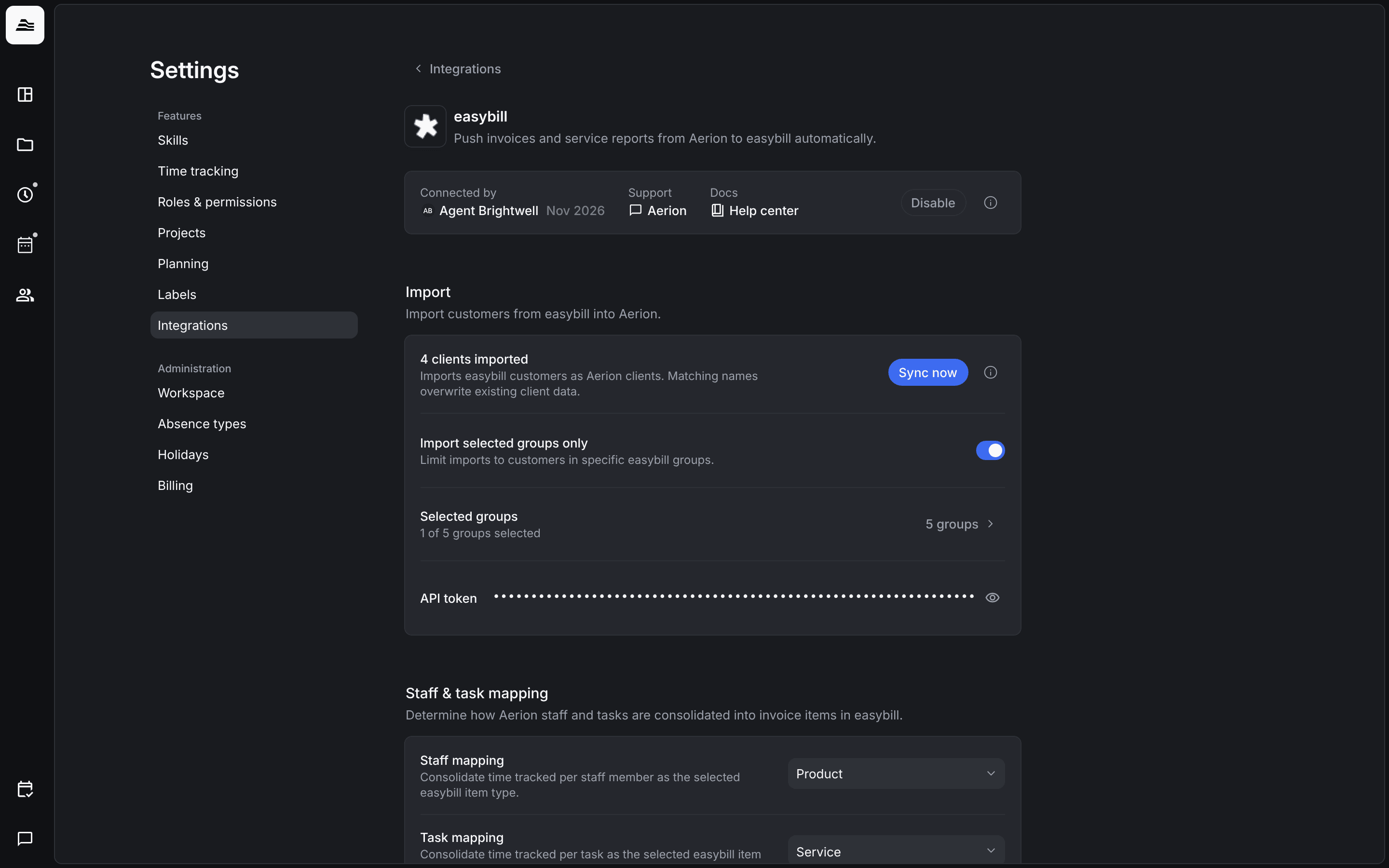
With the easybill and sevDesk integrations, you push invoices from Aerion to your billing tool. Both work the same way; this article uses easybill as the example.
With easybill, you push invoices from Aerion to easybill. For time and materials billing, a PDF service report is attached. Once easybill has processed the invoice, its payment status syncs back to Aerion.
Required rights: Admin or project management rights
Connect easybill
easybill is connected per staff member. Each staff member with the required rights connects their own easybill access with their own API token.
Open Settings → Integrations → easybill, connect your easybill account and enter your API token. easybill then shows as Active for you. Click the info icon to see what the integration does.
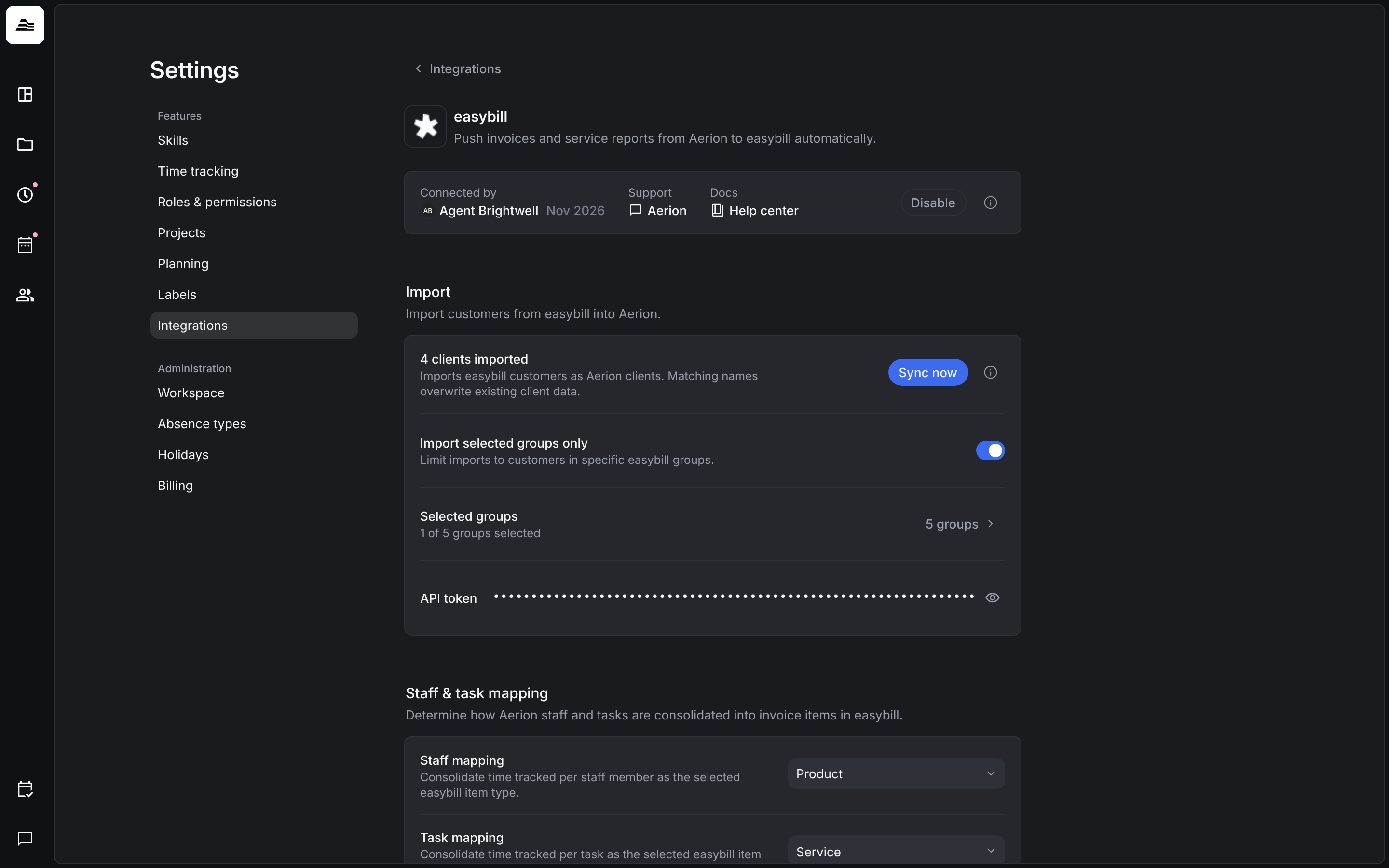
Import clients
- Sync now imports your easybill customers as Aerion clients. Clients with matching names are overwritten with the data from easybill.
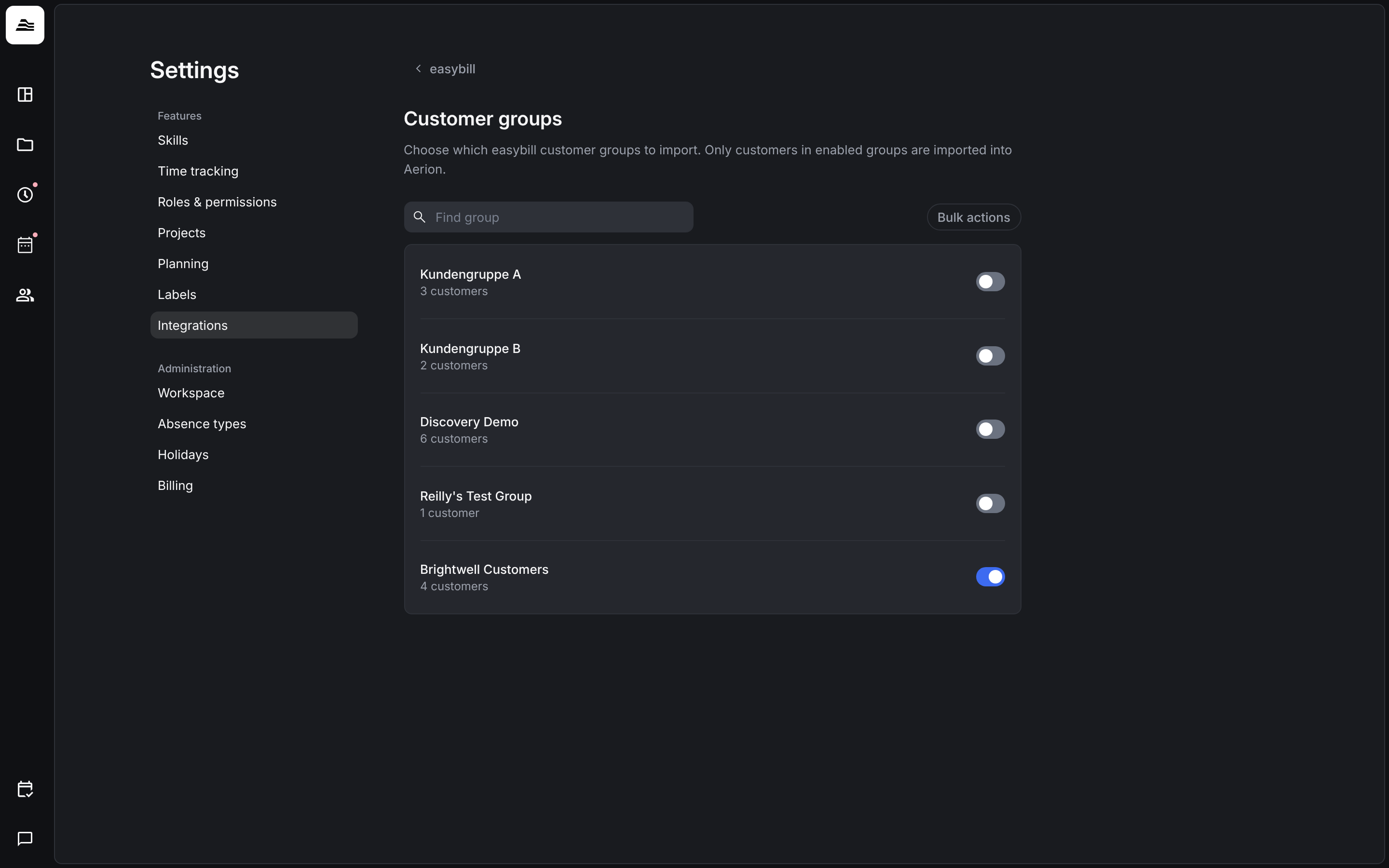
- Import selected groups only limits the import to the customers of certain easybill groups. Choose the groups under Selected groups.
Map invoice items
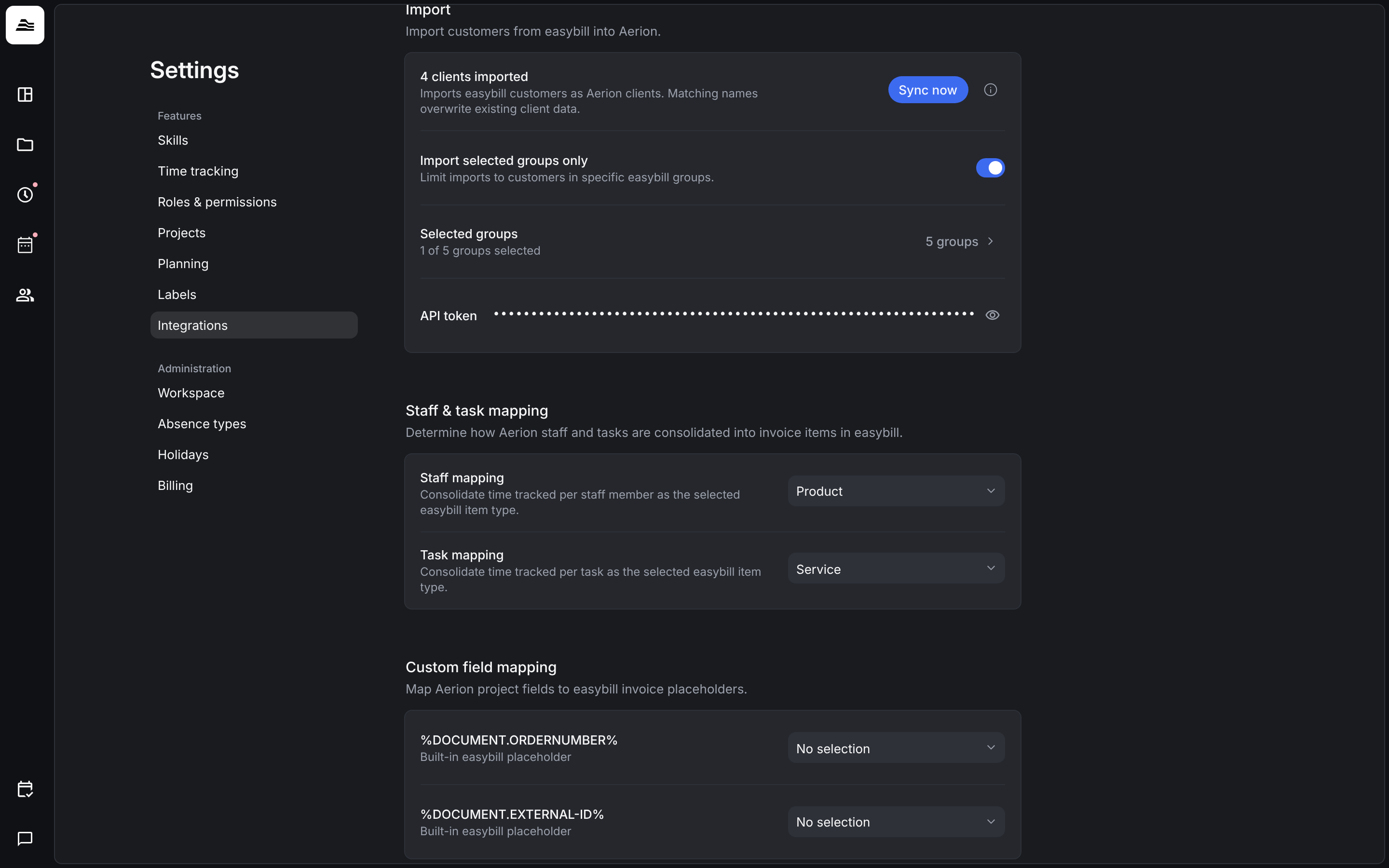
- Staff mapping and Task mapping: the easybill item type, for example Product or Service, that Aerion uses for time tracked per staff member or per task.
- Custom field mapping: link up to two custom project fields, for example a PO number, to easybill placeholders such as %DOCUMENT.ORDERNUMBER%.
- Tasks, staff, expenses and flat-rate items are matched to easybill products or services by their mapping ID. You enter it in the settings of the item, for example for a task under Associated easybill service.
Push invoices
Create an invoice in Aerion and push it to easybill. For fixed-amount invoices, you choose the easybill product or service when you invoice.
sevDesk
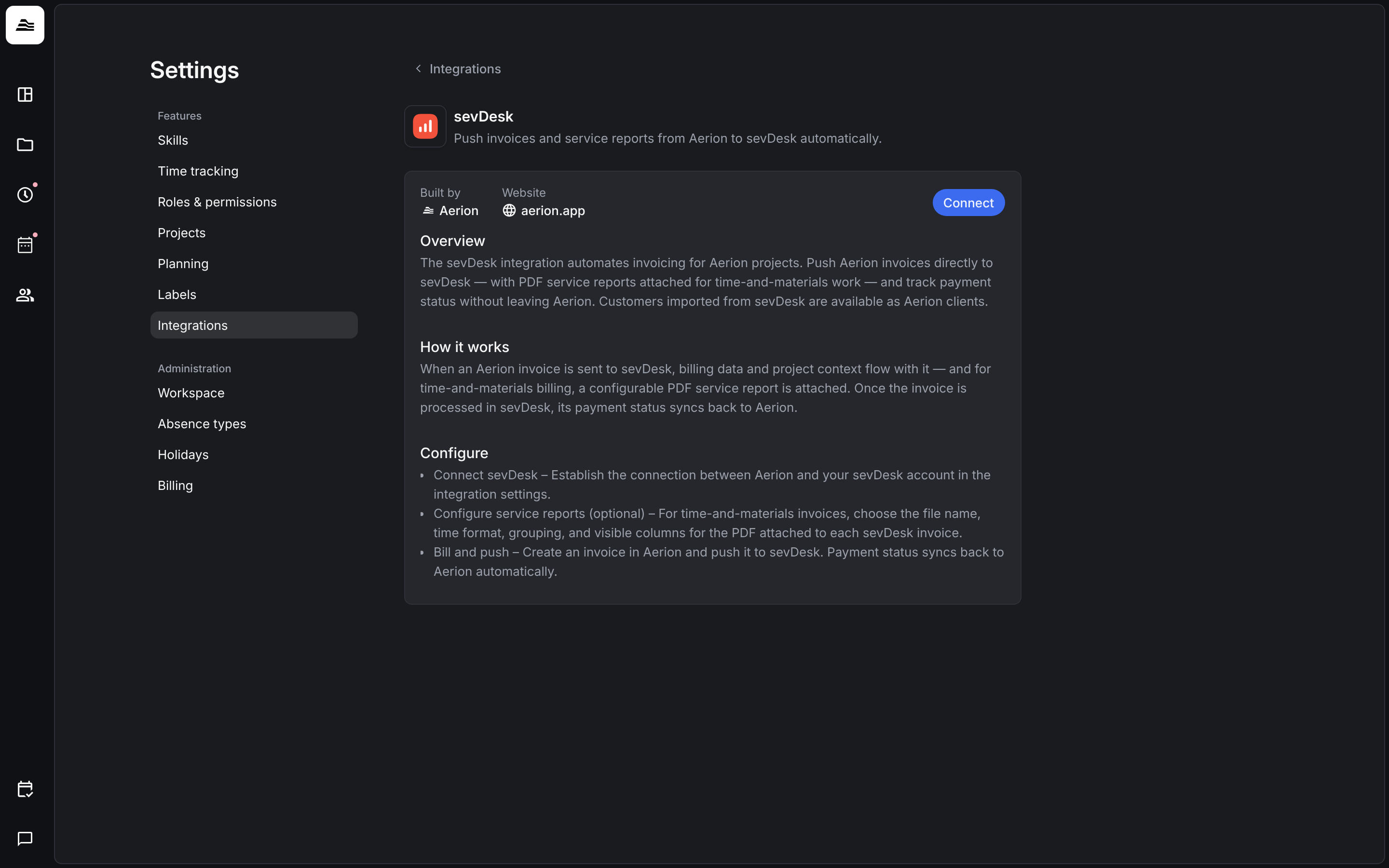
sevDesk works the same way as easybill and is also connected per staff member. Open Settings → Integrations → sevDesk and click Connect to link your own sevDesk account. Invoices for time and materials get a PDF service report. You set its file name, time format, grouping and visible columns. The payment status syncs back to Aerion, and customers from sevDesk are available as Aerion clients.
Related
- Invoice a project: create invoices and set the payment status.
- Project settings: tasks and their easybill service.
- Custom fields and labels: set up the custom project fields.