
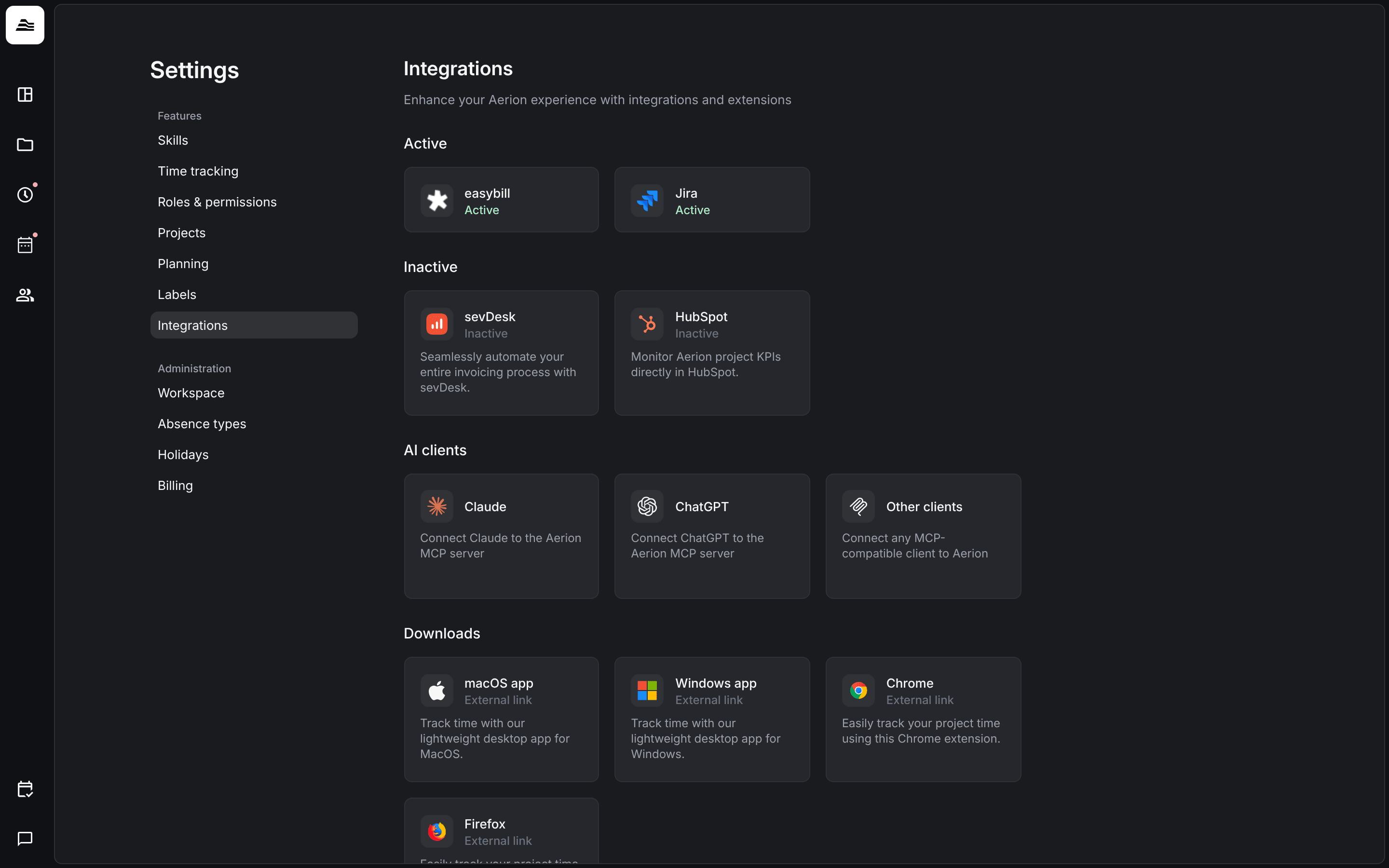
Integrations connect Aerion with your billing tools, ticket systems, CRM and AI clients. You find all of them under Settings → Integrations.
Required rights: Admin to set up Jira and HubSpot. easybill and sevDesk are connected per staff member with admin or project management rights. AI clients and downloads are available to every staff member.
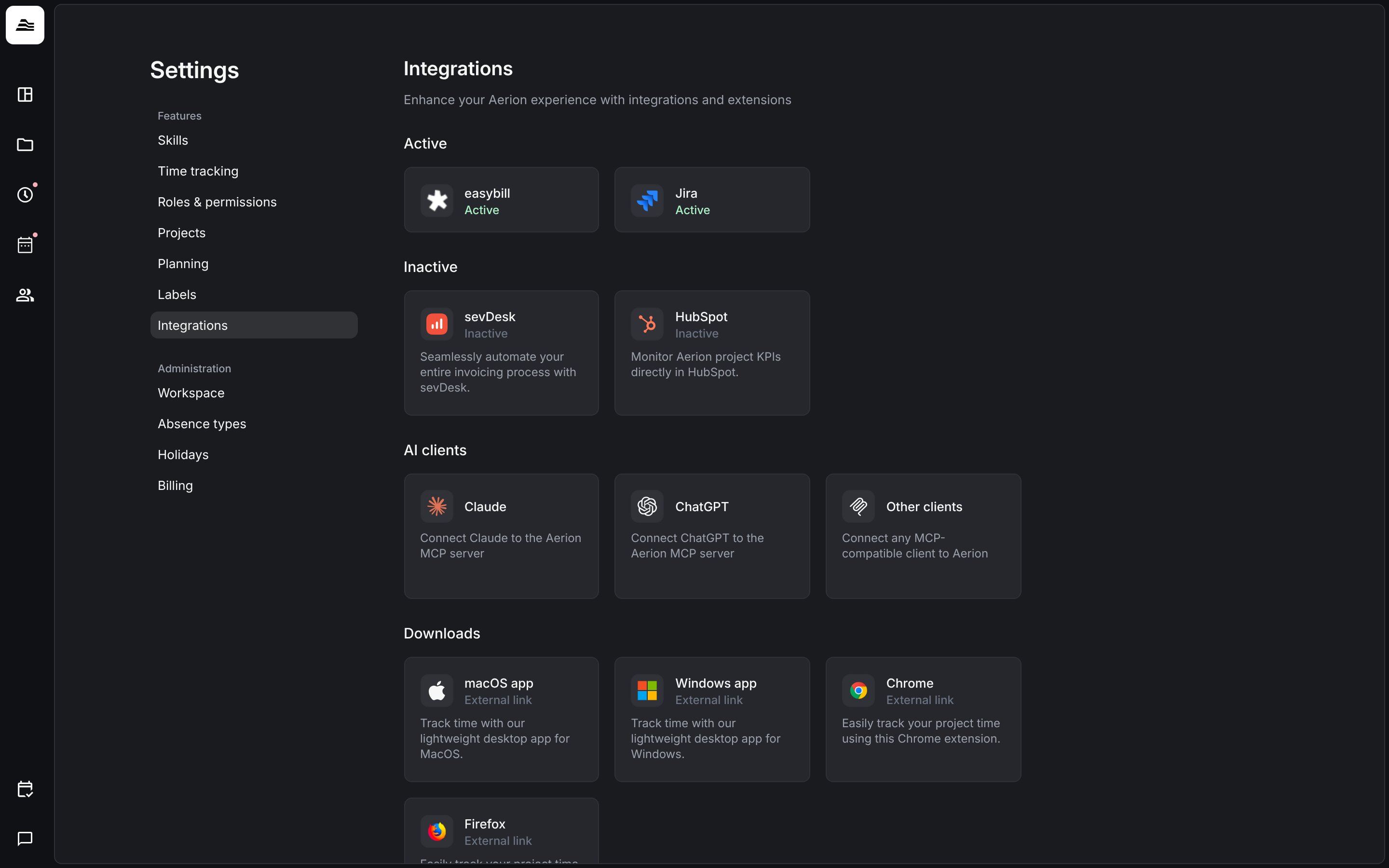
What you find on the page
- Active and Inactive: the integrations of your account and whether they are connected. Click an integration to see what it does and to set it up.
- AI clients: connect Claude, ChatGPT or other MCP clients to Aerion.
- Downloads: the desktop apps for macOS and Windows and the browser extensions for Chrome and Firefox.
Staff members without admin rights see the AI clients and the downloads. With project management rights they also see easybill and sevDesk.
Per staff member or for the whole account
- easybill and sevDesk are connected per staff member. Each staff member connects their own access, for easybill with their own API token. So Active and Inactive can look different for each staff member.
- Jira is set up by an admin for the whole account. To install the Aerion app in Jira you also need admin access in Jira.
- HubSpot has to be activated for your account by Aerion first. Contact us via the support chat.
Available integrations
- Jira Cloud: import Jira issues and sync time entries as worklogs.
- HubSpot: show project KPIs in HubSpot deals.
- easybill and sevDesk: push invoices with service reports and sync the payment status.
- Connect AI clients: work with your Aerion data in Claude, ChatGPT and other MCP clients.
Other ticket systems and CRMs
- Ticket systems such as GitHub, GitLab, Azure DevOps, Monday, ClickUp, Asana, Linear, YouTrack or your own system are added as reference services. Staff members then link their time entries to tickets. See Tracking references.
- Any CRM with an API can be connected to Aerion via the Aerion API, Zapier or the MCP server. See the developer documentation.
Related
- Desktop app and browser extension: install and use the downloads.
- Invoice a project: invoices in Aerion.