
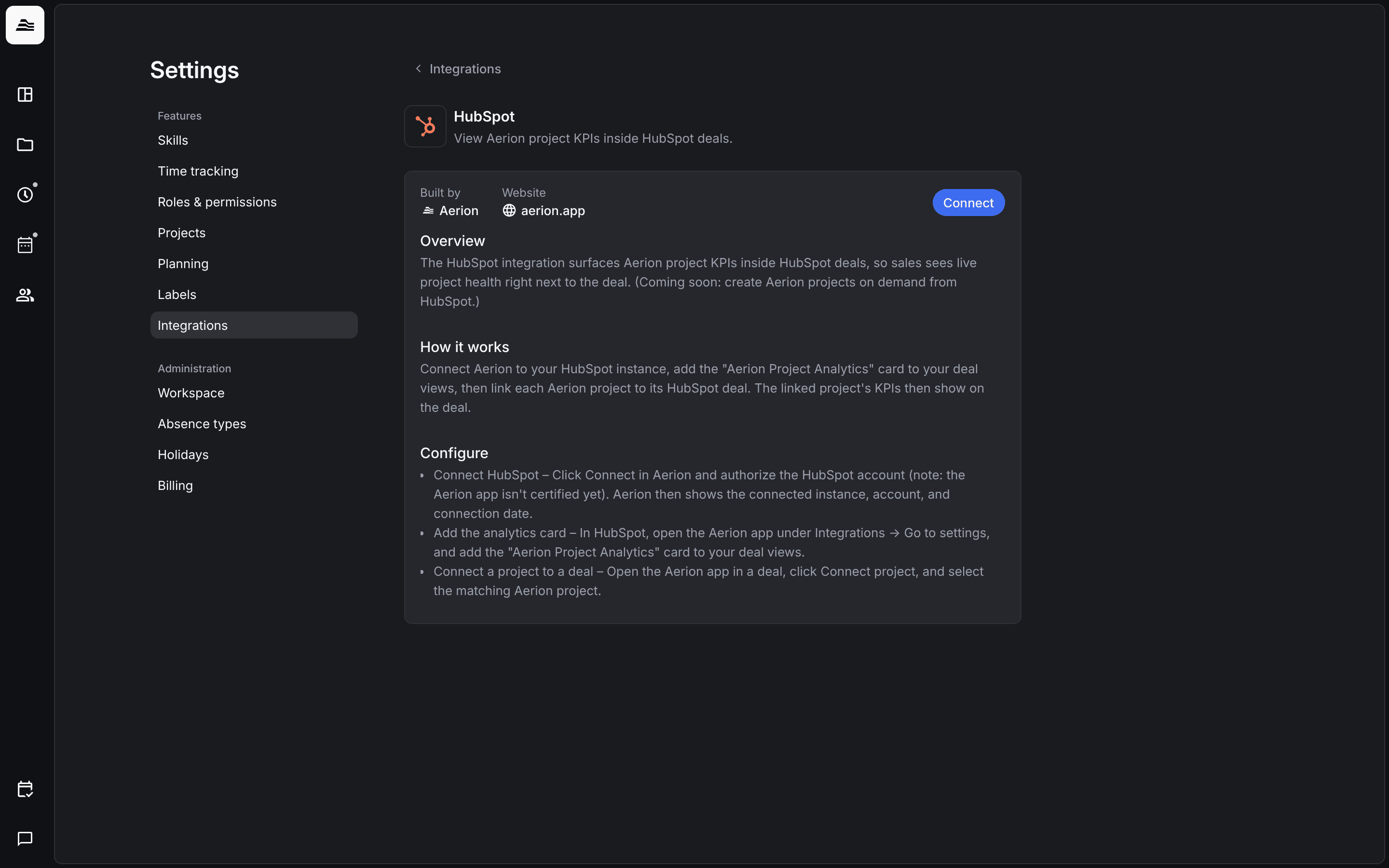
With the HubSpot integration, your sales team sees the KPIs of an Aerion project directly in the matching HubSpot deal.
Required rights: Admin
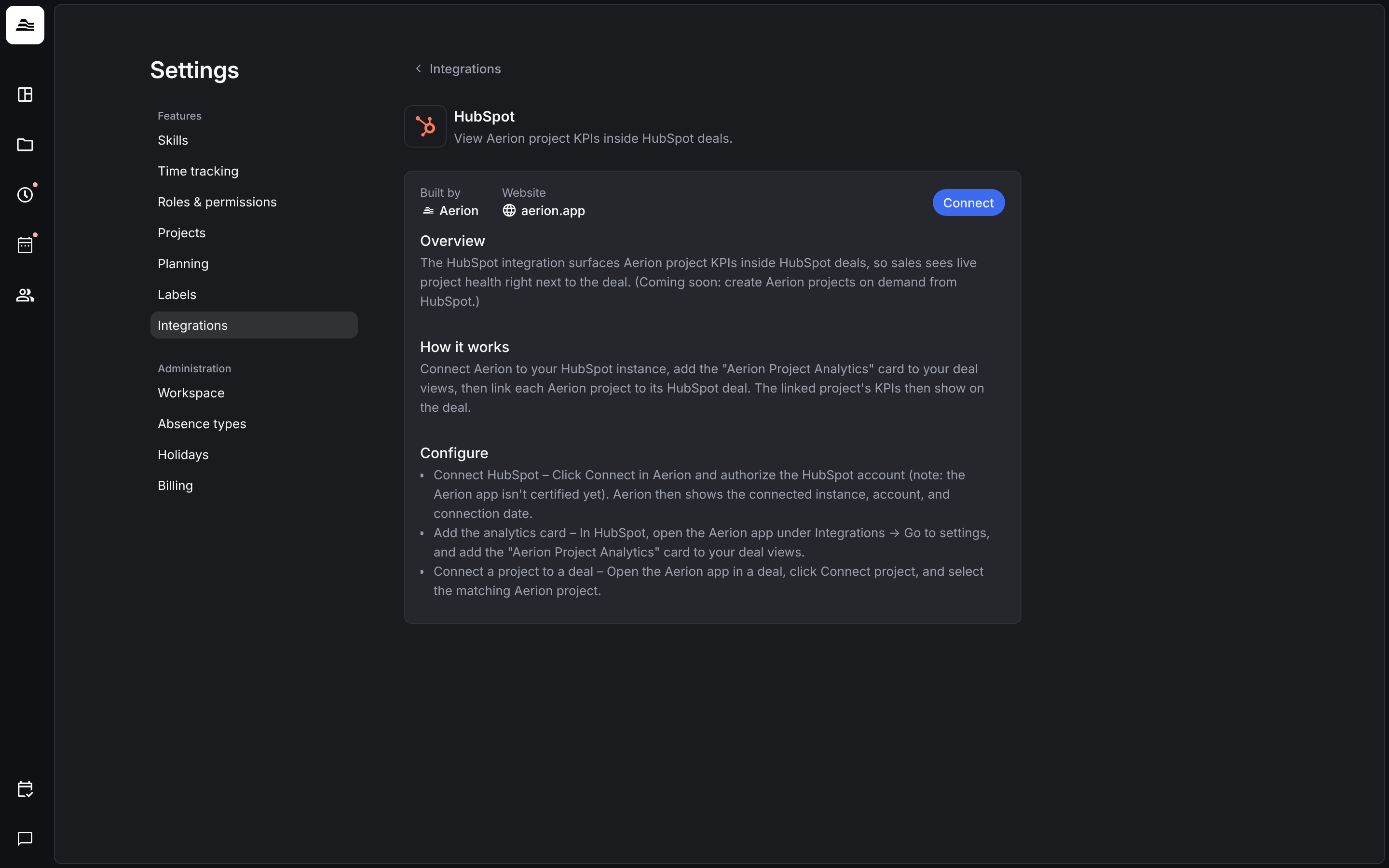
Connect HubSpot
Note: HubSpot has to be activated for your account by Aerion first. Contact us via the support chat.
- Open
Settings → Integrations→ HubSpot and click Connect. - Authorize your HubSpot account. Aerion then shows the connected instance, the account and the connection date.
Add the analytics card in HubSpot
In HubSpot, open the Aerion app under Integrations → Go to settings and add the card Aerion Project Analytics to your deal views.
Link a project to a deal
Open the Aerion app in a HubSpot deal, click Connect project and select the matching Aerion project. The KPIs of the project then show on the deal.
Related
- KPIs explained: what the project KPIs mean.
- Integrations overview: all integrations at a glance.